

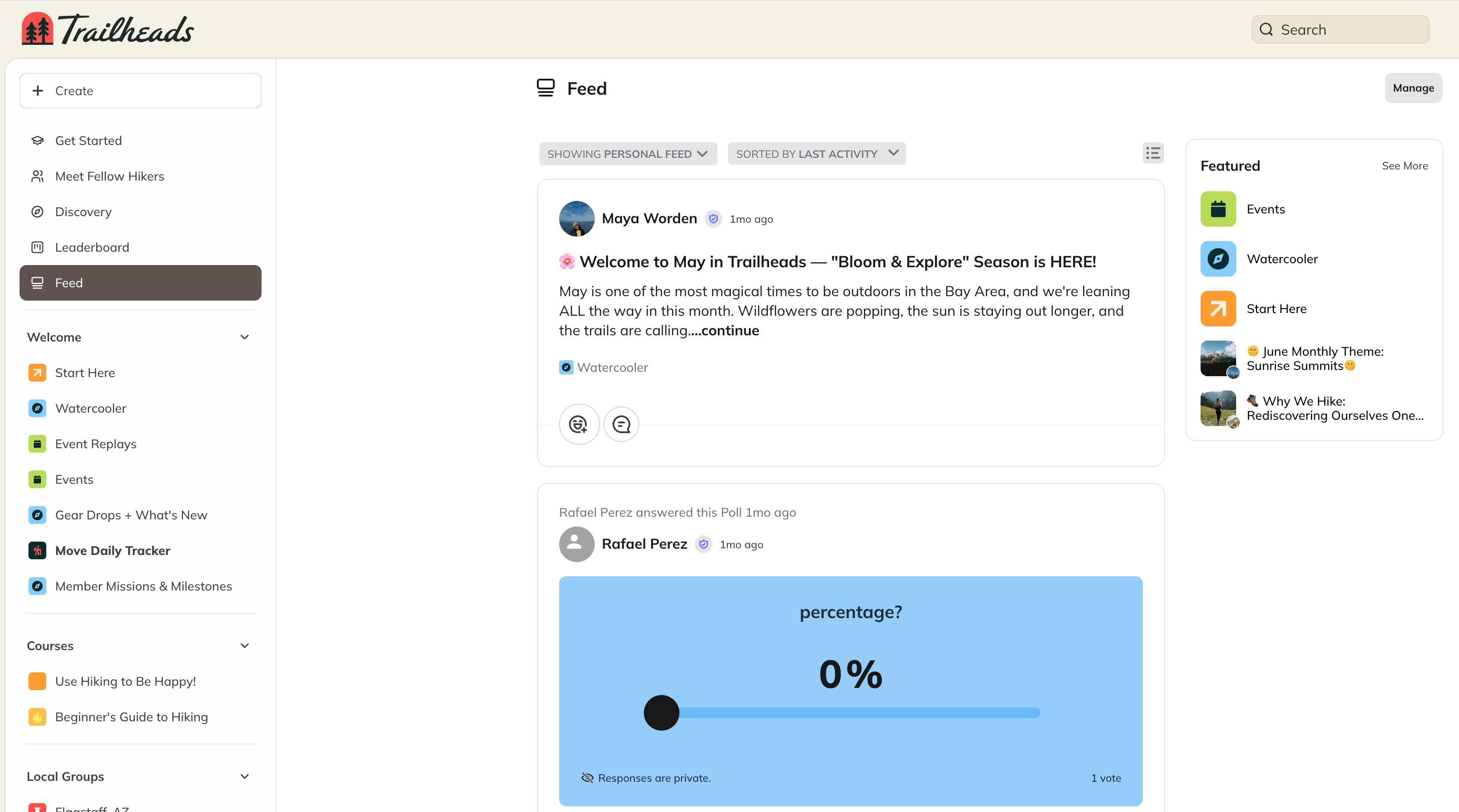
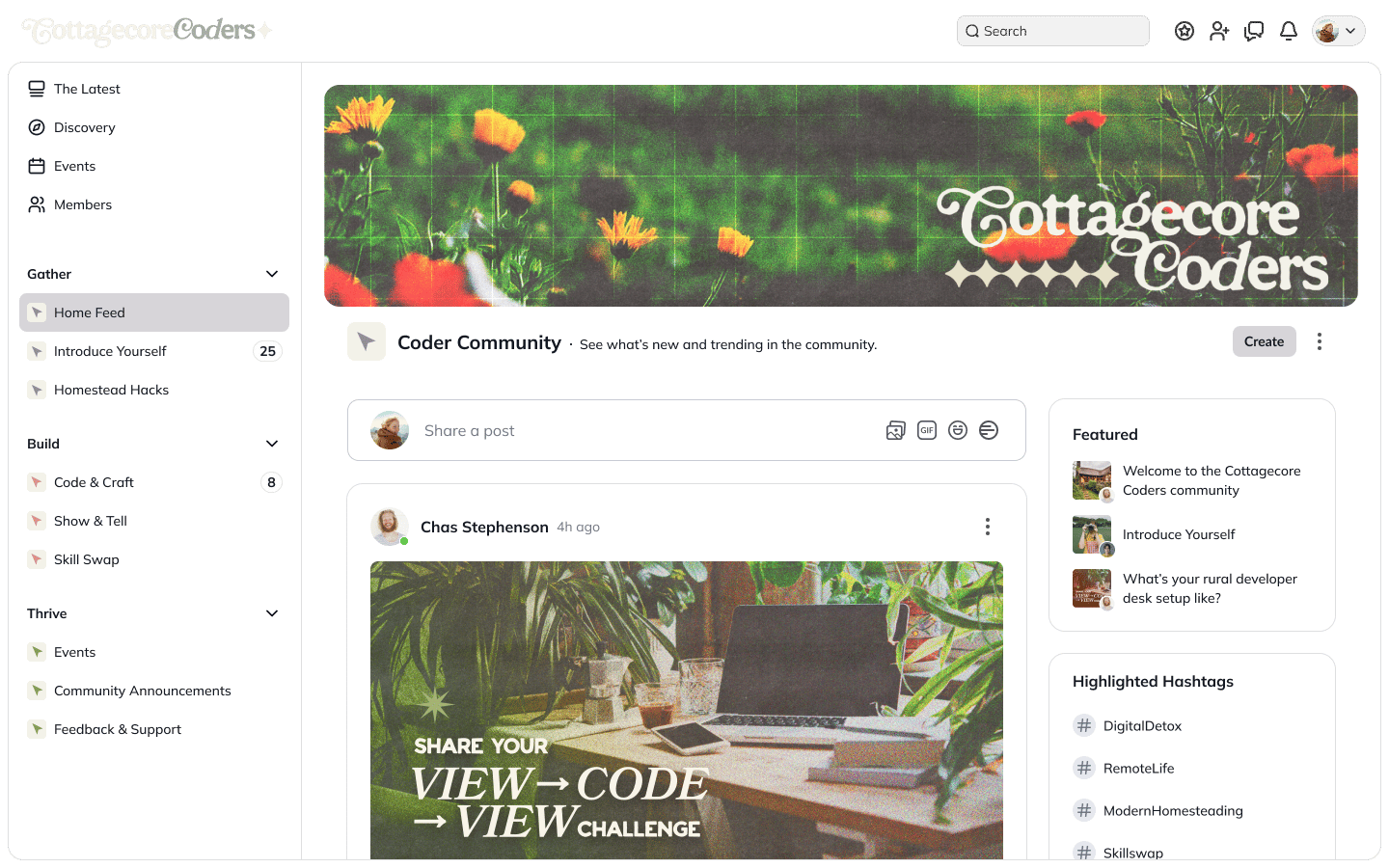
The Global Feed
The Global Feed is a centralized stream of activity where everyone can explore and interact with content from the Spaces they belong to. Members can like, react, or comment on posts directly in the Global Feed.Create Posts Directly from the Global Feed
You can also create content from the Global Feed without navigating into a Space first.- On web, click the Create button at the top of the Feed.
- On mobile, tap the + icon.
- Choose a Space where you want to post.
- Select a post type (such as Post, Article, or Event) based on what’s available in that Space.
- You’ll be taken directly to that Space to publish your content.
Space Feed
Each individual Space can also have its own Feed. The Space Feed works just like the Global Feed—but everything you post here lives within that specific Space. From a Space Feed, you can post:Searching and Filtering in the Feed
In both Global and Space Feeds, you can search and filter to find the content you need. Click the Showing button to search across:- Articles
- Events
- Comments
- Custom Fields
- Hashtags
- Spaces
Filter Options
You can refine what you see using filters such as:- Everything
- Personal Feed
- Your Activity
- From Your Hosts
- Near You
- Unanswered
- Posts
- Questions and Polls
- Articles
- Events
Sort Options
Click Showing By to sort results by:- Top (most relevant)
- Newest (most recently published)
- Latest Activity (most recently engaged)
- Oldest (earliest published)