How Members See Global Features
When new members join your Mighty Network, they’ll land on the first Global Feature you’ve enabled. If no Global Features are turned on, they’ll land in the first Space in your left-hand menu. You can also choose a specific Space where new members land first. To learn more, check out Can I Customize the Landing Space for My Members?Overview of Each Global Feature
Feed
The Global Feed brings together content from all Spaces that a member can access—plus any Spaces where content is visible to all members. Members can react, like, and comment on posts directly from the Global Feed. Introduction posts for new profiles will also appear here (you can toggle these off in settings). To manage Feed settings: Go to Admin > Spaces & Navigation > Global Features > Feed > Manage and adjust preferences such as:- Hide Posts from Spaces with Content Any Network Member Can View – removes content from those Spaces in the Global Feed, but not from search, the Welcome Checklist, or the Featured Section.
- Toggle Introduction Posts – control whether new member introductions appear in the Feed.
Searching and Filtering in the Feed
In the Feed, you can search and filter by:- Content type: Articles, Events, Comments, Custom Fields, Hashtags, and Spaces
- Filters: Everything, Personal Feed, Your Activity, From Your Hosts, Near You, Unanswered, Quick Posts, Questions and Polls, Articles and Events
- Sort by: Top (most relevant), Newest, or Oldest
Creating Content from the Global Feed
You can create new content directly from the Global Feed without switching Spaces.- On web: Click + Create above the Global Features in the left-hand navigation.
- On mobile: Tap the + icon.
- Choose Your Space – select from Spaces where you can post.
- Pick Your Content Type – options depend on the Space and your permissions.
- Get Posting – you’ll be taken to the selected Space to share your post.
Who Can Create Content
- Hosts: Full access to create, based on enabled content types.
- Moderators: Can post if permissions allow.
- Members: Can post if permissions allow.
Discovery
Use Discovery to feature posts, Events, or Spaces that you want everyone to see when they open the Discovery page on web or in the Mighty Networks app. If a Space added to Discovery isn’t visible to Network members, its content won’t appear until someone joins that Space. To make it visible, adjust your Space’s privacy settings.Members
The Members feature (available on Launch Plans and above) lets people explore your community through People Explorer, which helps members find others they might connect with. Profiles appear in clusters such as:- Explore
- All
- Top
- Near You (within 300 km)
- Newest
- Hosts
- Ambassadors
- Online Now
- Go to Admin > Spaces & Navigation > Global Features > Members > Manage.
- Toggle Explore First to place that tab first, or turn it off to have “All” appear first.
Events
The Events feature shows all Events from Spaces a member belongs to. Each member only sees Events from Spaces they have access to. To learn more, check out How Do I Create Events in My Mighty Network?Leaderboard
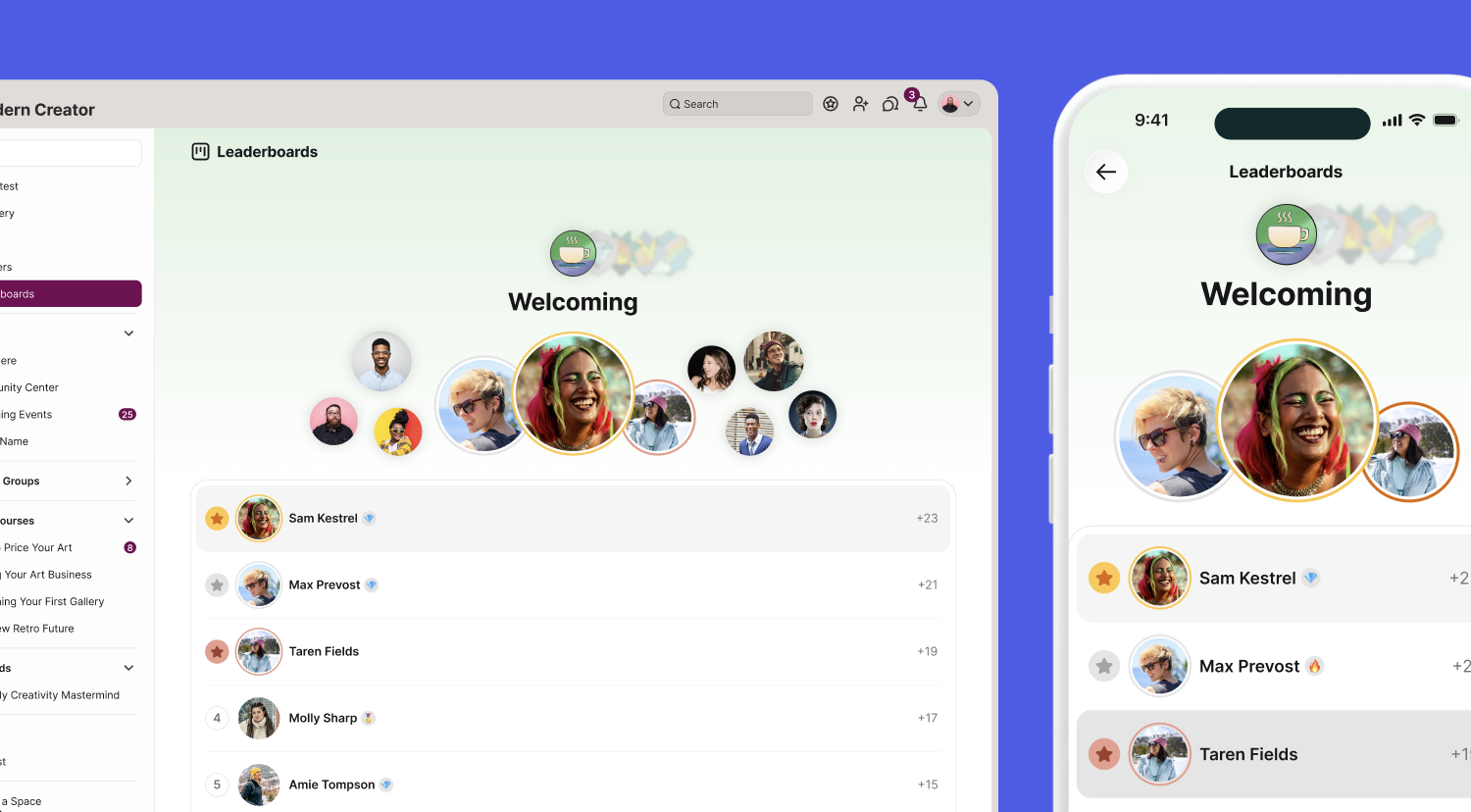
The Leaderboard feature highlights the people who receive the most recognition for each Community Value. They make your community’s culture visible.