

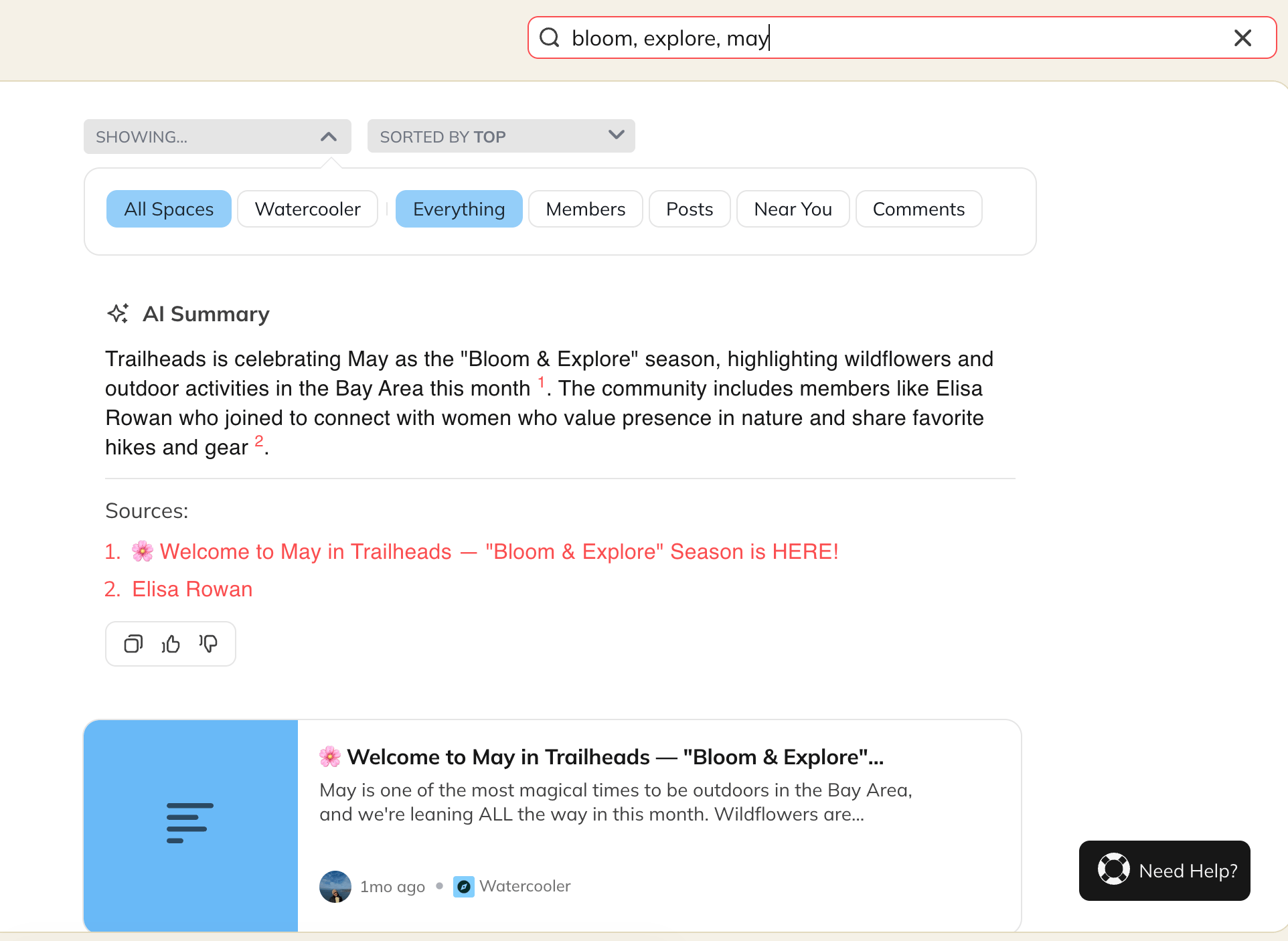
Global Search vs. Space Search
Global Search
Global Search scans content across your entire Mighty Network, including:- All Spaces you’re a member of
- Spaces you’re not a member of (Spaces set to Anyone Can See Content Inside)
Space Search
Space Search looks only within a specific Space. When you’re using Space Search, you’ll see a Space: [Space Name] filter under the search bar. This helps you narrow results to a single Space without content from elsewhere in your Network.How to Use the Search Bar
Start typing into the search bar and results will automatically populate. You can then sort by:- Top
- Newest
- Oldest
- Space
- Everything
- Members
- Posts
- Your Activity
- Near You
- Events
- Comments
- Custom field
Types of Searches
Plaintext Search
Use any word or phrase without a hashtag. Mighty will return content containing matches or partial matches.Examples:- “running team”
- “Michael”
- “Thursday brunch”
Hashtag Exact-Match Search
Search for a single hashtag to get results containing that exact hashtag.Examples:- #resources
- #news
- #Marathon2025
Combined Search
Use hashtags and text together to narrow results.Example: #marathon Boston returns posts tagged #marathon that also include “Boston.”Search Scenarios and Examples
- Search for a single hashtag:#dog → Content tagged with #dog
- Search for a hashtag + text:#dog poodle → Posts tagged with #dog that also include “poodle”
- Search for multiple hashtags:#dog #cat → Posts containing both hashtags
- Search for text only:dogs → Fuzzy matches, such as “dogs,” “dogsAreTheBest,” or posts with #dogs
How Mighty Orders Results
Search results are ranked so the most helpful content appears first. Mighty prioritizes results in this order:- Space name matches
- Active Spaces (more members and recent activity)
- Your Spaces (Spaces you created or belong to)
- Member name/username matches
- Post matches
- Comment matches