Build Your Network with Cohost
Cohost is your AI partner for building your community. It knows our community-building best practices and every Mighty feature. Cohost’s guided setup is available for all newly created Mighty Networks.- Describe your Network. When you create your Mighty Network, describe it in 1 or 2 sentences. Cohost uses your description to build your first Spaces and write your waitlist copy.
- Review your first Spaces. Cohost sets up a first set of Spaces based on your description.
- Add your branding. If you didn’t add a logo and colors when you created your Network, Cohost helps you set them up.
- Choose your first Profile Fields. Cohost suggests up to 8 Profile Fields to help you get to know your members. Review them, make any changes in chat, and approve the ones you want.
- Create your waitlist page. Cohost builds a shareable waitlist page you can send out right away.
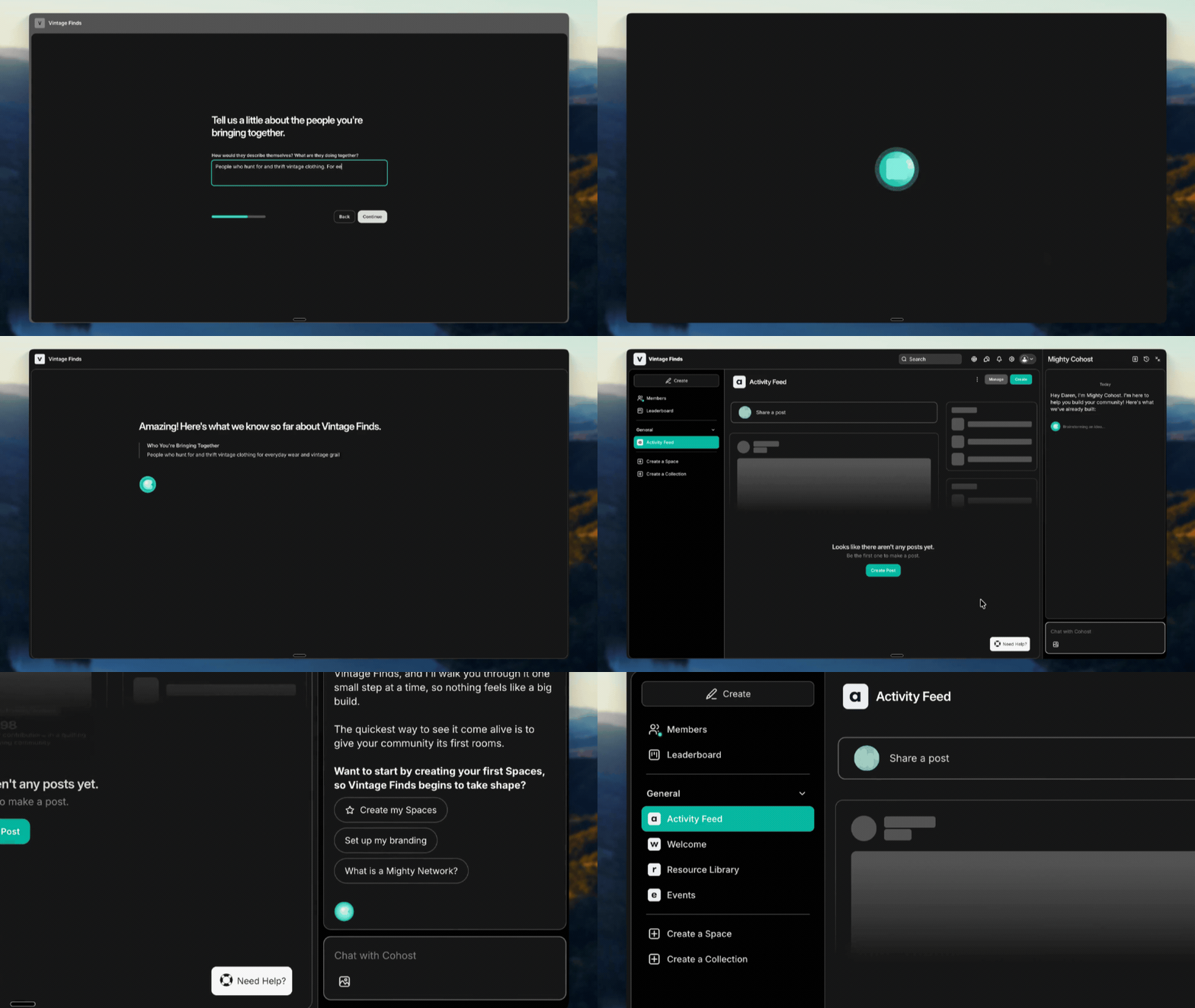
Choose Your Path with Suggestion Chips
After each step, Cohost offers suggestion chips to help you decide what to do next:- Starred chip: Cohost’s recommended next step
- Alternate chip: Another path you can take
- “What’s this?” chip: A quick explanation of the step and why it matters
Why Start with a Waitlist?
A waitlist is a simple signup page people can join before your community opens. It’s a low-pressure way to get people excited and ready to join while you finish building. Once your waitlist is live, Cohost stays in the panel on the right side of your Network. Chat with Cohost at any time for help with your next steps.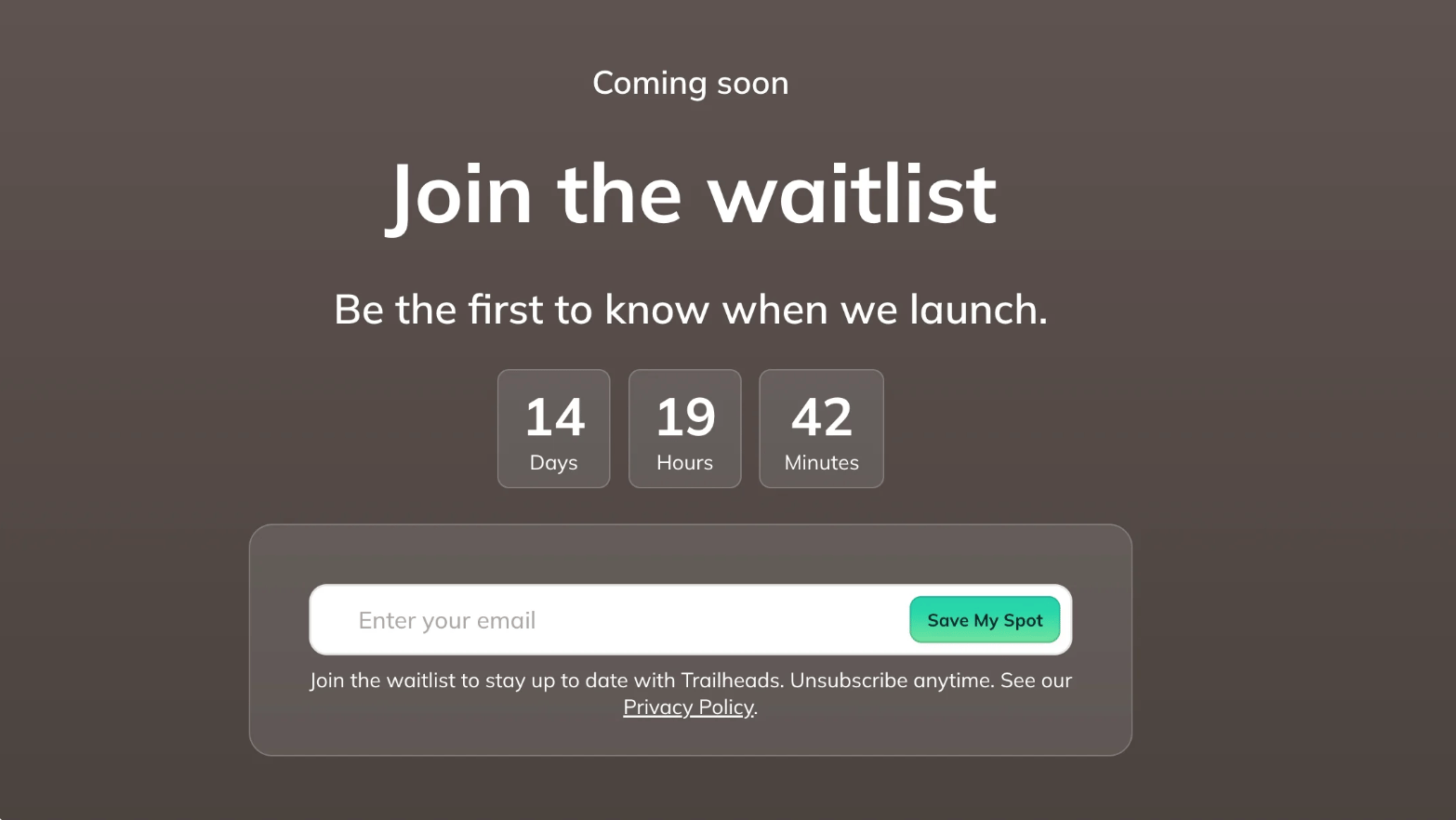
Join the 7-Day Build a Mighty Network Challenge
If you prefer a challenge format, join our free 7-Day Build a Mighty Network Challenge. You’ll follow simple daily steps to launch, including how to:- Add your branding
- Customize your defaults
- Set up your plans and payments
- Get your community ready to launch

Get Help any time
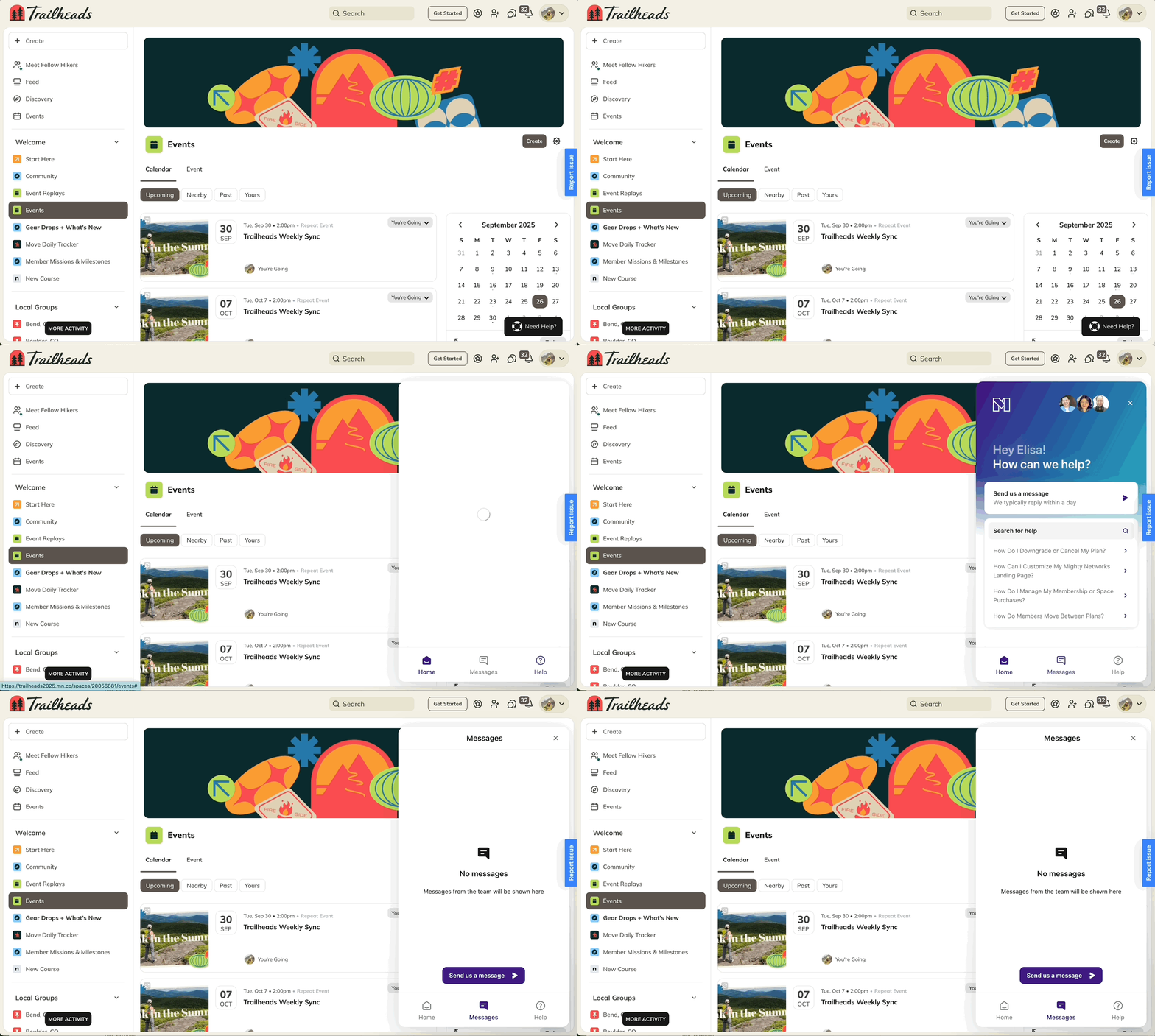
You have two great resources right inside your Mighty Network:- Chat with Cohost: Ask Cohost anything about building your community or using Mighty.
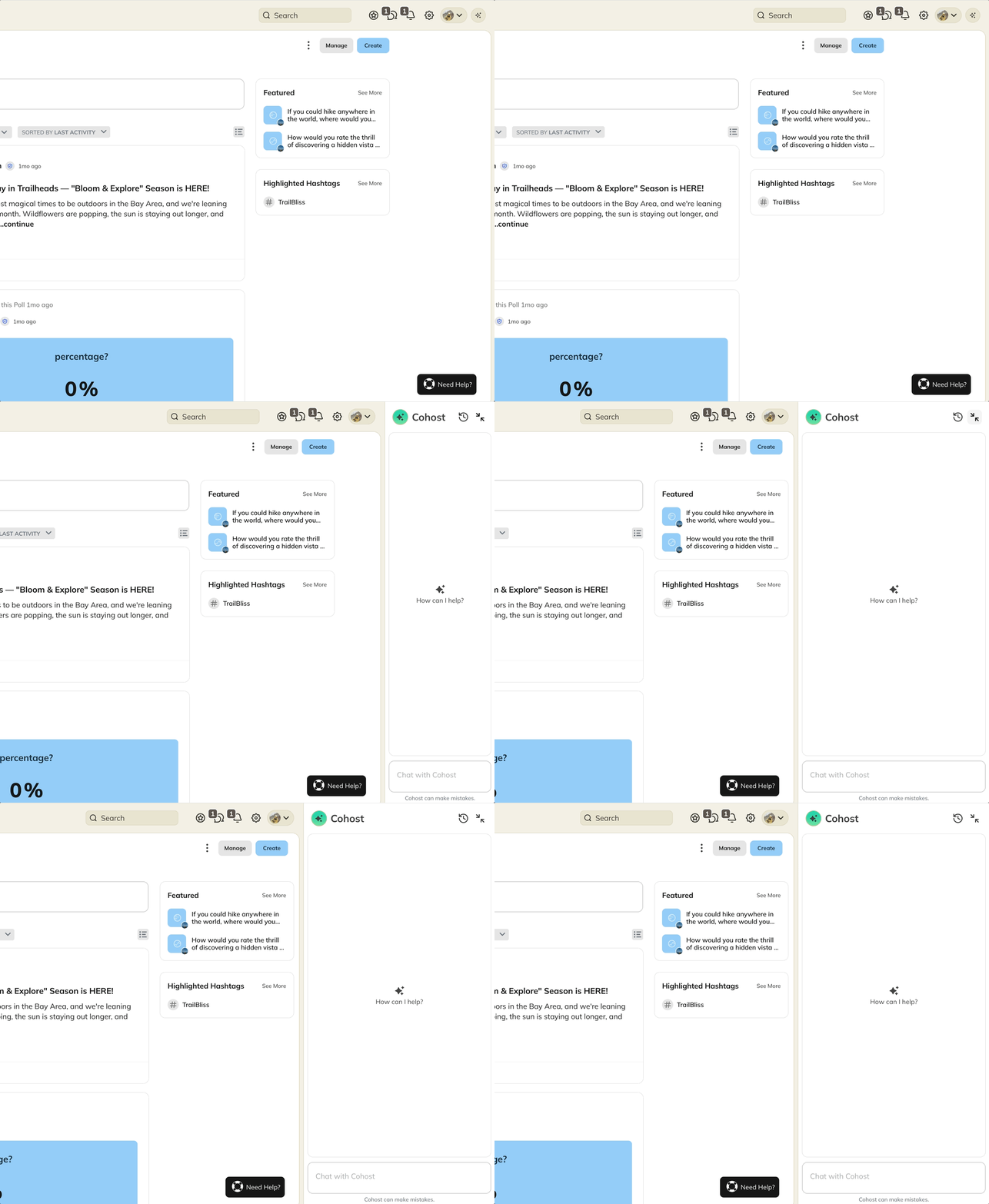
- Chat with our team: Select the Need Help button in the lower right corner. We’re standing by to answer your questions and help you get started.