

What the Delphi Embed Includes
Verified Identity Pass-through
When members are logged in and have a verified email, Mighty securely shares their verified email address and user ID with Delphi (after the member gives consent). This allows Delphi to:- Recognize the member
- Restore previous conversations
- Maintain progress without additional authentication
Where You Can Embed Delphi
On the Growth plan and up, Hosts can embed Delphi in:How to Add a Delphi Embed
- Select the Space where you want to add Delphi.
- Add or edit a Page, Article, or Course Lesson.
- Select Add Embed.
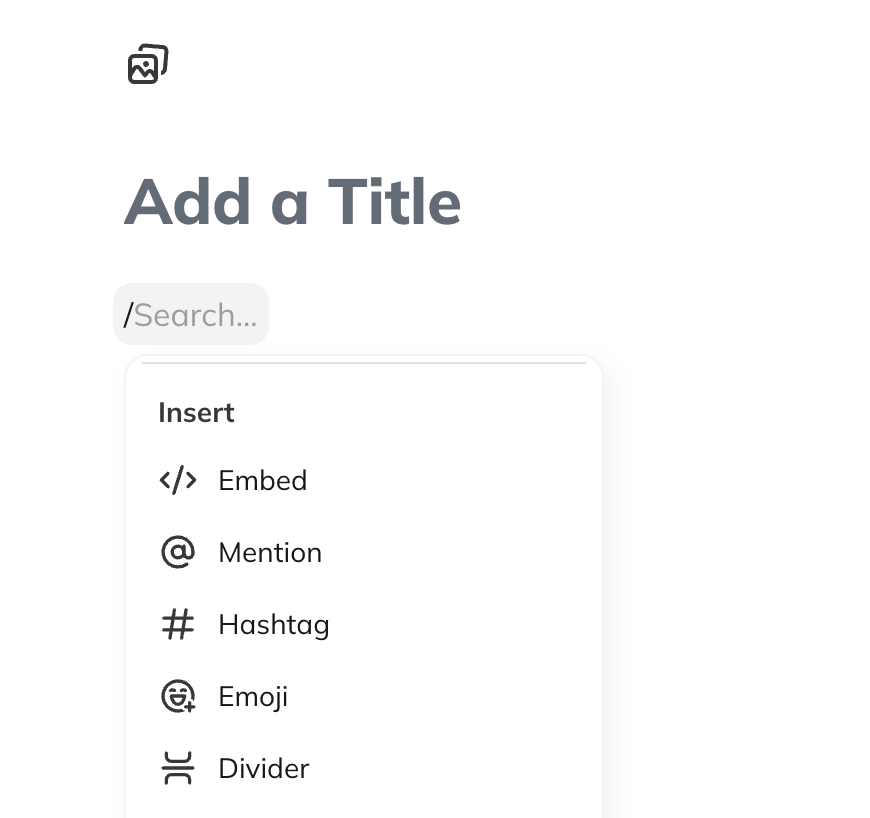
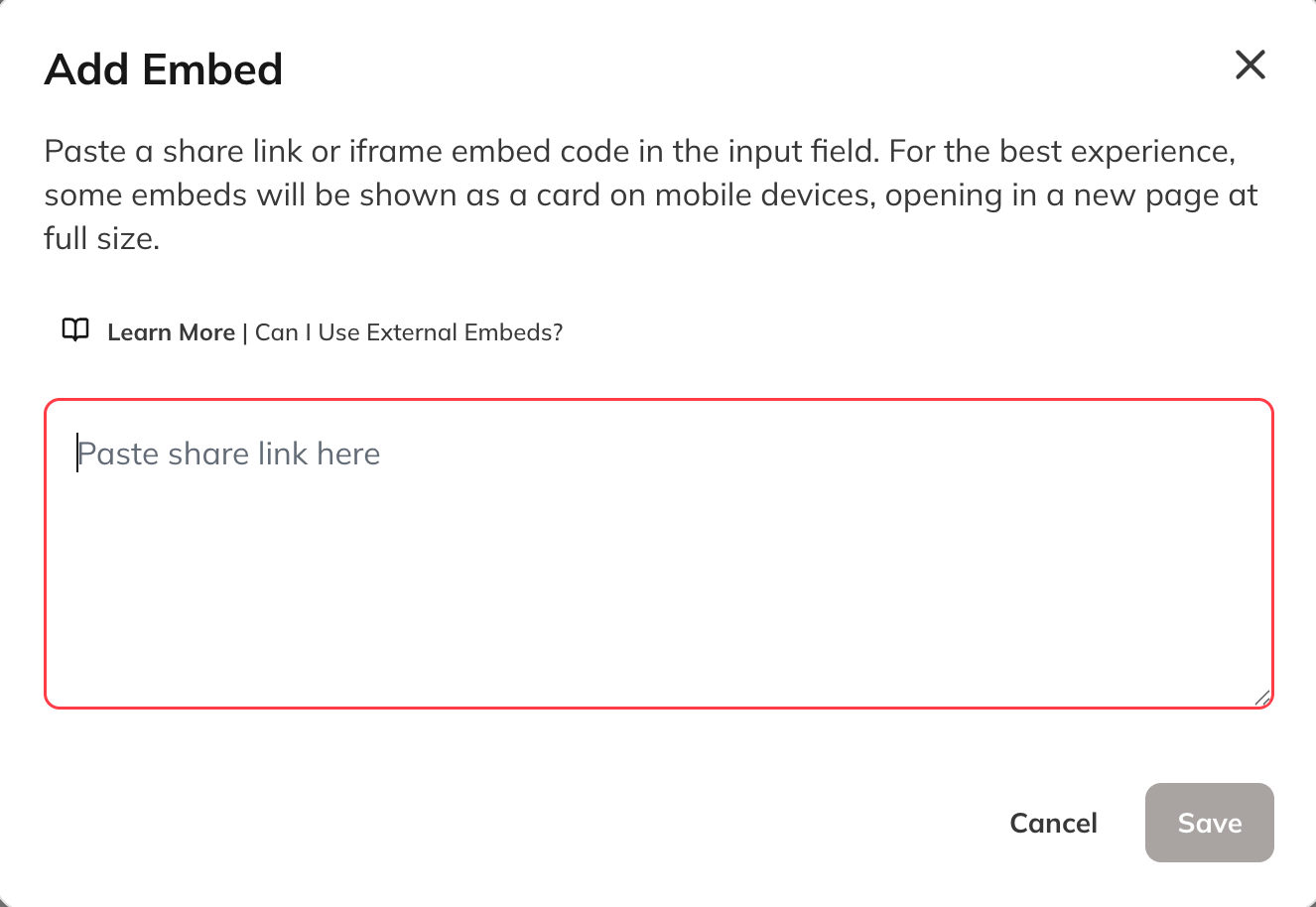
- Paste your Delphi embed code.
- Publish your changes.
What Members Experience
Members interacting with Delphi will:- Open the embed in a modal-style or full-screen view.
- Consent to sharing their verified identity (if needed).
- Access previous conversations and progress automatically.
- Use chat or voice without separate logins.
Requirements
- Your Delphi team must enable the enhanced embed for your account.
- The enhanced experience requires the Scaler Delphi plan.
- Members must have a verified email for identity pass-through.