

- Go to Admin > Promotions > Audiences.
- Select Create Audience.
- Give your audience a name (for example, “Plan Members”).
-
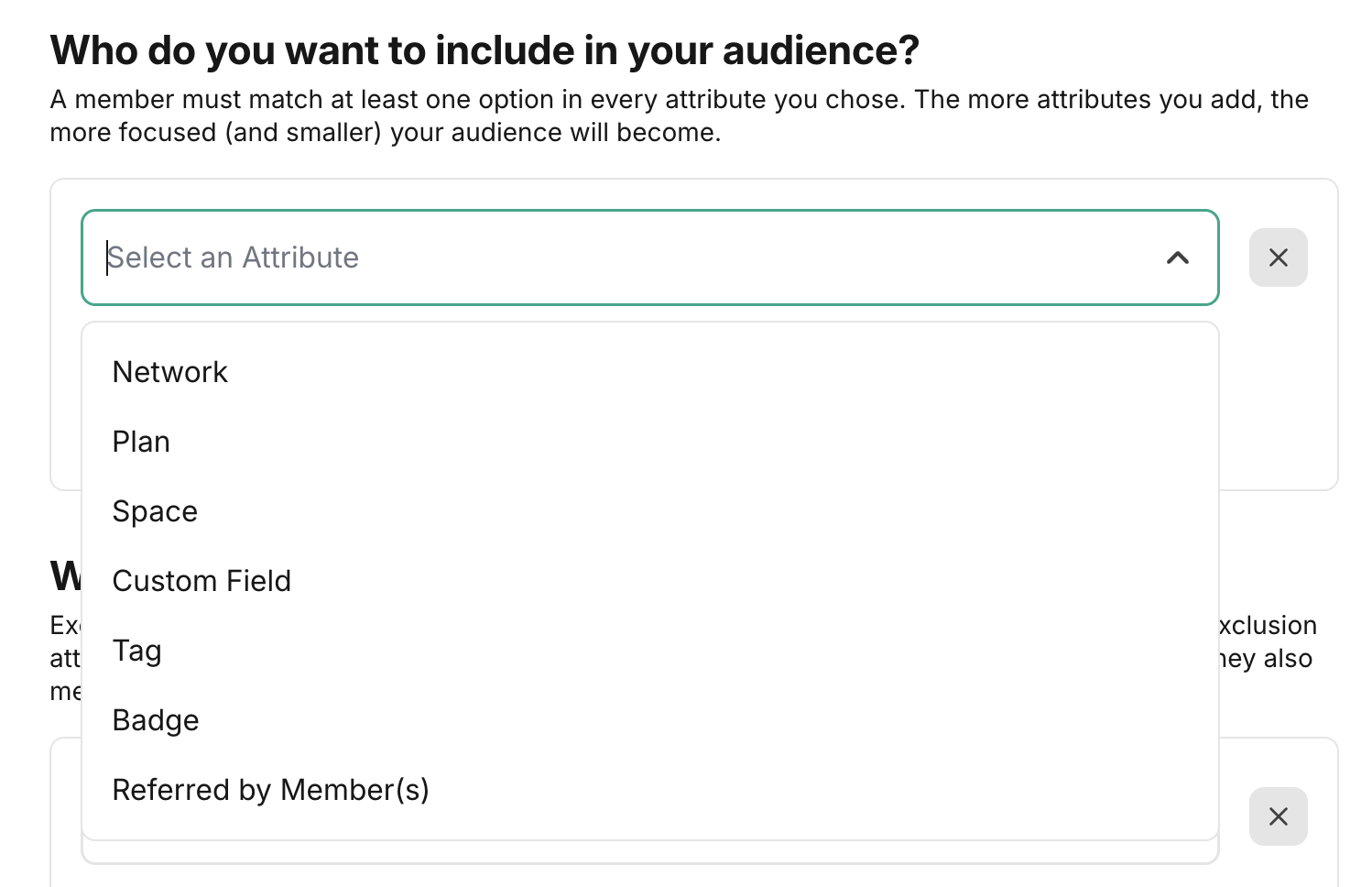
Choose one or multiple Attributes, such as:
- Network
- Plan membership
- Space access
- Tags
- Custom fields
- Badges
- Referred by Member(s)
-
(Optional) Exclude members based on specific criteria.
Quick Tips for Building Audiences
Tags are one of the most flexible ways to define audiences. Here are a few ways to use them:- Tag Network Hosts to create an All Hosts audience.
- Use Does Not Have Tag: Network Host to reach all members except Hosts.
- Tag members based on interests, participation, plan type, or access level.
- Segment by engagement, such as RSVP’d to Event or Completed Challenge.
- Combine tags with plan membership, Space access, custom fields, or badges for even more precision.