

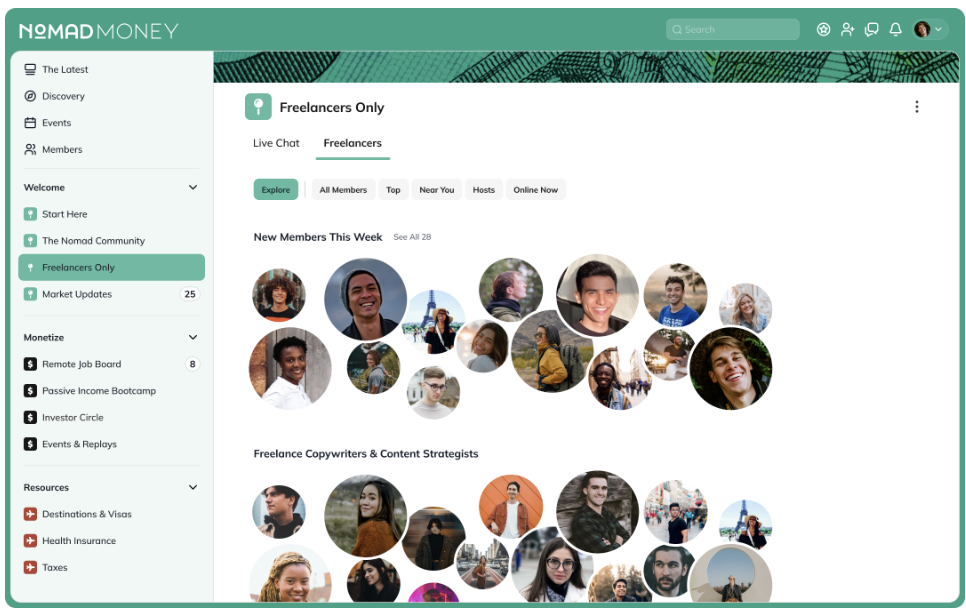
One of the best parts of moving off social media or chat apps is that your Mighty Network is your own space—you control how it looks, feels, and works.
You can customize everything to fit your brand, from colors and logos to images, layout, and even the names of roles.
Your updates appear on both web and mobile, putting your brand front and center wherever members connect.
👉 Download the Mighty Branding Guide
Set Up Network Branding
To start customizing your Mighty Network, go to Admin > Branding — the direct path is/admin/colors.
Here, you can manage your Network’s main visual identity.
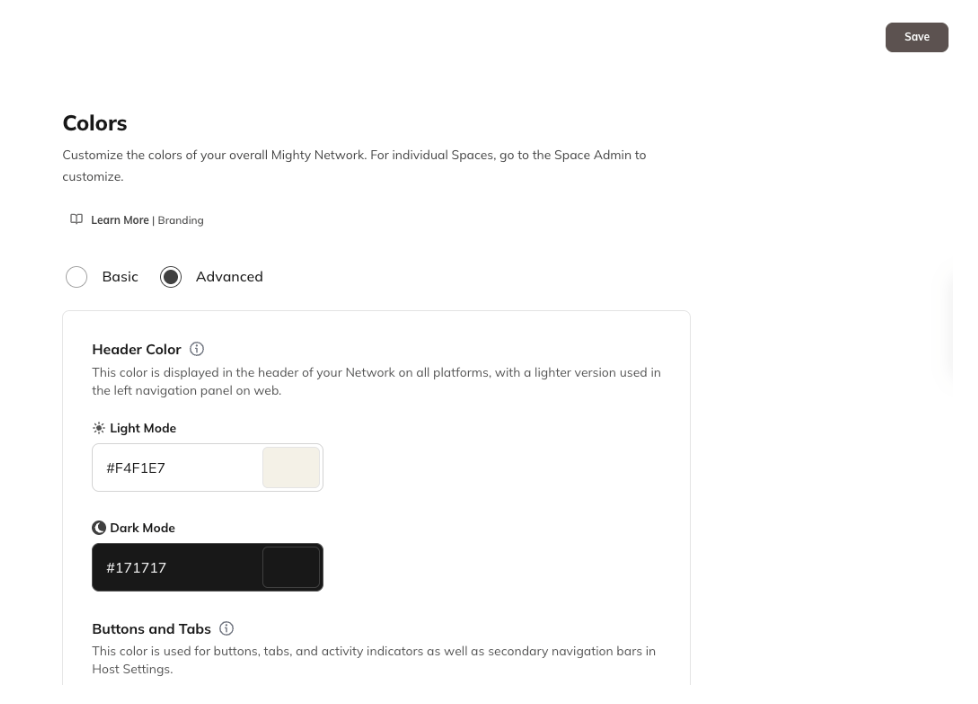
Colors
Choose your Network’s color palette for both light and dark mode, including:- Header color
- Buttons and tabs
- Text links and action icons
Typography
You can select up to 5 fonts for your Network that will show in all system-generated text and member-created content.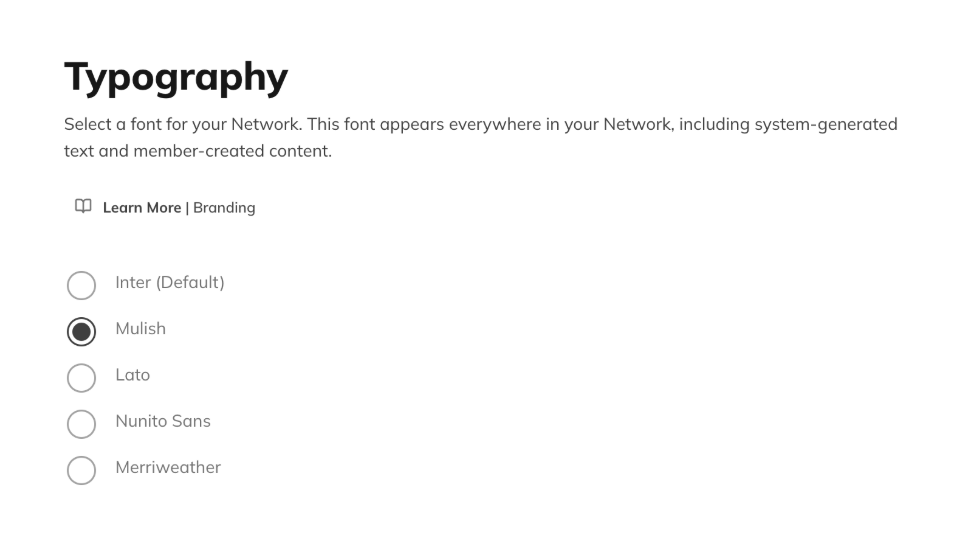
Imagery
Add visuals to showcase your brand across your Network:Network Logo
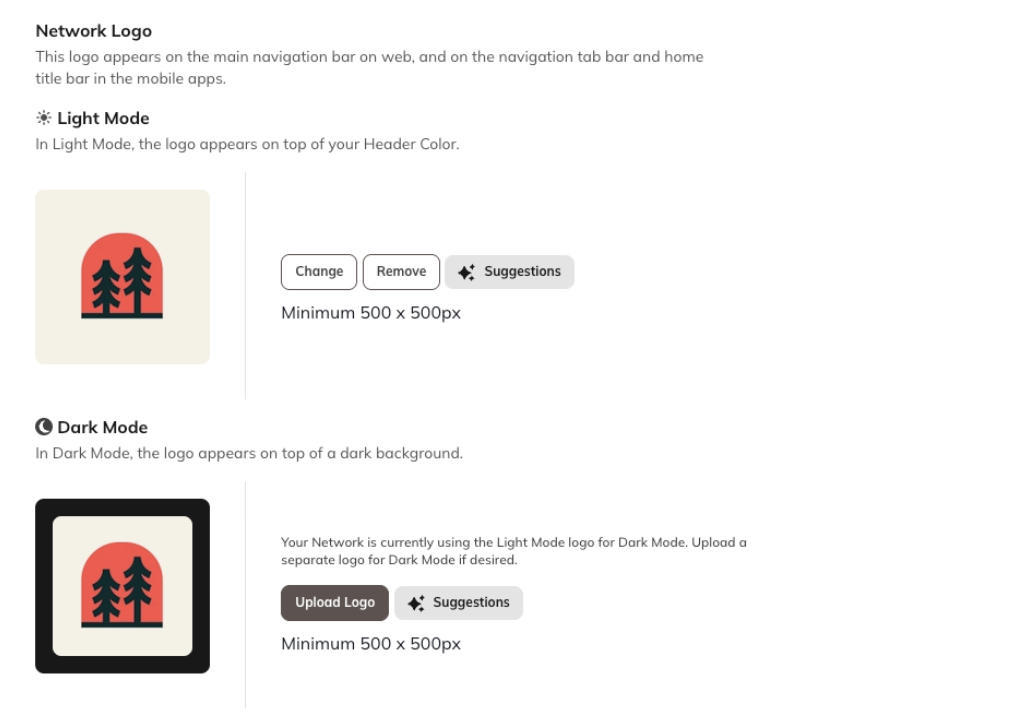
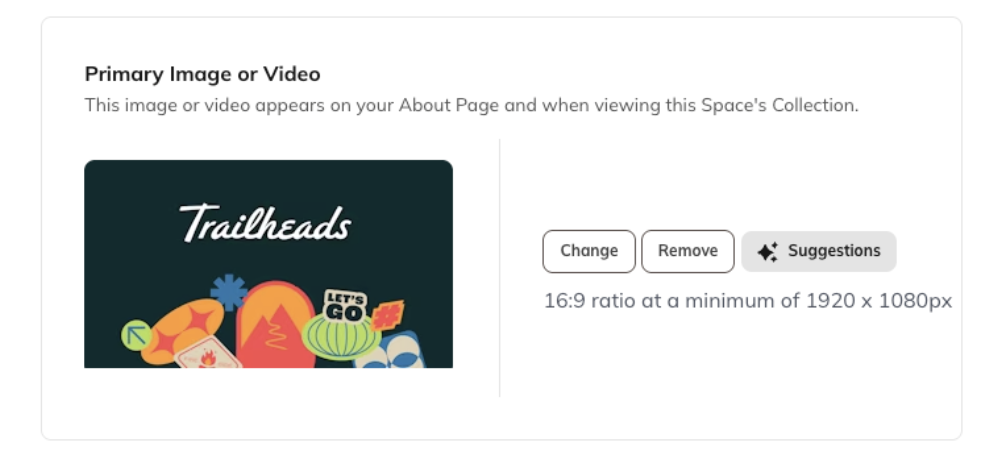
Primary Image or Video
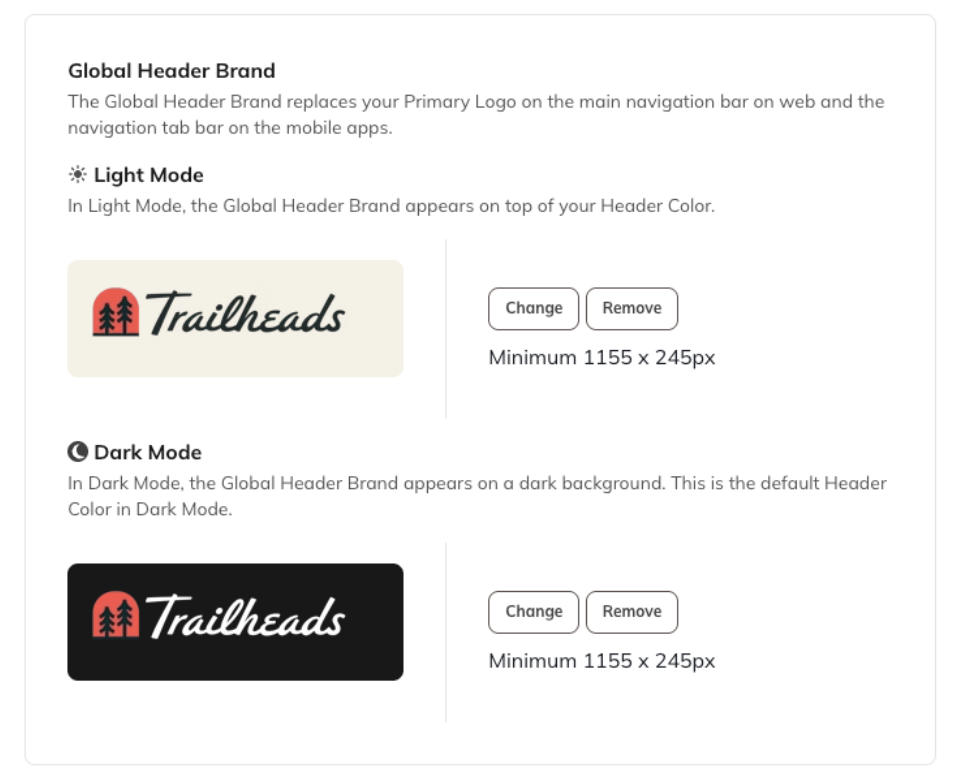
Global Header Brand
Default Profile Images
(used when members haven’t uploaded their own)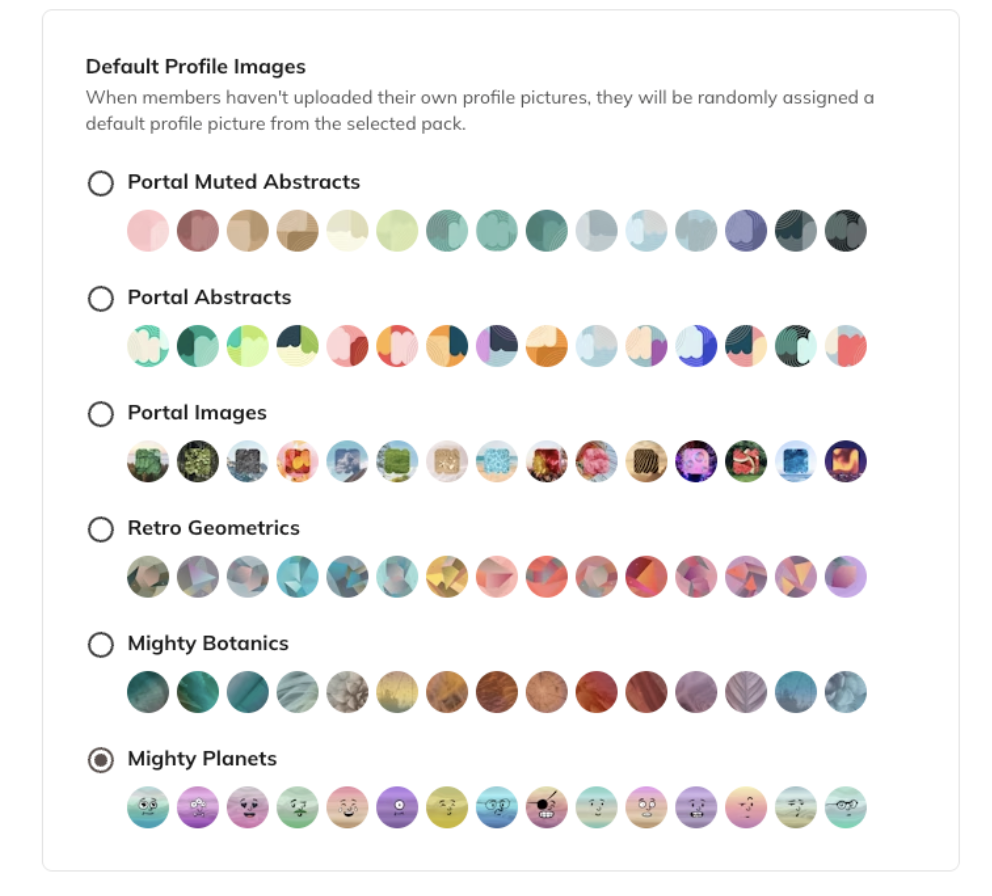
Role Naming
Customize the names for your community roles:- Hosts
- Moderators
- Members
Set Up Space Branding
Each Space can also have its own unique branding to match its purpose. Go to the Gear Icon in the Space > Space Branding From there, you can adjust the Space’s colors, imagery, and layout to fit its individual identity.Learn More
Branding Resources
We’ve created a detailed Mighty Branding Guide that includes:- Recommended image sizes
- Asset placement details
- Real examples of beautifully branded Mighty Networks
👉 Download the Mighty Branding Guide
Recommended Tools
Enhance your branding with these free design resources:- Coolors.co: Create a custom color palette.
- Canva’s Color Meaning Explorer: Learn what different colors represent.
- Adobe Color Extract: Pull a color palette directly from an image.