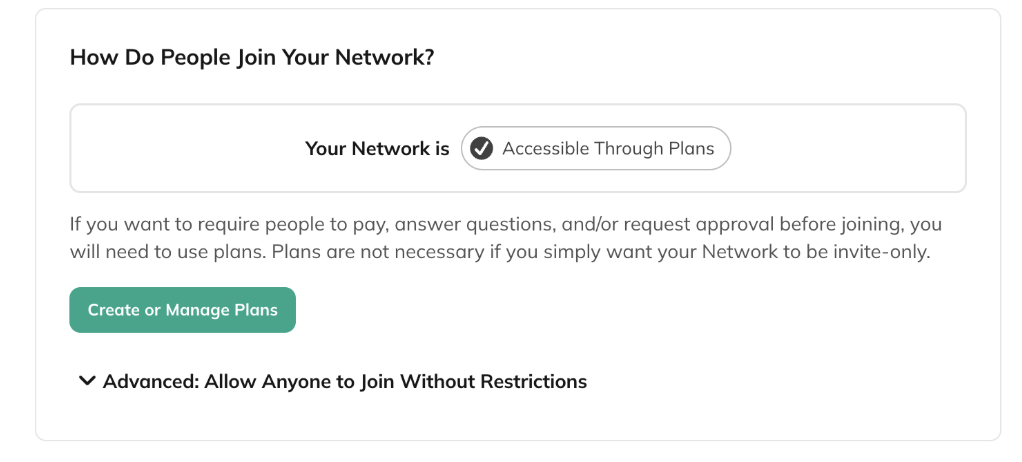
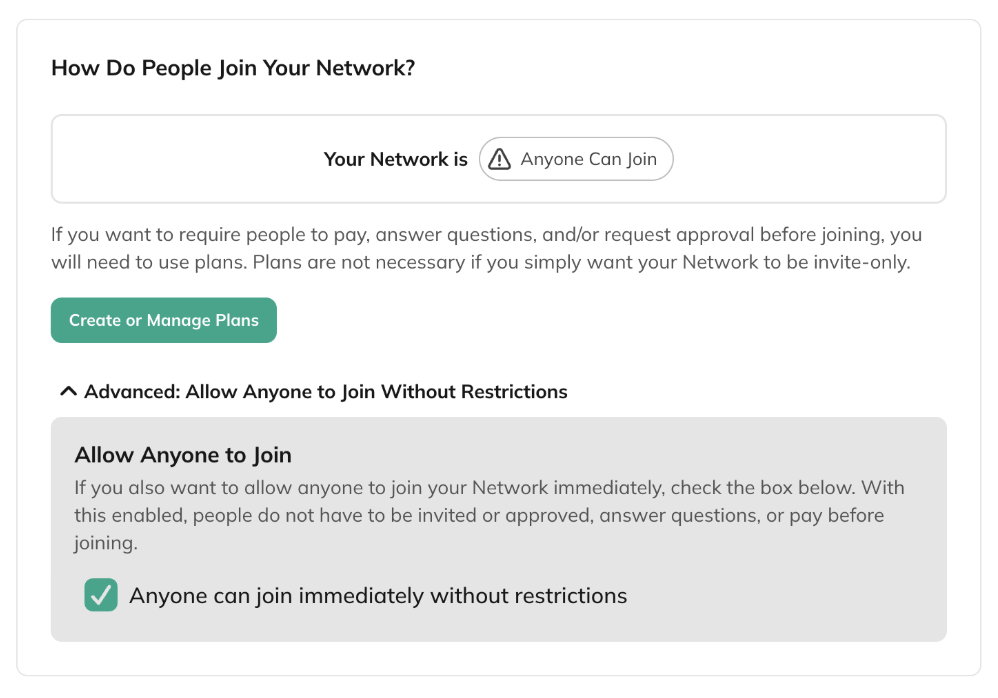
Change from Accessible Through Plans to Anyone Can Join
- Go to Admin > Privacy & Access.
- Open Advanced: Allow Anyone to Join Without Restrictions.
- Check Anyone can join immediately without restrictions.
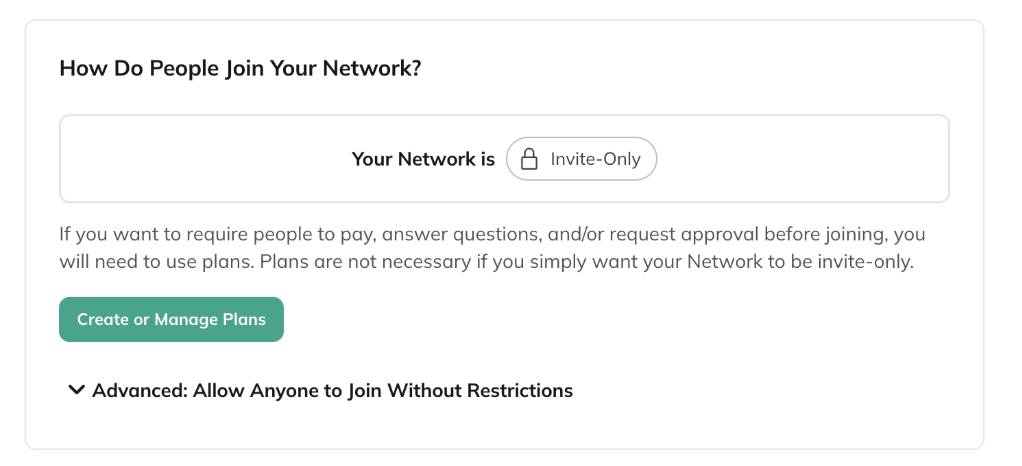
Change from Accessible Through Plans to Invite-Only
To switch to Invite-Only, all active plans that include Network access must be made inactive.- Open each plan that includes the Network.
- Go to Visibility & Sharing.
- Uncheck all boxes under Choose Where This Plan Appears to hide the plan.
- Click Delete all links at the bottom (if none were created, skip this step).
Change from Invite-Only or Anyone Can Join to Accessible Through Plans
- Create a plan that includes your Network and any Spaces you want to include.
- Make the plan active by selecting at least one option under Choose Where This Plan Appears or by creating Share Links.
- If your Network was set to Anyone Can Join, go to Network Privacy & Access and uncheck Anyone can join immediately without restrictions.