Welcome New Network Members
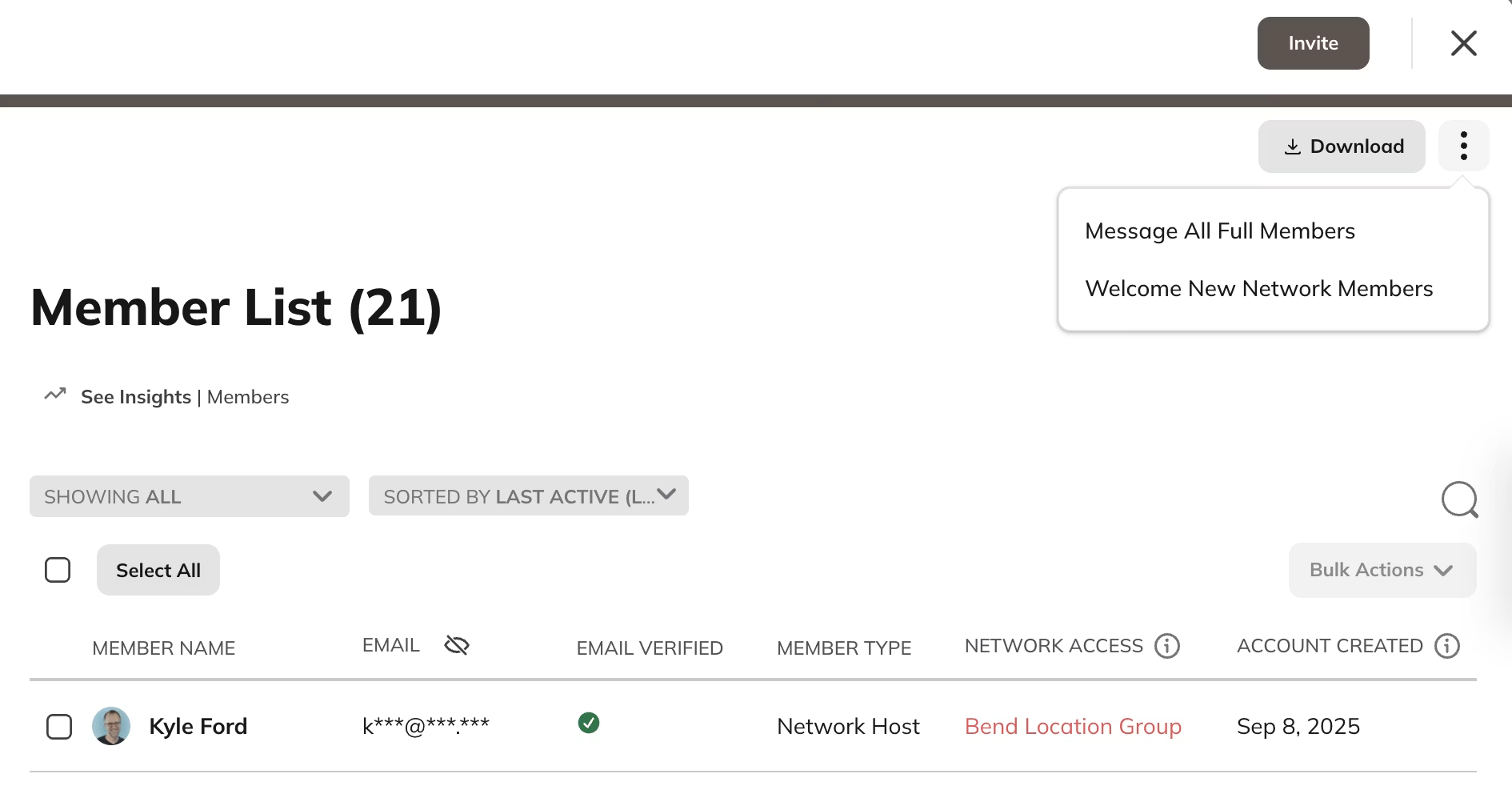
Network Hosts and Network moderators can welcome new full members at any time.- Go to Admin > Members > Member List.
- Open the three-dot menu in the upper-right corner.
- Select Welcome New Members.
Welcome New Space Members
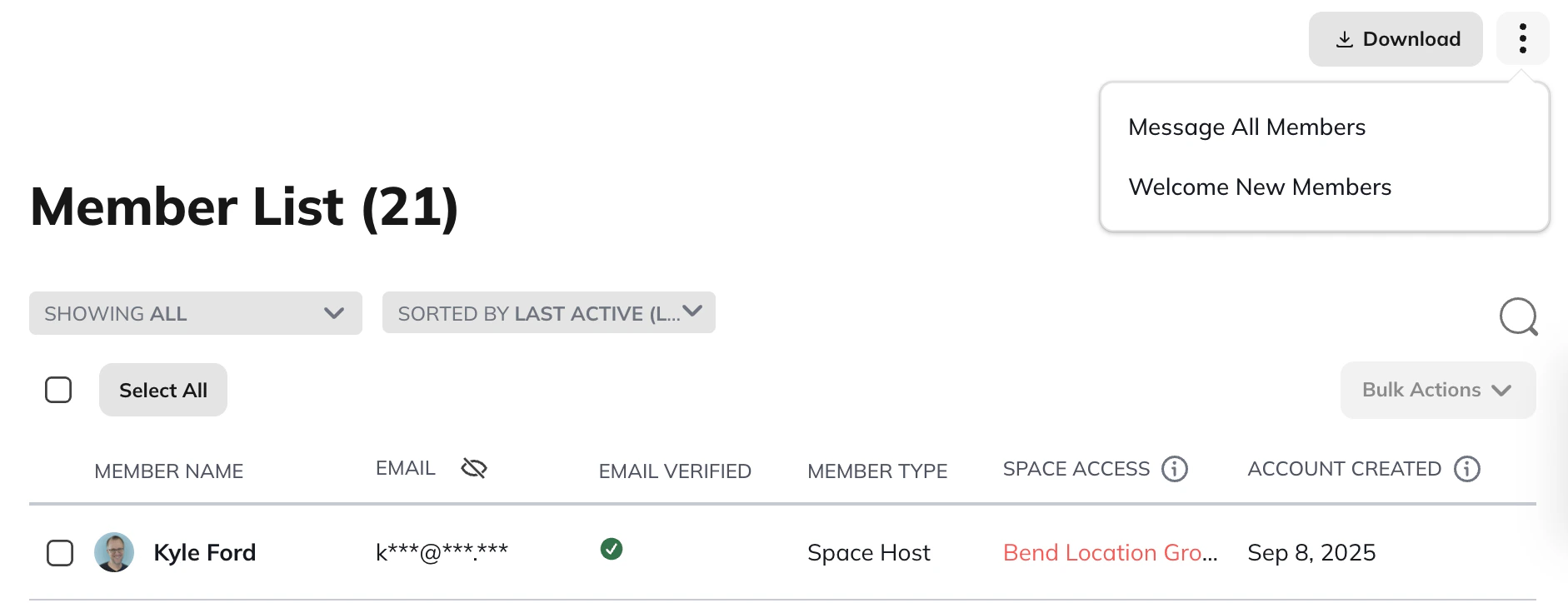
- Go to the Space gear icon.
- Select Members > Member List.
- Open the three-dot menu in the upper-right corner.
- Select Welcome New Members.
What Members See
After you tap on the button to welcome new members, those members will receive a quick note from you either via email or push notification, depending on their notification preferences. Here is what the push notification looks like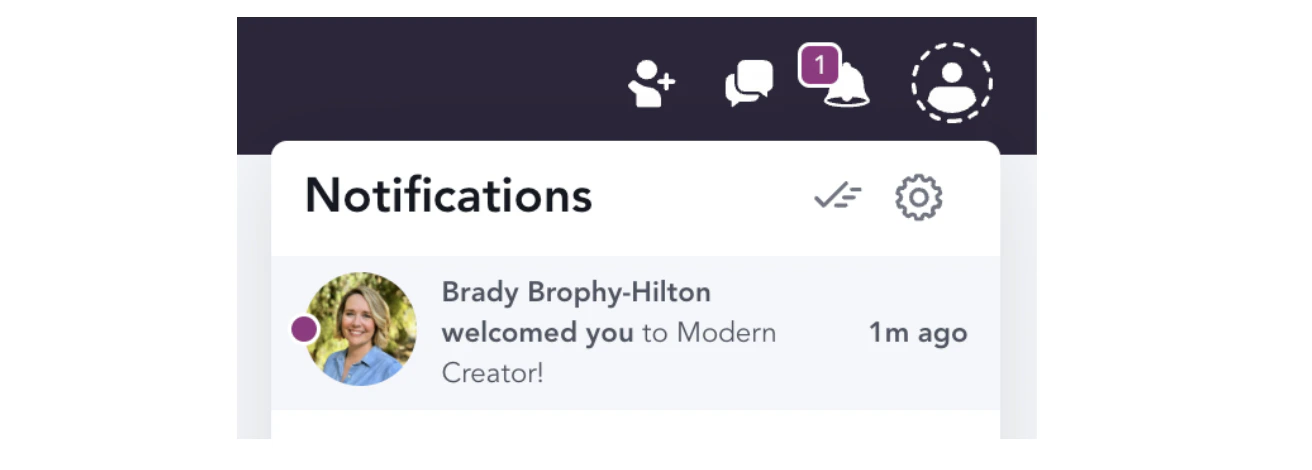
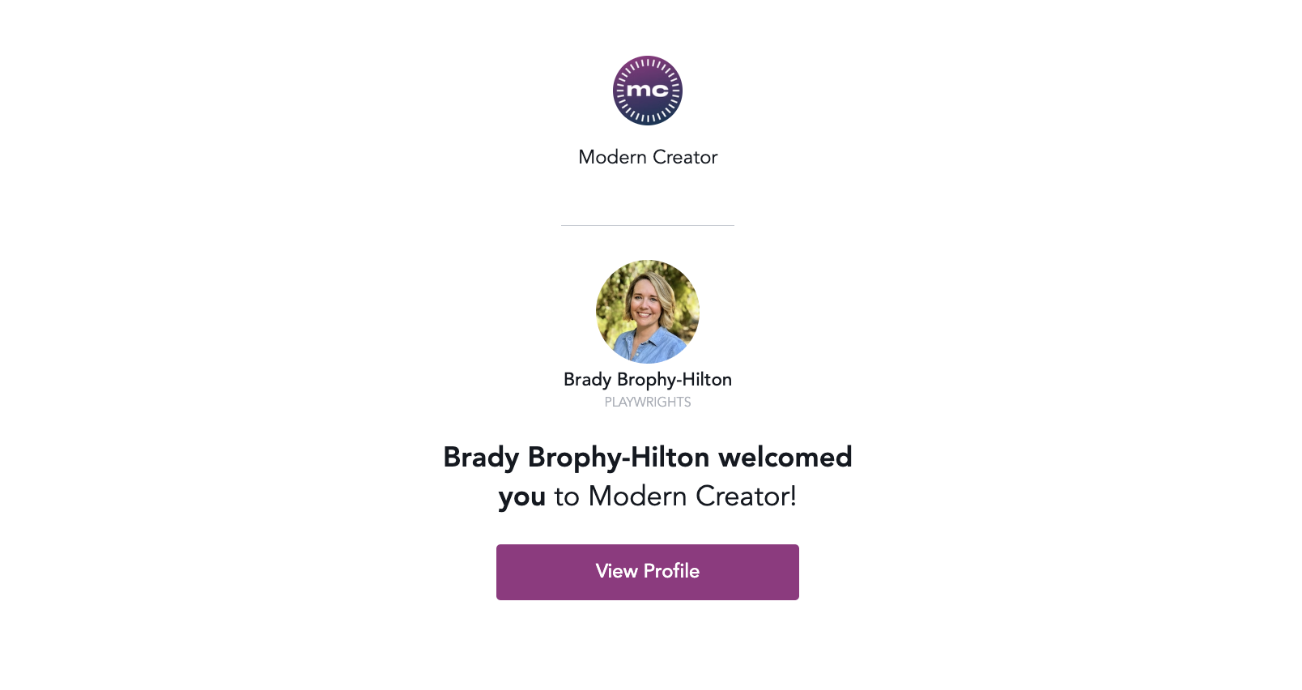
Customizing and Automating Welcome Messages
There are two ways to personalize your welcome messages.Use Automations (Growth Plan and up)
You can create an Automation that triggers when someone joins your Mighty Network. The action can be set to send a private message from any Host you choose. You can also send different welcome messages when members join specific Spaces, such as Courses or challenges.Send Manual Messages Using Filters
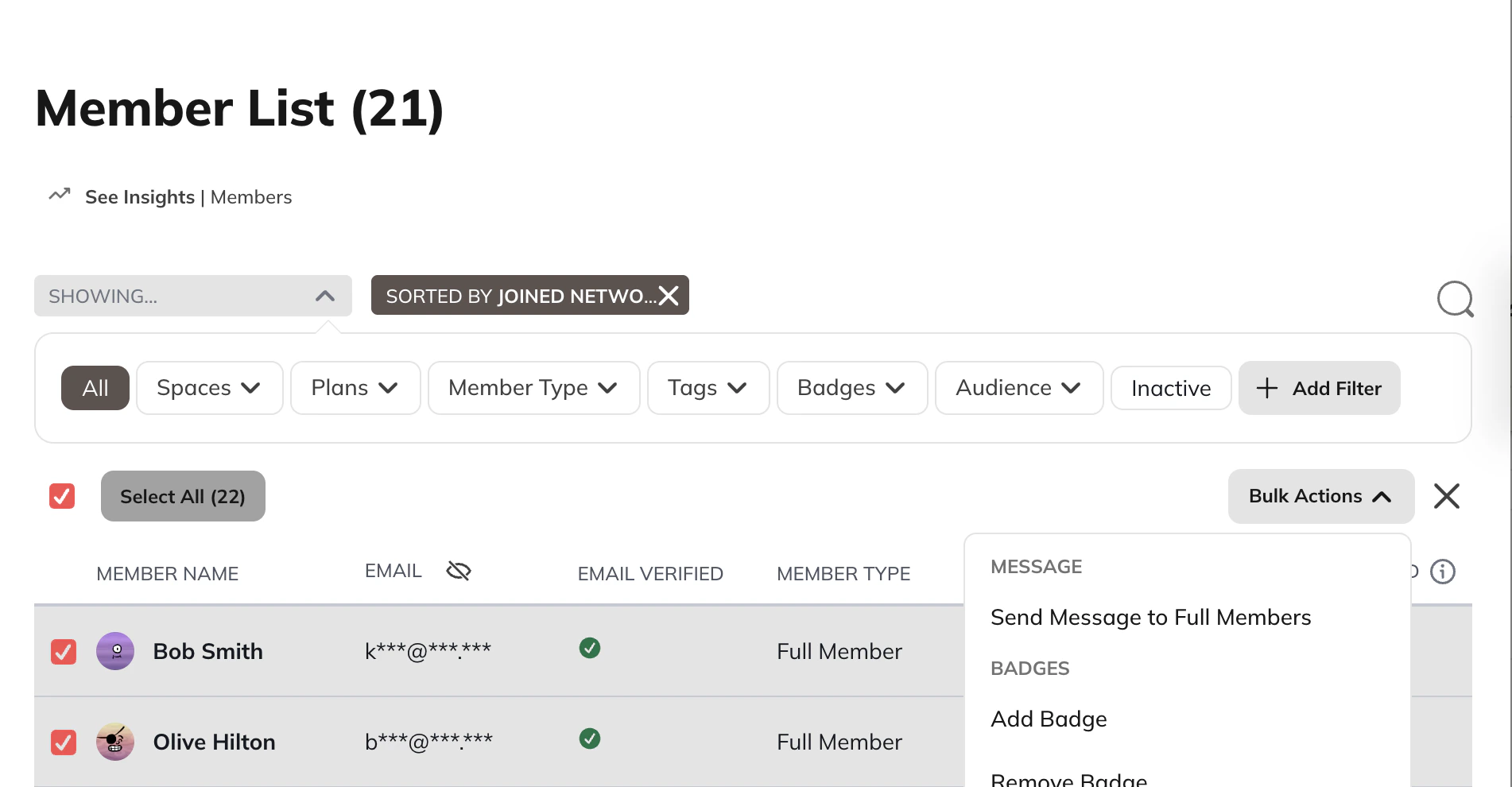
- Go to the Member List.
- Filter byJoined Network (Latest).
- Select the members you want to message.
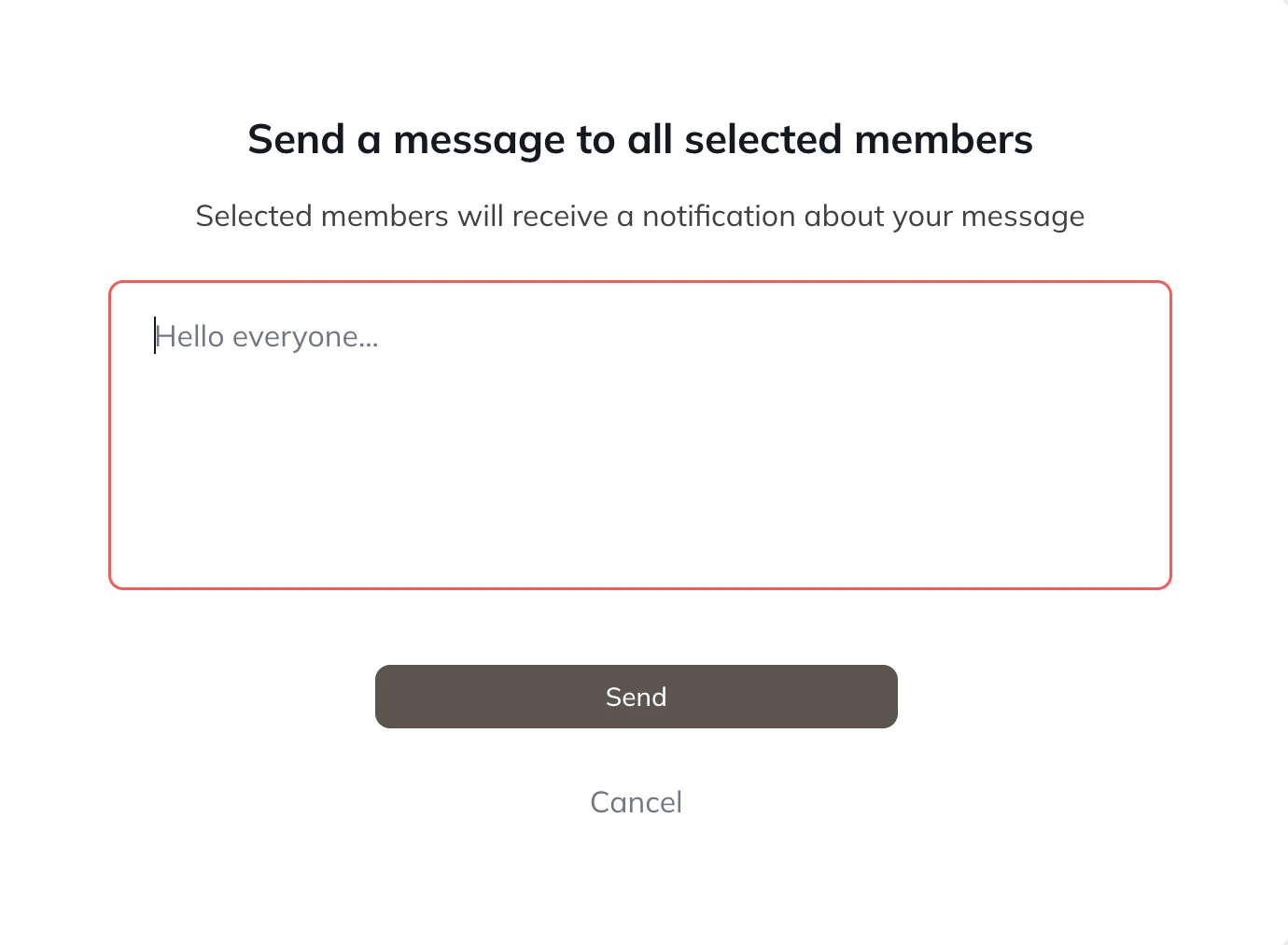
- Open the bulk actions menu and choose Send Message to Full Members.