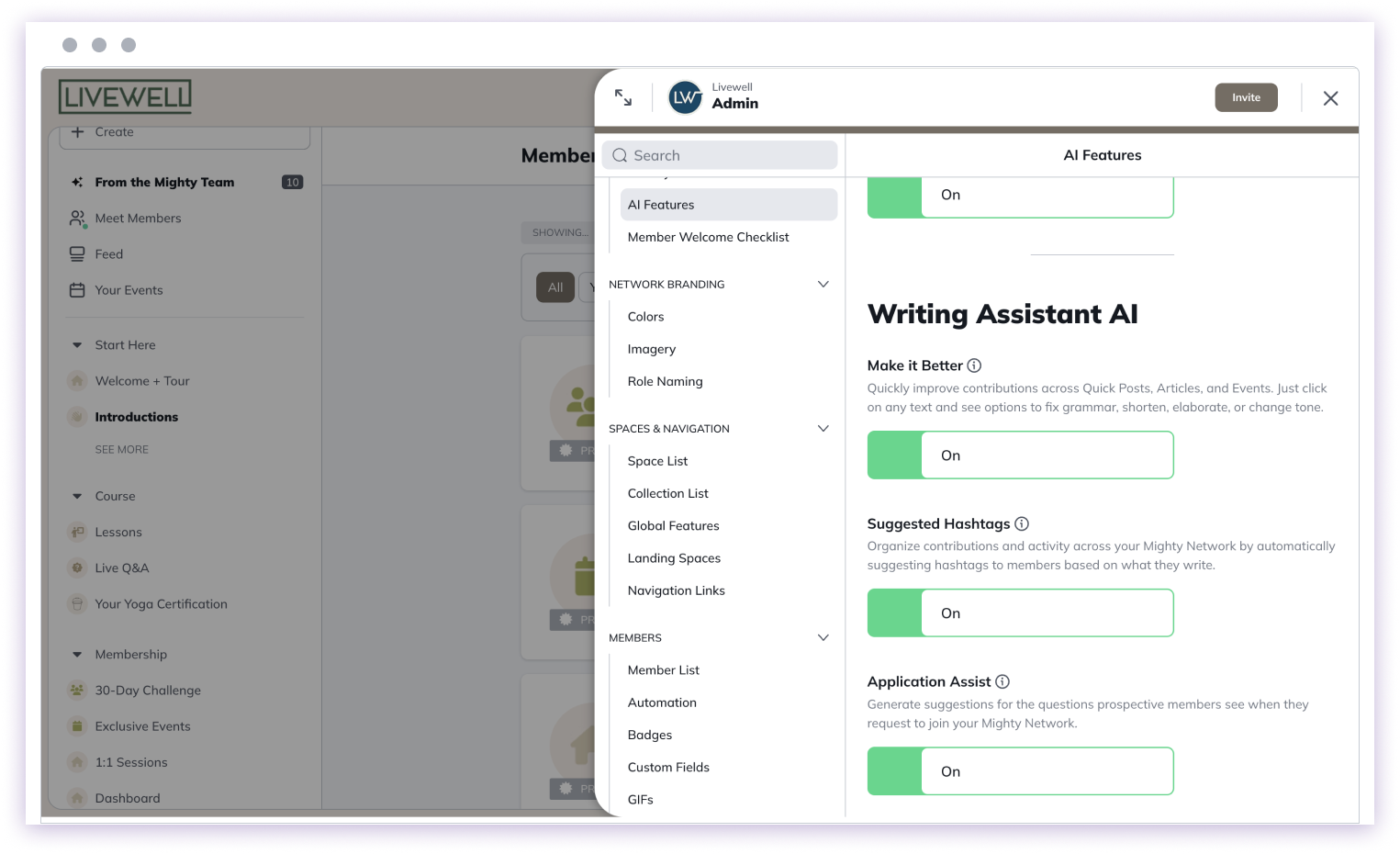
 After you toggle AI Features on, move back to the left Admin panel and scroll down to the “Members” heading > click “Member List”.
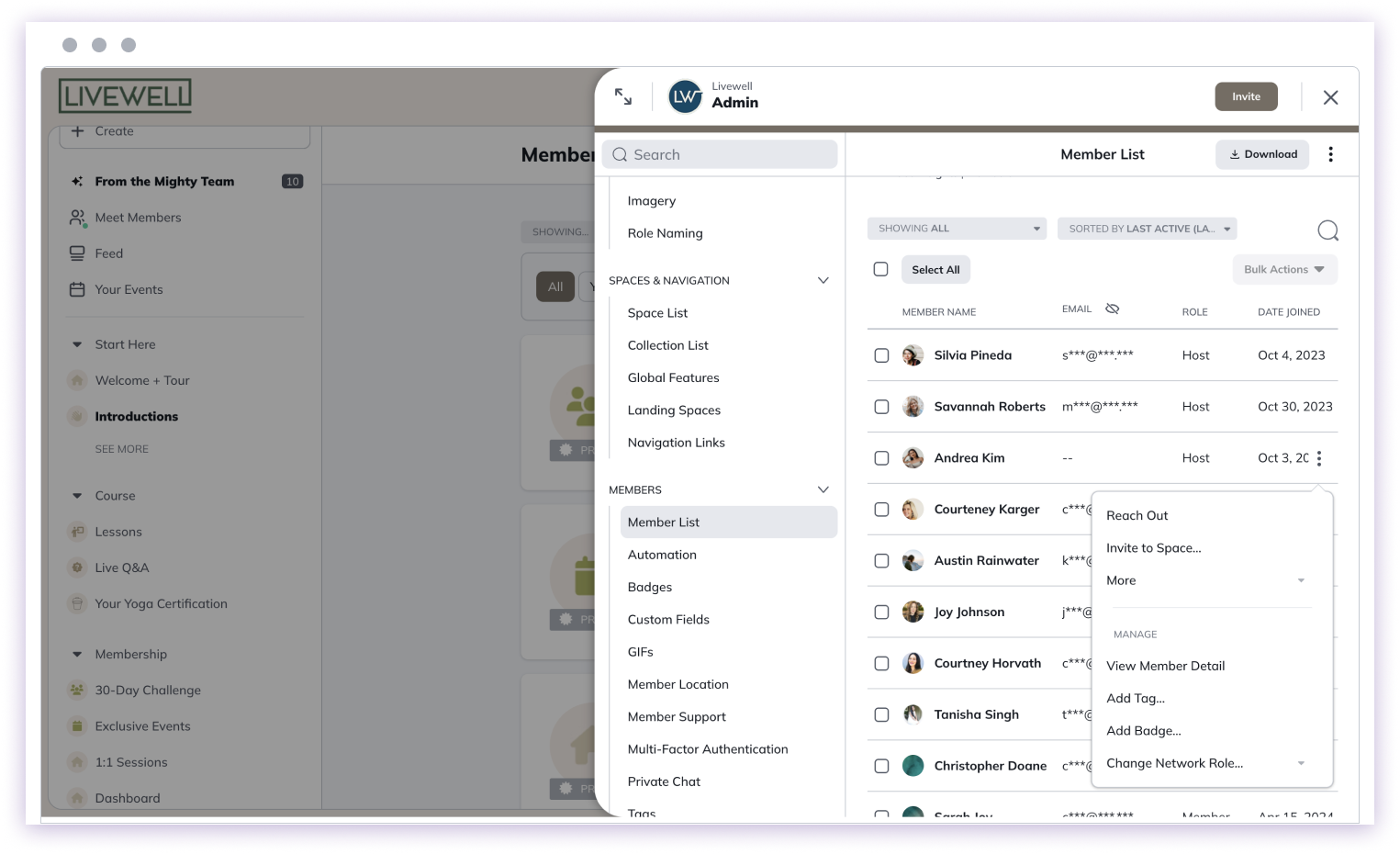
Selecting the three-dot menu next to a member’s name will show you an option to “Reach Out”.
After you toggle AI Features on, move back to the left Admin panel and scroll down to the “Members” heading > click “Member List”.
Selecting the three-dot menu next to a member’s name will show you an option to “Reach Out”.
 This will open a Private Chat with the member.
 Selecting “Suggestion” in the lower right corner will generate a Mighty Co-Host™ message to the member.
 You can either select “Try Again” to generate a new message or edit the one it creates.
The message will draw from your Network’s Big Purpose as well as you and your member’s introduction.
If there are Top Posts in your Network, then the message will include those and prompt the member to check out posts that may interest them.
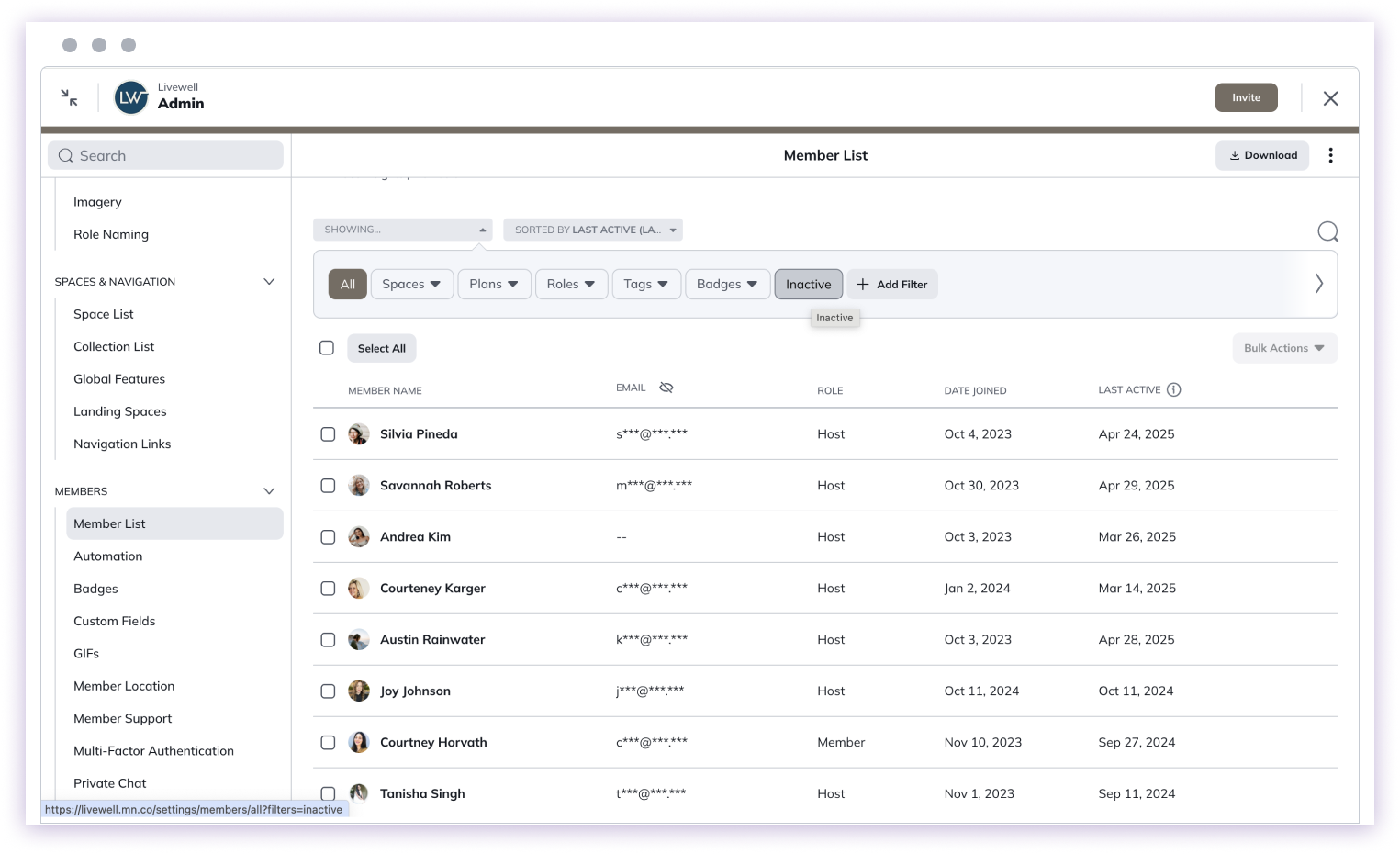
From the Member List, you can also filter by Inactive. This filter will show you members who are the most inactive in your Mighty Network (those who haven’t been back in the last 30 days).
You can also filter by the “Last Active” column.
You can either select “Try Again” to generate a new message or edit the one it creates.
The message will draw from your Network’s Big Purpose as well as you and your member’s introduction.
If there are Top Posts in your Network, then the message will include those and prompt the member to check out posts that may interest them.
From the Member List, you can also filter by Inactive. This filter will show you members who are the most inactive in your Mighty Network (those who haven’t been back in the last 30 days).
You can also filter by the “Last Active” column.