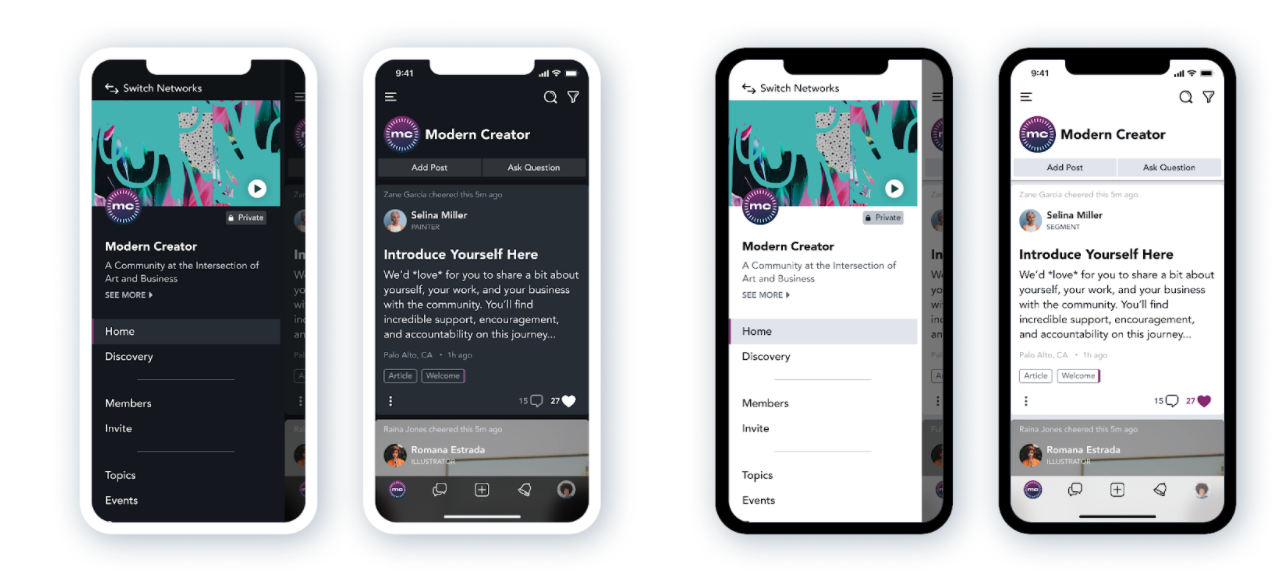
 Members can view your Mighty Network in Light Mode or Dark Mode on both mobile and web.
Mobile App (iOS and Android)
Members using the iOS or Android app will see your Mighty Network in Light or Dark Mode based on their device settings.iOS
Settings > Display & Brightness > AppearanceAndroid
Settings > Display > Dark theme Hosts cannot disable Dark Mode or set a default mode for the entire Network. However, members can adjust their device settings to prevent automatic switching.Web
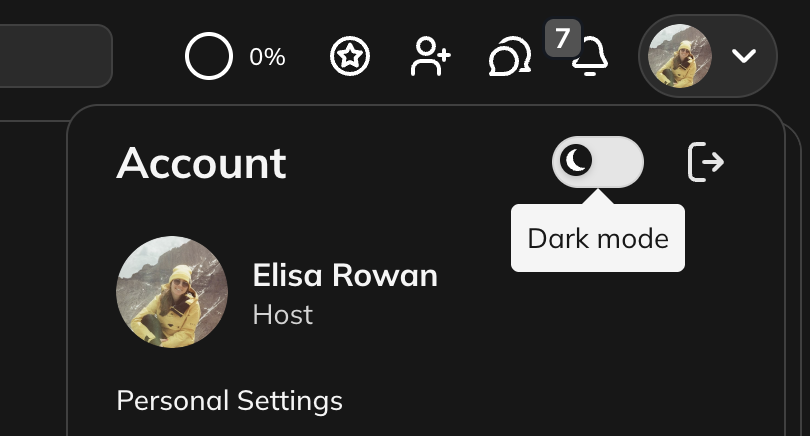
Dark Mode is also available on the web. Members can switch between Light and Dark Mode by:- Clicking their profile icon and toggling the Dark Mode icon, or
- Going to Personal Settings > Appearance and Sounds.