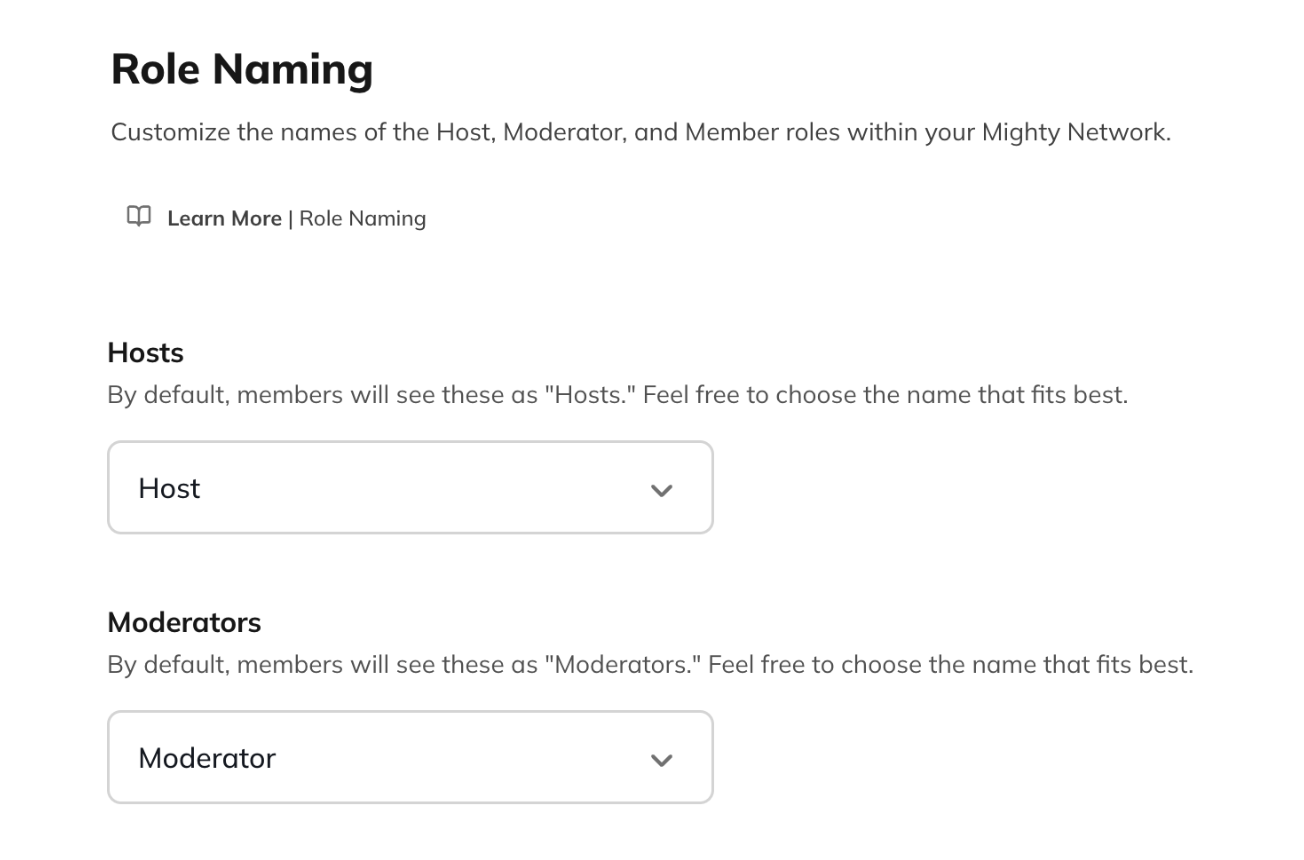
Customize Role Names at the Network Level
To change role names across your entire Mighty Network:- Go to Admin > Branding > Role Naming (on web).
- Choose a name from the dropdown menu or select Add a Custom Name…
- Click Save in the top right corner.
- Singular name (e.g., “Coach”)
- Article name (e.g., “a Coach”)
- Plural name (e.g., “Coaches”)
- Possessive plural name (e.g., “Coaches’”)
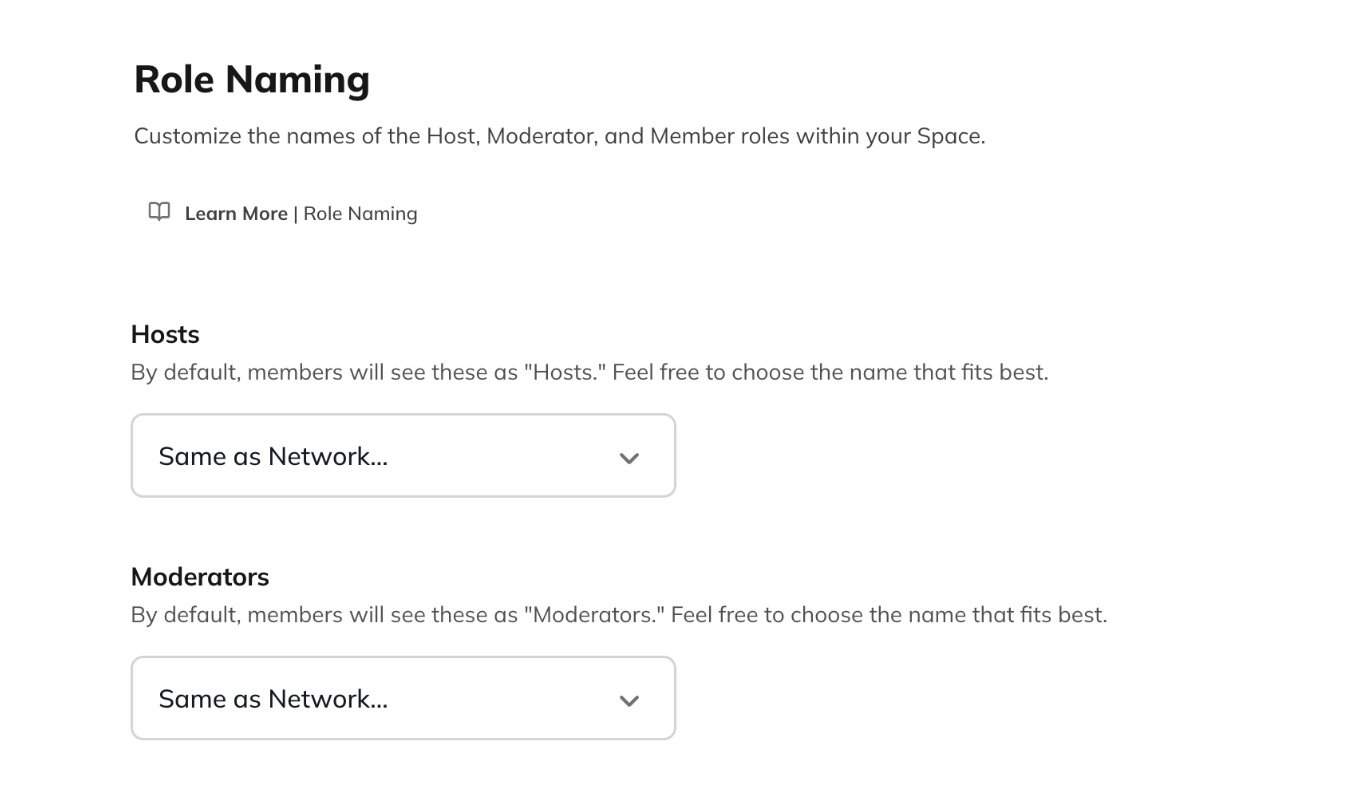
Customize Role Names at the Space Level
You can also set different role names for individual Spaces within your Mighty Network. To do this:- Go to the Space where you want to update roles.
- Click the gear icon to the right of the Space’s title.
- Scroll down to the Space Branding section.
- Select Role Naming.
- For each role, choose one of the following:
- Same as Network (inherits the Network’s naming)
- A name from the dropdown menu
- Add a Custom Name…