

Which Emails You Can Customize
- Network Welcome: Sent to everyone who joins your overall Network, including people who join through a plan that includes overall Network access.
- Daily Digest: Your members’ daily summary of unread notifications.
How to Customize Your Emails
- Go to Admin > Branding > Emails.
- Find the email you want to edit: Network Welcome or Daily Digest.
- Edit the Title (up to 60 characters).
- Edit the Description (up to 200 characters).
- Click Save.
Send Yourself a Sample
Want to see your email before members do? Click the Send Me a Sample button (the paper airplane) next to the email’s name. We’ll send a sample with your saved Title and Description to the email address on your account.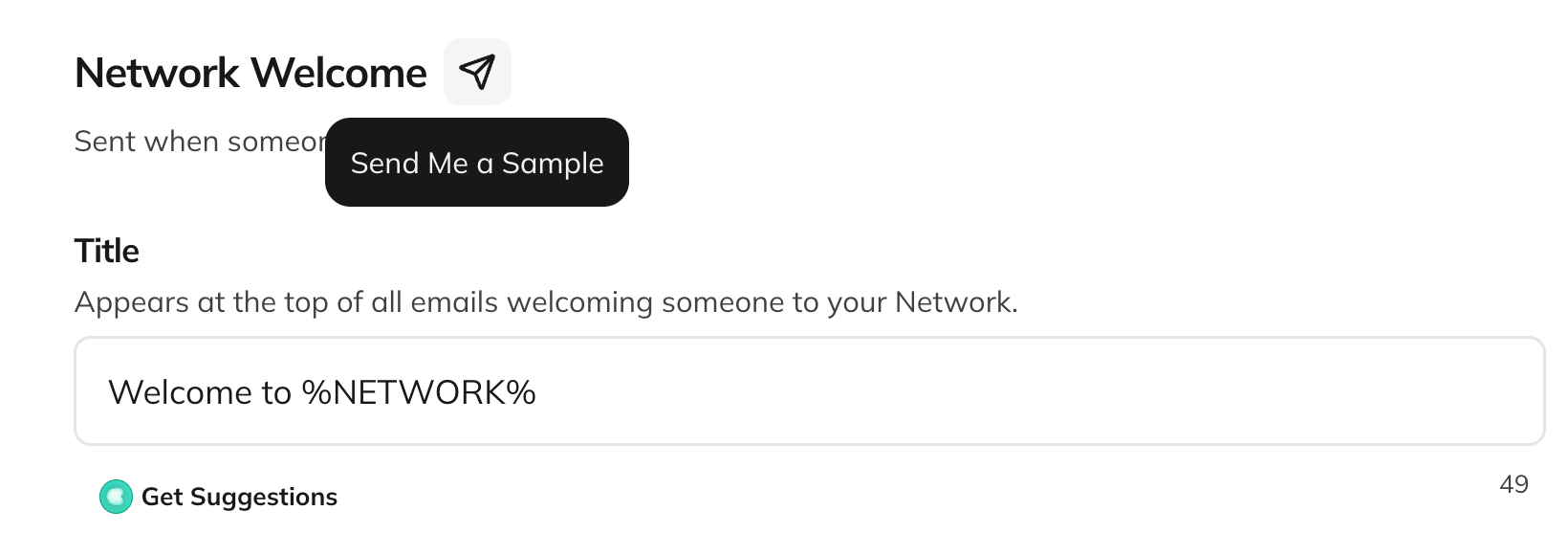
- Save your changes first. The button is turned off while you have unsaved edits.
- You can send up to 10 samples an hour.
- To send a Daily Digest sample, your Network needs some activity from the past week.
- Only Hosts can send samples.
Add Placeholders
Placeholders fill in details automatically when each email sends:- %NETWORK% adds your Network’s name
- %FIRST_NAME% adds the member’s first name
- %DATE% adds today’s date
Add Pictures to the Description
You can add up to 3 pictures to the Description of each email.- Click into the Description field and type /.
- Select the image option and upload your picture.
Default Text
If you leave a field blank, we use the default text:Good to Know
- Email customization is available on the Launch Plan and up. It isn’t available during free trials.
- If your Network moves to a plan below Launch, your emails go back to the default text.
Where to Go Next
- Can I Customize My Email Domain?: Send emails from your own domain, with a custom sender prefix and footer.
- What’s the Daily Digest?
- How Do I Welcome New Members?
- How Do I Set Up My Network Branding?
- Join Mighty Community to share how you’re personalizing your emails with other Hosts.