

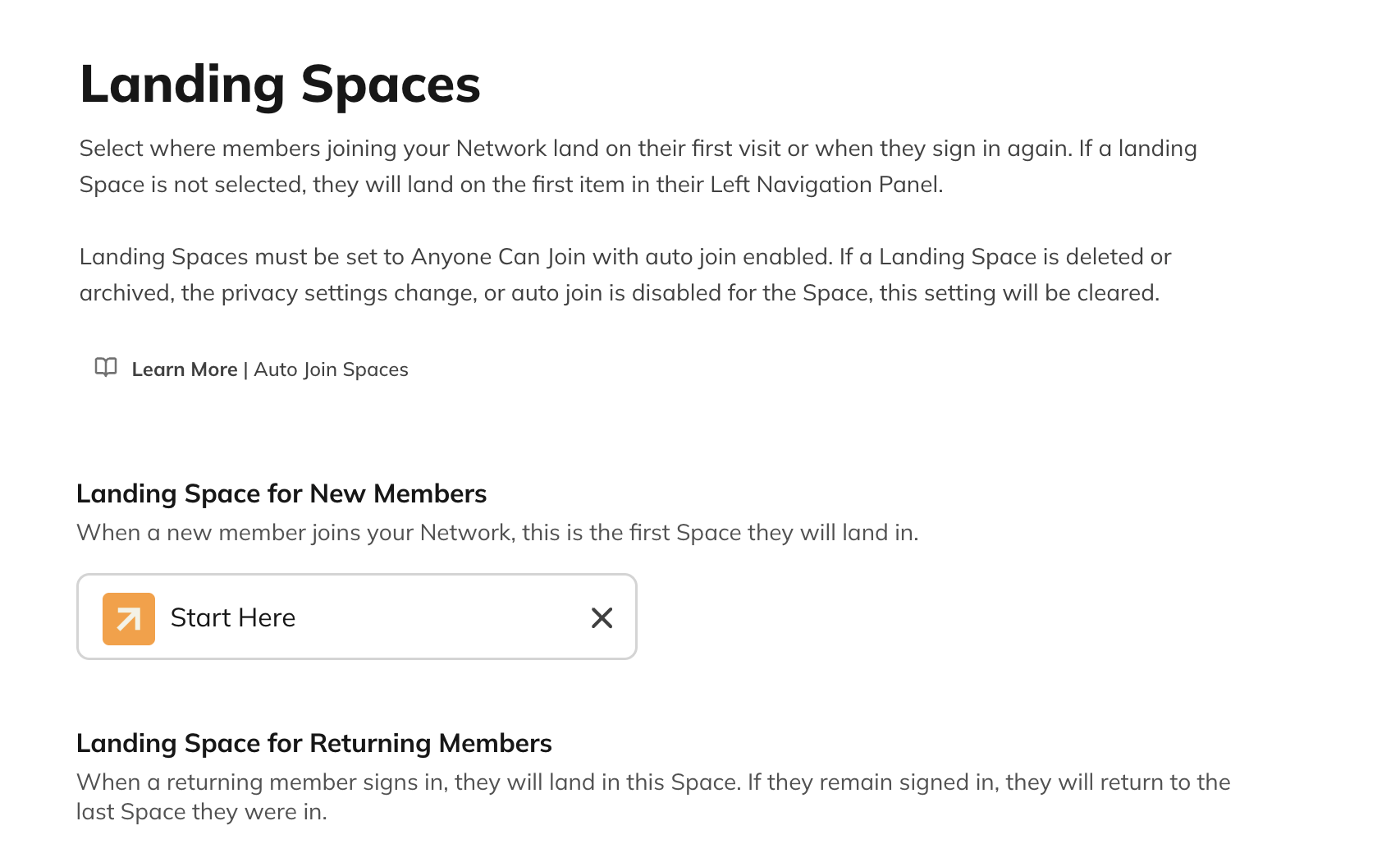
Landing Space for New Members
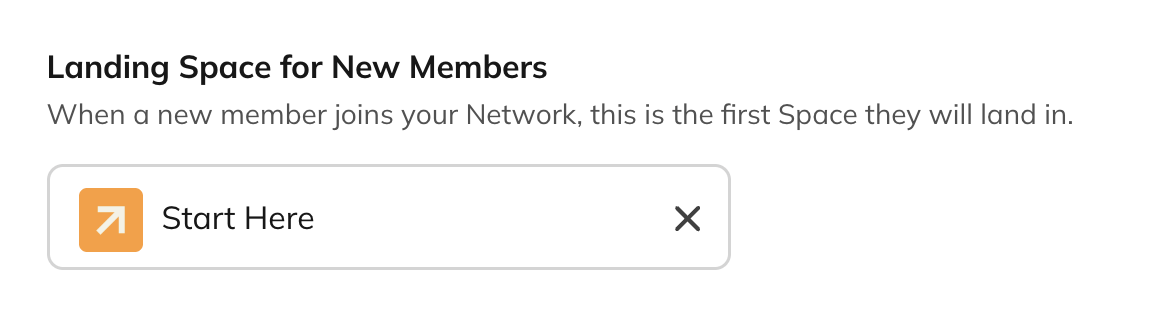 The Space you select is where someone lands the first time they enter your Mighty Network after creating an account.
If a member is invited through a specific Space, they will land in the Space they were invited to instead of the Landing Space for New Members.
The selected Space must be Anyone Can Join and auto join.
The Space you select is where someone lands the first time they enter your Mighty Network after creating an account.
If a member is invited through a specific Space, they will land in the Space they were invited to instead of the Landing Space for New Members.
The selected Space must be Anyone Can Join and auto join.
Landing Space for Returning Members
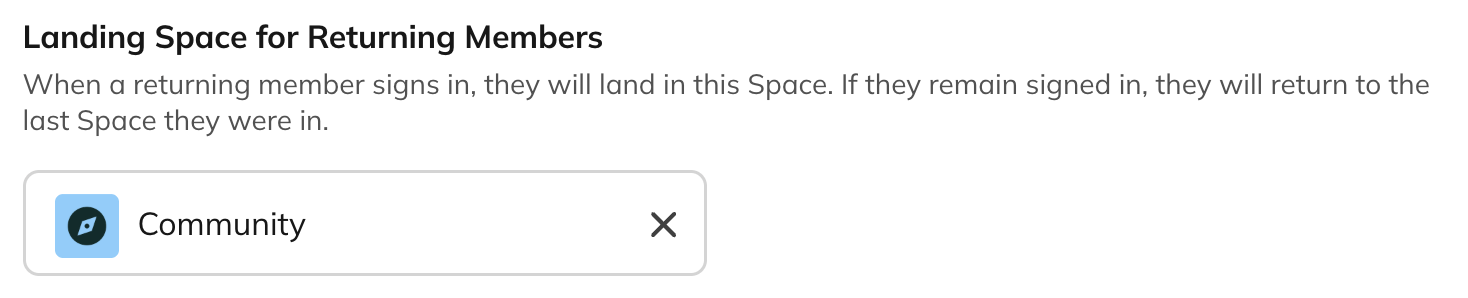 The Space you choose becomes the default Space for:
- Returning members
- Network Hosts, Space Hosts, Network moderators, and Space moderators
Landing Space for Visitors
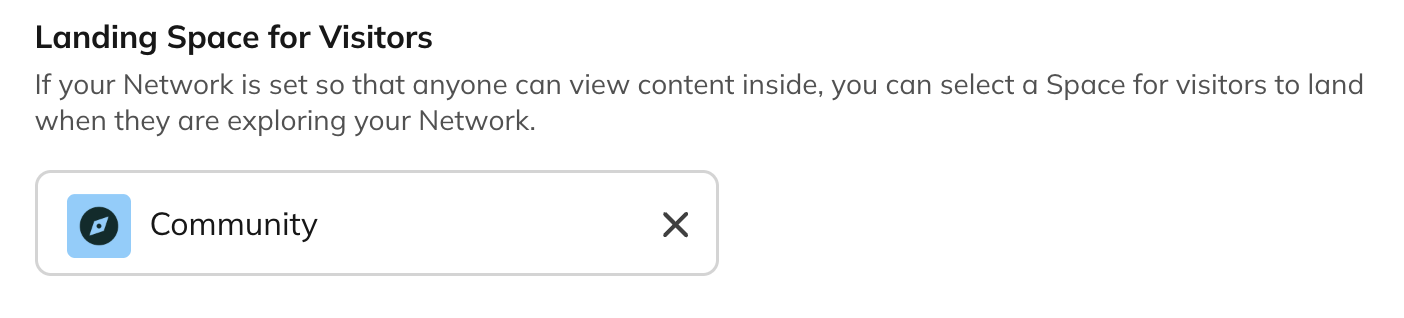 This option appears only in Anyone Can Join Mighty Networks.
The selected Space is where visitors—people who have not created an account—will land when they first view your Mighty Network. The Space must be Anyone Can Join and auto join.
If no Landing Space is set, visitors and returning members will land on the first Global Feature, first joined Space, or first Collection in the Left Navigation Panel.
This option appears only in Anyone Can Join Mighty Networks.
The selected Space is where visitors—people who have not created an account—will land when they first view your Mighty Network. The Space must be Anyone Can Join and auto join.
If no Landing Space is set, visitors and returning members will land on the first Global Feature, first joined Space, or first Collection in the Left Navigation Panel.
Plan Landing Space
If you want to customize the Landing Space for members who join through a plan, you can set it up during plan creation.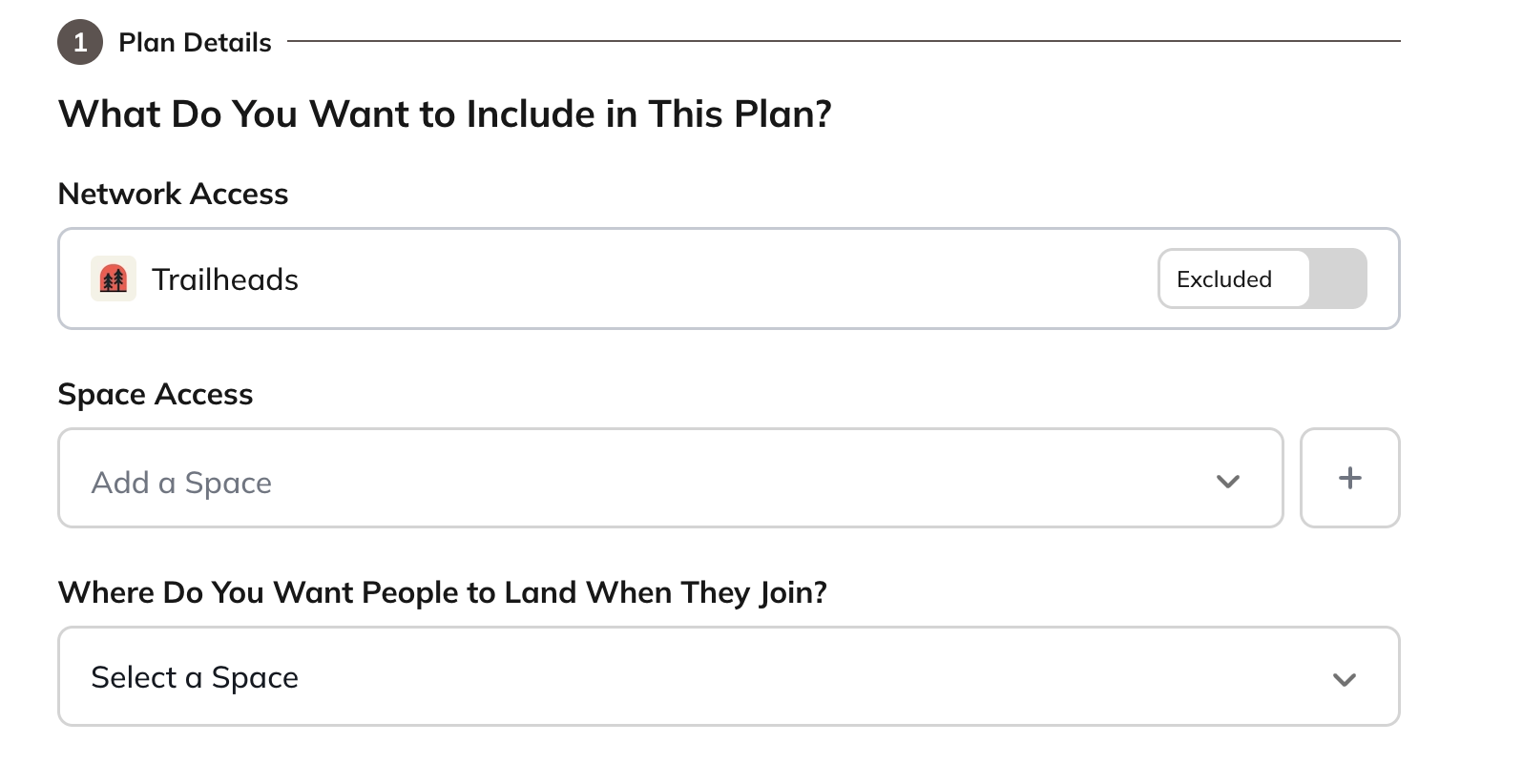 You can also edit this anytime by going to Admin > Plans > Plan List, selecting the plan, and opening the Settings tab. Under Spaces & Audiences, you’ll find the Plan Landing Space setting.