

Your Branded App is built and released by the Mighty team. To request changes to your app’s name, logo, or store listing, contact the Mighty team.
Where Do I Find My Branded App Overview?
From your Mighty Network, go to Admin > Branded Apps > Overview. Here, you’ll see a summary of your app, anything that needs your attention, your install numbers, your release status, and your team at Mighty.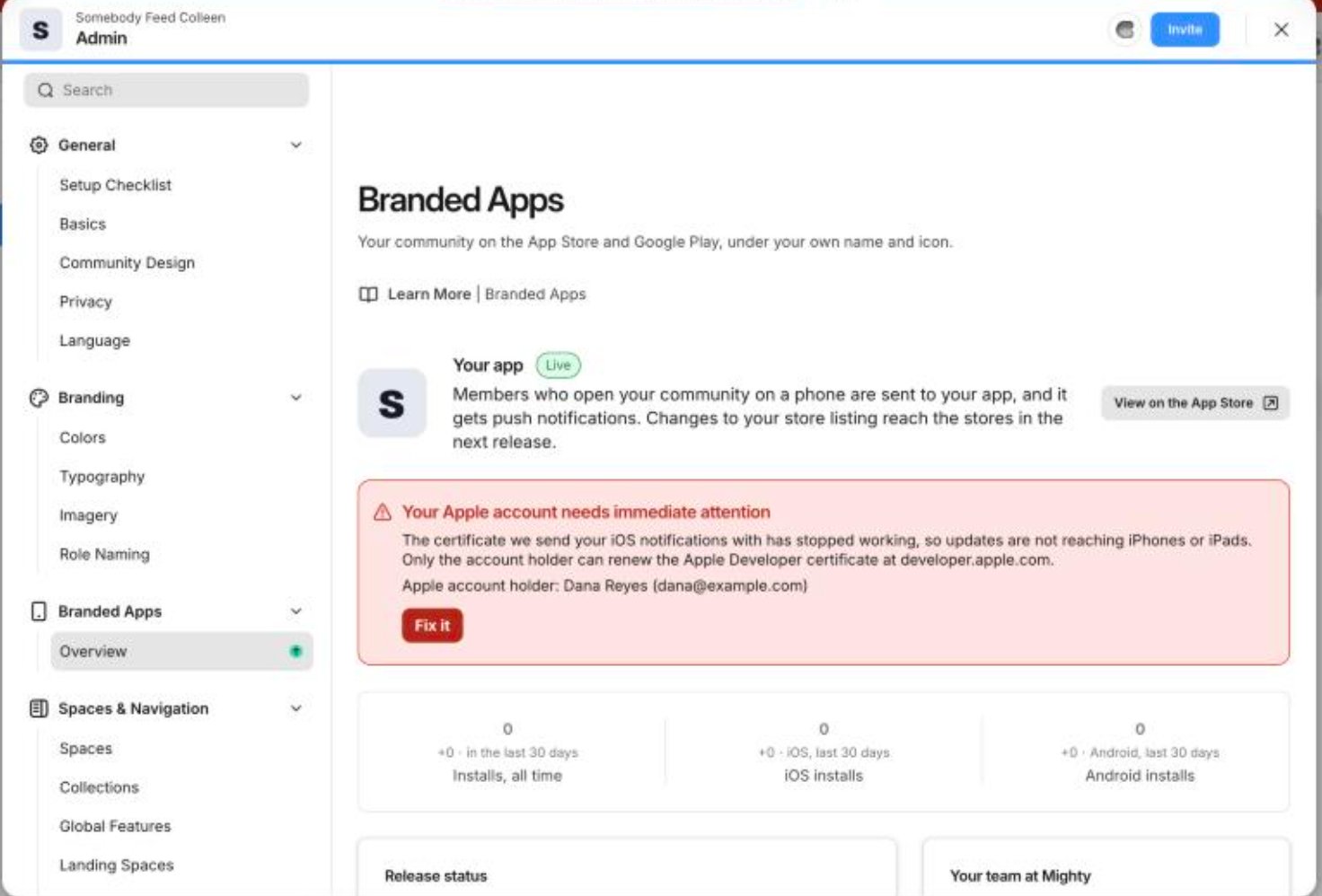
Your App at a Glance
The top of the Overview shows your app’s name, subtitle, status, and how long it’s been live. When your app is live, members who download it receive push notifications and are, on average, 2.5x more active than members who don’t use the app. Select View on the App Store or View on Google Play to open your public listings.
Alerts That Need Your Attention
If something is blocking your app, you’ll see an alert on the Overview. Some alerts also appear as a banner at the top of your network (just for you), so you can spot them from any page. Each alert explains what’s wrong, which Apple developer account it involves, and what to do next. Select Fix it to go straight to where you can fix it.Alerts name the account holder on your developer account. If that’s not you, contact the named person so they can take care of it.
An Apple agreement is waiting for a signature
Apple updates its Developer Program License Agreement from time to time. Until the account holder on your Apple Developer account accepts the latest version, we can’t submit your app or send it an update. To fix this, the account holder named in the alert needs to sign in at developer.apple.com and accept the agreement. Fix it opens developer.apple.com/account.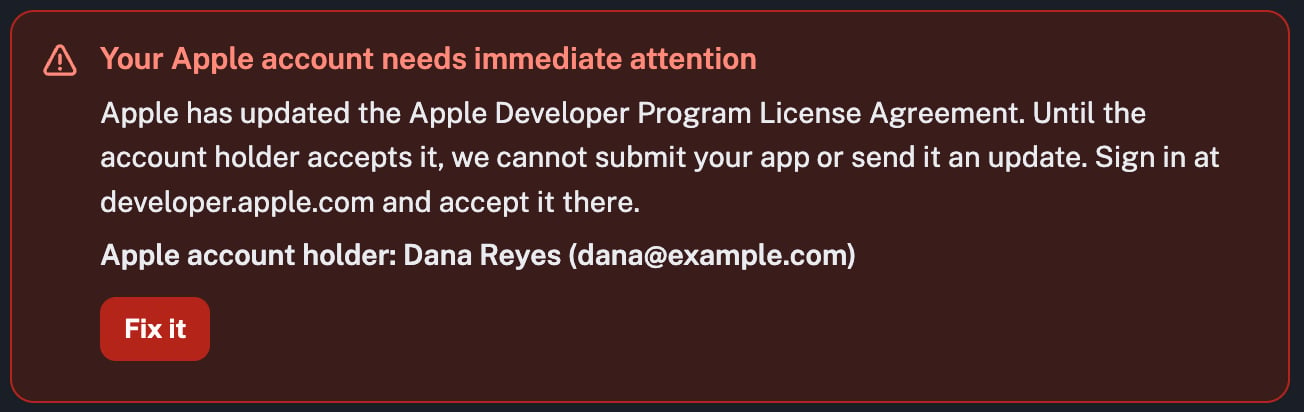
Push notifications are not reaching iOS devices
The certificate we use to send iOS push notifications has stopped working, so notifications aren’t reaching members on iPhones or iPads. We can’t renew the certificate until the Apple agreement above is accepted. Once the account holder named in the alert accepts it at developer.apple.com, we’ll renew the certificate automatically, and notifications will resume.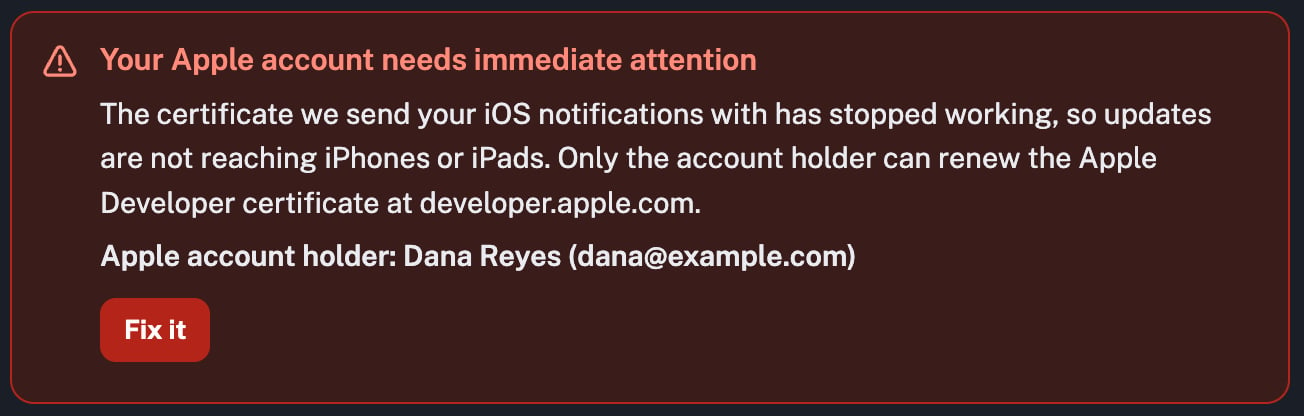
An Apple agreement is waiting for a signature but isn’t affecting releases yet
Your app is currently not receiving updates and will likely begin to notice app functionality breaking unless the named account holder accepts the latest Apple developer agreement at developer.apple.com.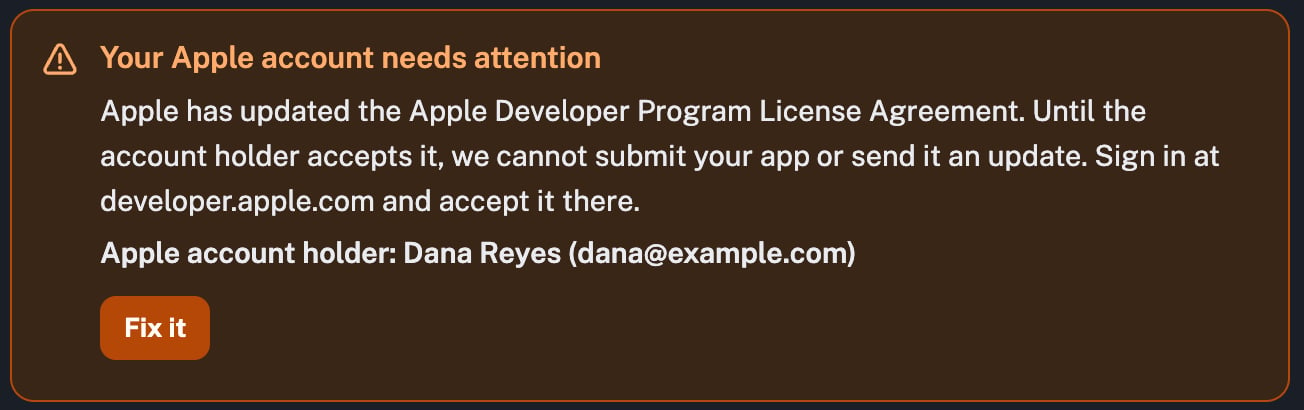
Installs
The Overview shows how many times your app has been installed:- Installs, all time: total installs across iOS and Android.
- iOS installs: installs on iPhone and iPad.
- Android installs: installs on Android devices.

Release Status
Release status shows where your app stands in each store:- App Store: the version live on the App Store, plus any newer version and what it’s waiting on.
- Google Play: the version live on Google Play.
- Push notifications: whether notifications reach members or are blocked on a platform.