

What You Can Do with Quaderno
With Quaderno connected to your Mighty Network, you can:- Automatically calculate and collect taxes based on your configured tax jurisdictions
- Display applicable taxes in the purchase flow on web
- Collect billing addresses from members for accurate tax calculation
- Choose whether to show taxes separately or include them in your listed prices
- Exempt specific purchases, such as business-to-business (B2B) EU VAT transactions
- Access Quaderno’s reporting and notification tools
- Automatically deposit tax amounts into your Stripe account
Setting Up Quaderno
- Go to Admin > Integrations > Quaderno in your Mighty Network.
-
Click Create Account to sign up for Quaderno and purchase a plan.
- Quaderno is not automatically included—you’ll need to create your own account.
- During setup, Quaderno will ask which platform you sell on. Select “None of them.”
- Follow the prompts to connect your Stripe account.
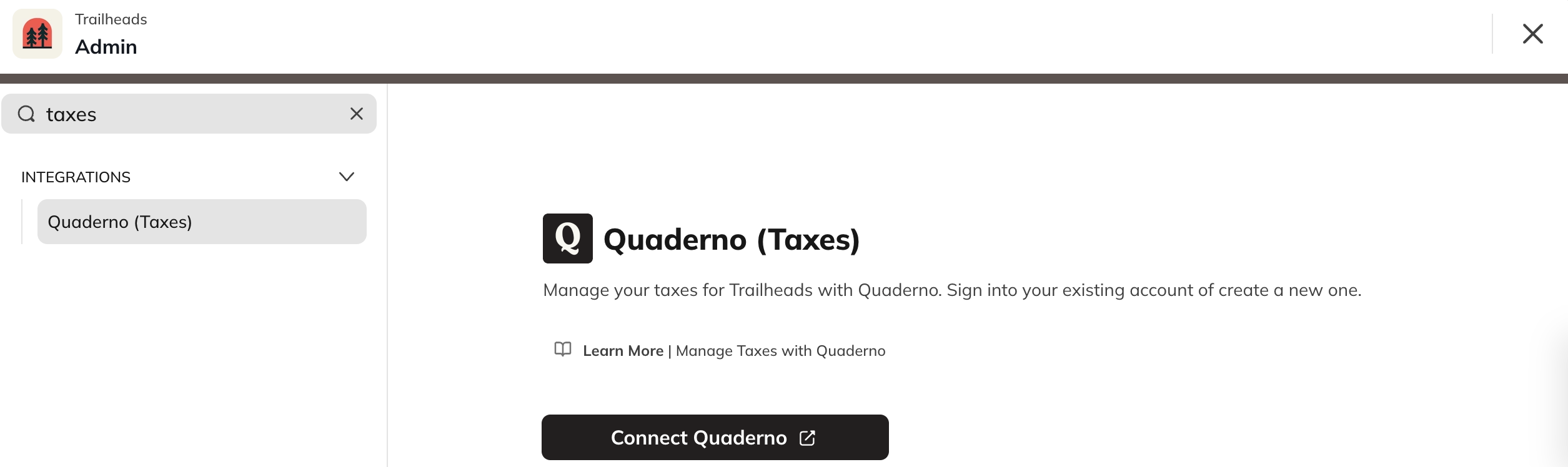
Turning On Tax Collection
After setup:- Go to Admin > Integrations > Quaderno.
- Toggle Tax Collection on.
Optional Quaderno Settings
To ensure ongoing subscriptions stay accurate when tax rates change:- In your Quaderno account, go to Settings > Preferences.
- Check Automatically update Stripe subscriptions.
Collect Member Billing Addresses
During checkout, members are prompted to select their country and enter a zip or postal code.This data allows Quaderno to determine the applicable tax rate for each purchase. If you choose to collect full billing addresses:- Members must enter their billing address before completing a purchase.
- Returning members will be prompted to provide an address for any new transactions.
- Members can update their address anytime under Personal Settings > Account > Billing Information.
Use Inclusive Taxes
If you’d like taxes to be included in your displayed prices (instead of added at checkout), you can enable Inclusive Taxes in Quaderno. When active, Quaderno will:- Detect the applicable tax rate
- Deduct the tax amount from the total paid
- Record the tax automatically in your Quaderno reports
Tax-Exempt Purchases
Quaderno supports tax-exempt validation for specific jurisdictions. Members in these regions can enter a valid tax ID during checkout to exclude taxes from their purchase. Supported jurisdictions include:- European Union (EU VAT)
- United Kingdom (VAT)
- Australia (ABN)
- New Zealand (NZBN)