

Reset Your Password
- Go to the Sign In page for your Mighty Network.
- Select Forgot password? below the Password field.
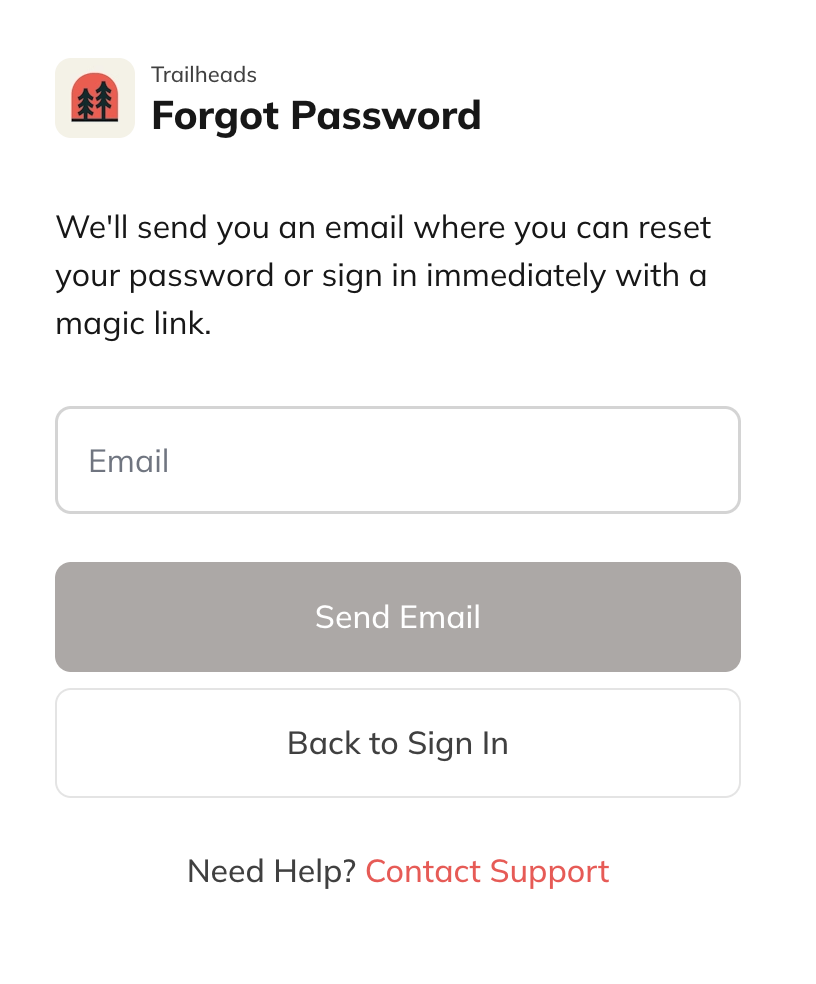
- Enter the email address associated with your account and select Send Email.
Not Seeing the Reset Email?
- Check your spam or junk folder.
- Make sure you’re using the same email tied to your Mighty Networks account.
- Confirm your account is part of a Mighty Network and not an external platform connected to it.