

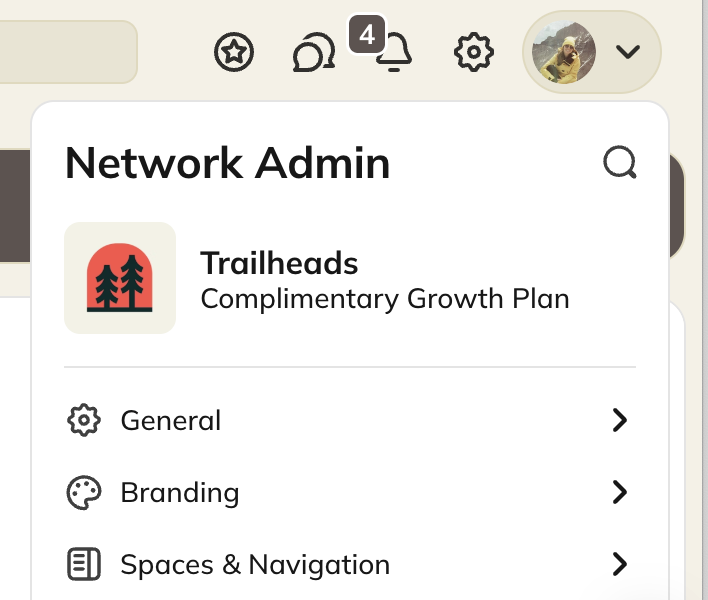
- Setup Checklist
- Basics:
- Network Name, description, and tagline
- Community Design
- Privacy
- Language
- AI Features: our suite of AI features that help you and your members with content creation, profile assistance, course outlines, and more.
- Spaces
- Create and manage Spaces
- Collections
- Create and manage Collections
- Global Features
- Landing Spaces
- Choose what Space new and returning members land in
- Pinned Links
- Members
- Welcome new members
- Message all members
- Download your member list (Launch plan and up)
- Custom Fields
- Tags
- Member Settings
- GIFs
- Member Location
- Member Support
- Multi-Factor Authentication
- Email Verification
- Private Chat: turning off the ability for members to direct message each other.
- Ambassador program
- Invites
- Automations
- Logs
- Plan List
- Create and manage Plans
- Promo Codes
- Currencies
- Income Reports
- Past Due Members
- Mighty API (Scale Plan and up)
- Webhooks
- Affiliate Programs
- Email Domain (Growth Plan and up)
- Network Domain
- Google Analytics
- Kit
- Marketing Pixels
- Quaderno Taxes
- Single Sign On (Growth Plan and up)
- Stripe (Payments)
- Zapier
- Zoom
- Your Plan
- Where you can easily see your feature and storage usage
- Change Plan
- Where you can upgrade or downgrade your plan