

How to Update Your Subdomain
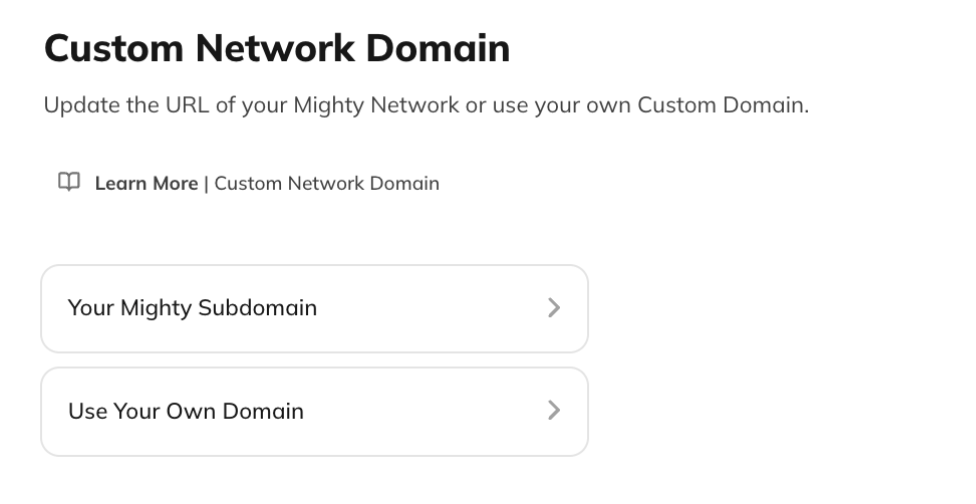
To change the subdomain for your Mighty Network:- Go to Admin > Integrations > Custom Network Domain.
- Under Your Mighty Subdomain, select Edit Subdomain.
- Enter your new subdomain and save your changes.
Ask Cohost to Change Your Subdomain
You can also ask Cohost to change your subdomain for you—for example, “Change my web address to my-cool-community.” Cohost will:- Check that the requested address is available.
- Show you the full new web address (e.g.
my-cool-community.mn.co) and ask you to confirm. - Warn you that links to your old address will keep redirecting for about 30 days before breaking permanently.
- Apply the change only after you confirm the exact address.
Important Notes About Changing Your Subdomain
- When you change your subdomain, any existing links or bookmarks to your old subdomain will no longer work.
- We recommend updating your subdomain only once—ideally while you’re still setting up your Mighty Network.
- If you want old links to continue working, consider setting up a custom domain instead. Learn more in Can I Use My Own Web Domain with Mighty Networks?