

You can control how people discover, join, and engage in your Mighty Network. The settings below let you customize your Network for anything from an open community to an exclusive, gated experience.
To configure your Network’s privacy settings, go to Admin > General > Privacy — the direct path is
/admin/privacy.
Here you’ll decide:
- How people join your Network
- Who can view content inside your Network
- Who can find your Network
Network-Level Privacy
To configure your Network’s privacy, go to Admin > General > Privacy and decide the following:How Do People Join Your Network?
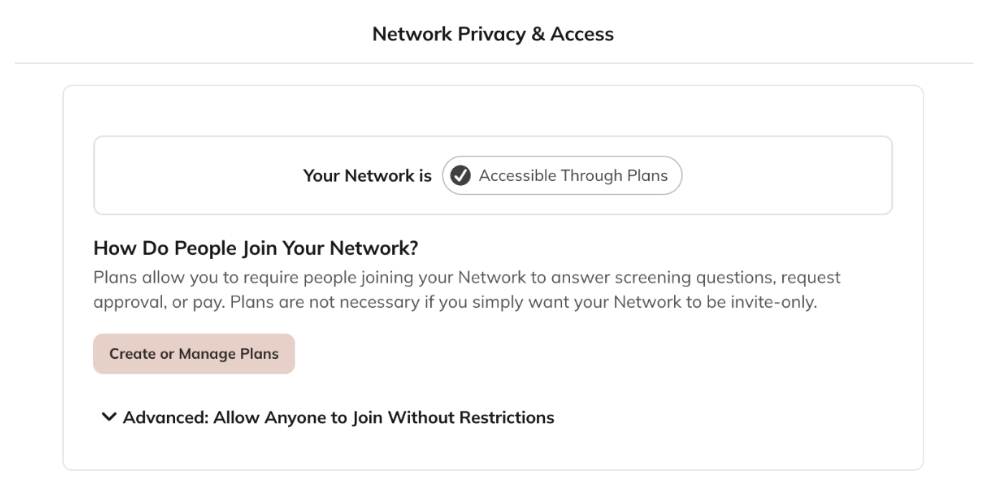
- Accessible Through Plans
- Invite-Only
- Anyone Can Join
- Pay
- Answer questions
- Request approval
- Invite-Only — Best if you want to tightly control access by sending invites (one-time or multi-use) without requiring payment, approval, or screening questions.
- Anyone Can Join — Best for fully open Networks where anyone can join without restrictions. We don’t recommend this option for most Networks since anyone on the Internet will be able to join and participate.
Who Can View Content Inside Your Network?
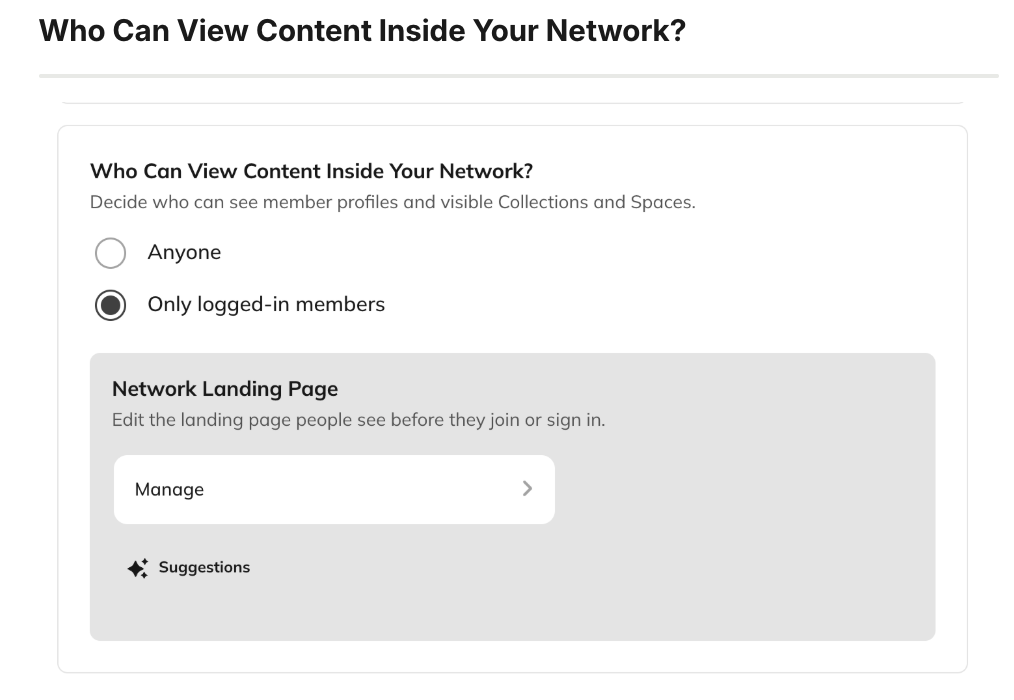
- Anyone (including visitors and logged-out members) — Ideal for Networks that are Accessible Through Plans, since it allows public previews while gating participation.
- Only logged-in members — Ideal for private Networks that want all content visible only to members.
Who Can Find Your Network?
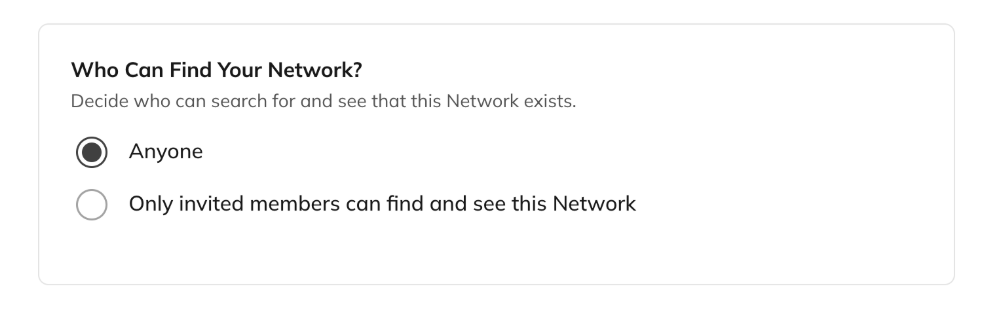
- Anyone — Your Network appears in Mighty search and app discovery, and can be indexed by search engines. Best if you want your Network to be discoverable.
- Only people who are invited — Your Network is hidden from search, not listed in discovery, and cannot be indexed. Best for private or exclusive communities.
Who Can Invite People to Join Your Network?
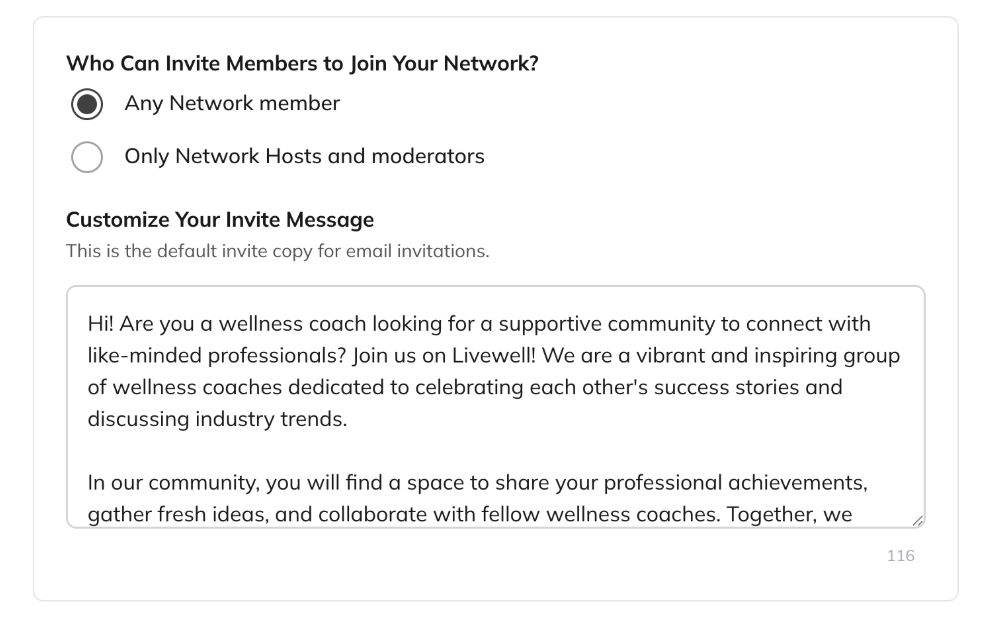
- Any Network member
- Only Network Hosts and moderators
Search Engine Indexing
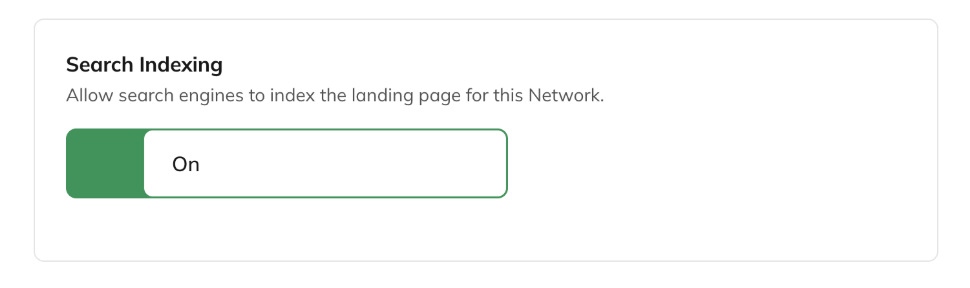
- If your Landing Page is enabled, decide whether search engines can index it.
- If anyone can view content inside your Network, decide whether search engines can index that content.