

- French
- Spanish
- Brazilian Portuguese
- German
- Italian
- Dutch
How to Set the Default Language for Your Network
As the Host, you’ll be able to set a default language that will act as a fallback for first-time visitors and members on web, who:
- Don’t have a preferred Language set on web and
- Whose browser language is not supported (English, French, Spanish, Brazilian Portuguese, German, Italian, Dutch).
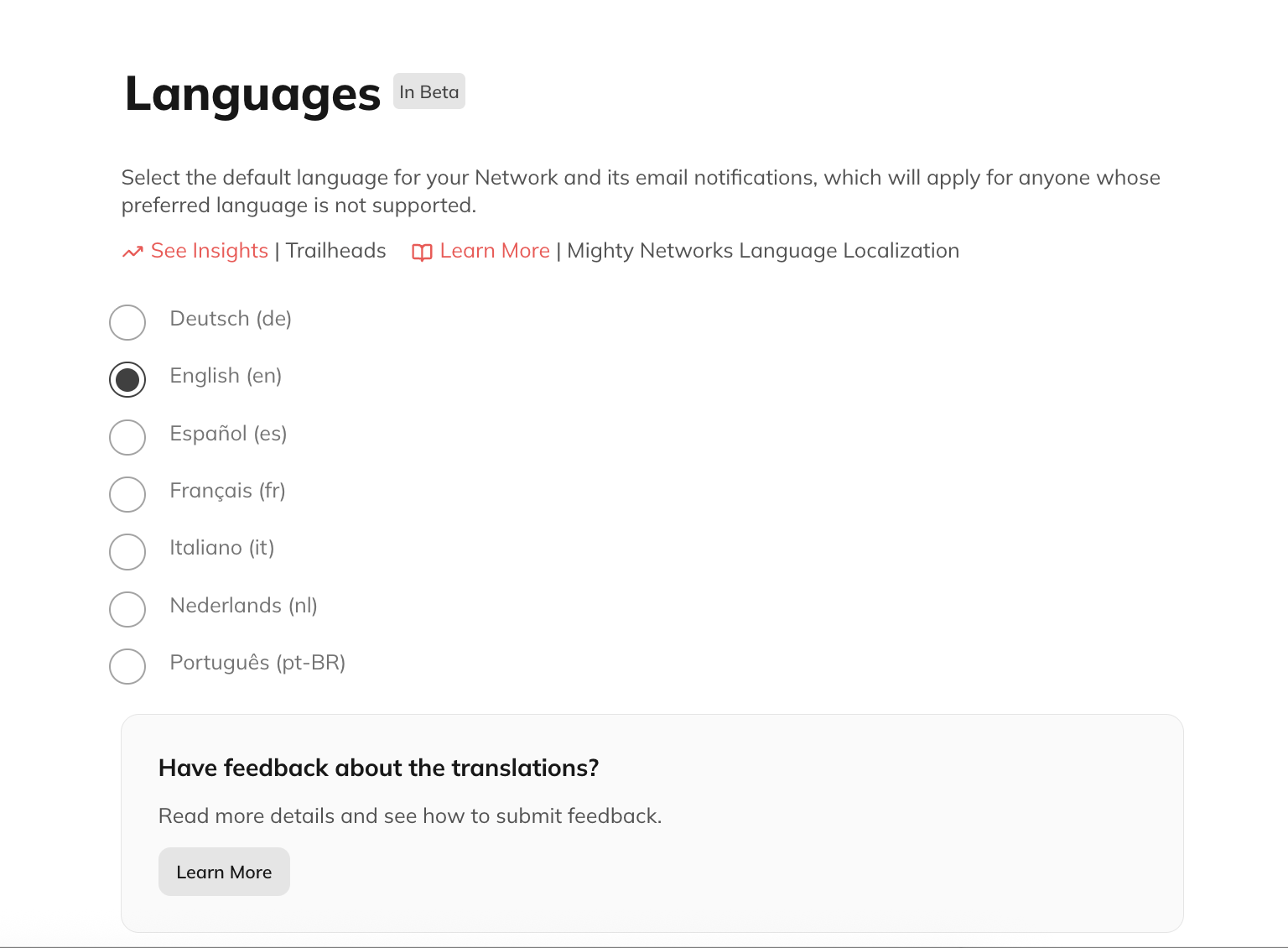
How Members Set Their Preferred Language
Members can control what language they see by setting their preferred Language on web, and their App Language on mobile. Web This setting (optional) determines the language your members see your Mighty Network in, on web, along with the language used for their notifications and notification emails. It does not control the language they see in the app. It is an optional setting for members but, if set, we will respect it over the default Language you set as a Host. Members can change their Language anytime on web > Personal Settings > Language By default, the app uses the device’s language (when supported). Members can change this at any time by updating their App Language in their mobile settings. Email, push notifications, and in-app notifications use the Member Preferred Language, which can only be set on the web. This setting is separate from the App Language. You can share this help center article with your members.What Language People See
On Web Whenever someone views your Network on web, we choose what language to display in this order:- The language they have set as their preferred Language in their Personal Settings on web
- The language they have set as their browser language on web (if English or a supported non-english language)
- The default Language for the Network
- English
- The App Language
- The device language (if English or a supported non-English language)
- English
Localization FAQs
What about [insert your favorite language here]?
We’ll be evaluating demand and interest for other languages and will make sure you have the chance to let your voice be heard!Right-to-left languages, like Arabic and Hebrew, have additional complexities so we can’t promise they will come quickly. But still—let us know what other languages you’re looking for, we’ll see what we can do