

How Free Trials Work
A Free Trial gives members temporary access to your plan without being charged. When someone starts a Free Trial, they’ll enter their credit card information, but they won’t be billed until the trial ends. Members get a reminder before their Free Trial ends:- 3-day trials: 1 day before the trial ends
- All longer trials: 3 days before the trial ends
How to Set Up a Free Trial
- Go to Admin > Plans > Plan List.
- Create a new subscription plan or edit an existing one.
-
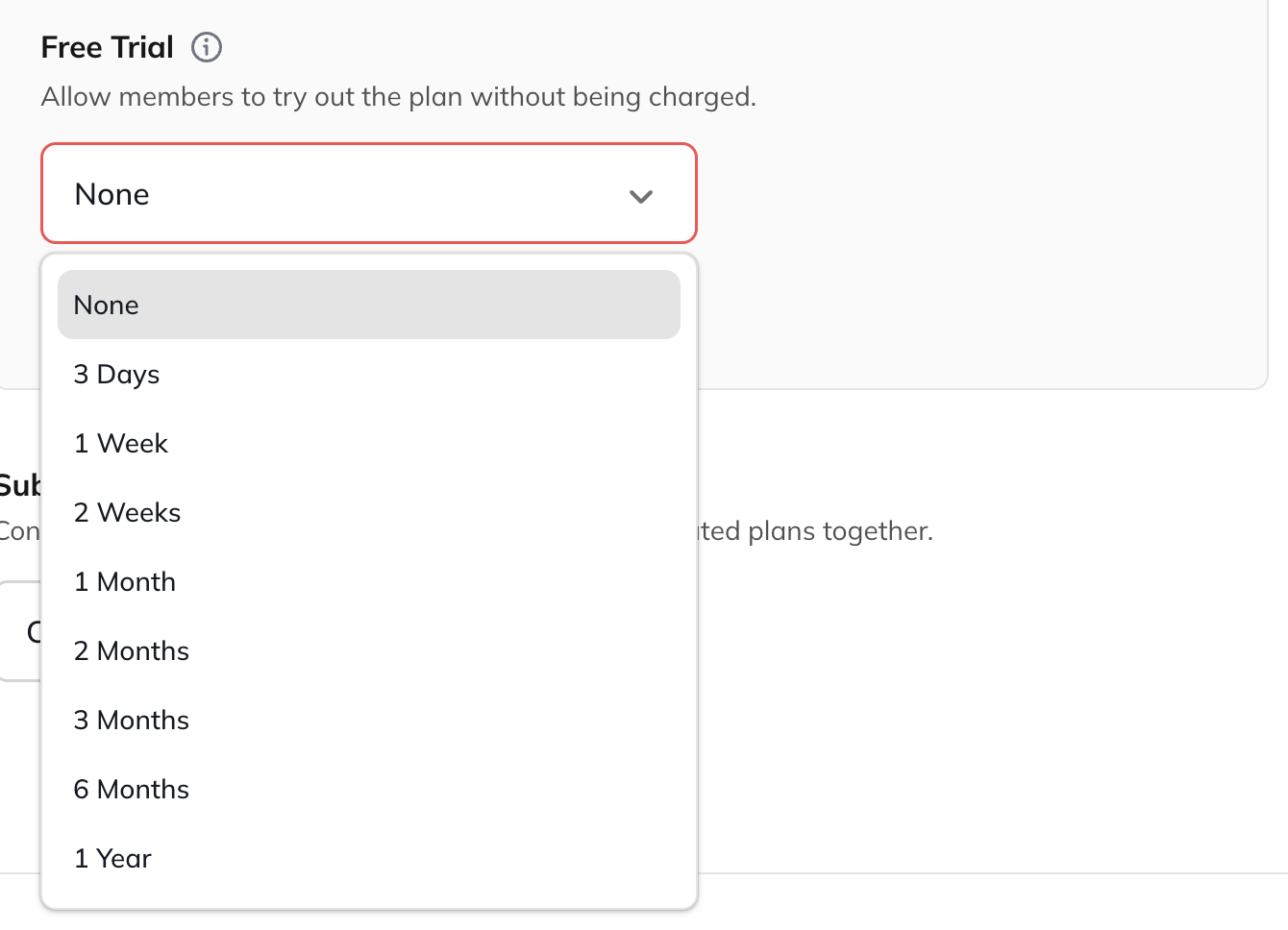
When prompted, select a Free Trial length. Available options include:
- 3 days
- 1 week
- 2 weeks
- 1 month
- 2 months
- 3 months
- 6 months
- 7 months
- 8 months
- 9 months
- 10 months
- 11 months
- 1 year
How to Remove or Change a Free Trial
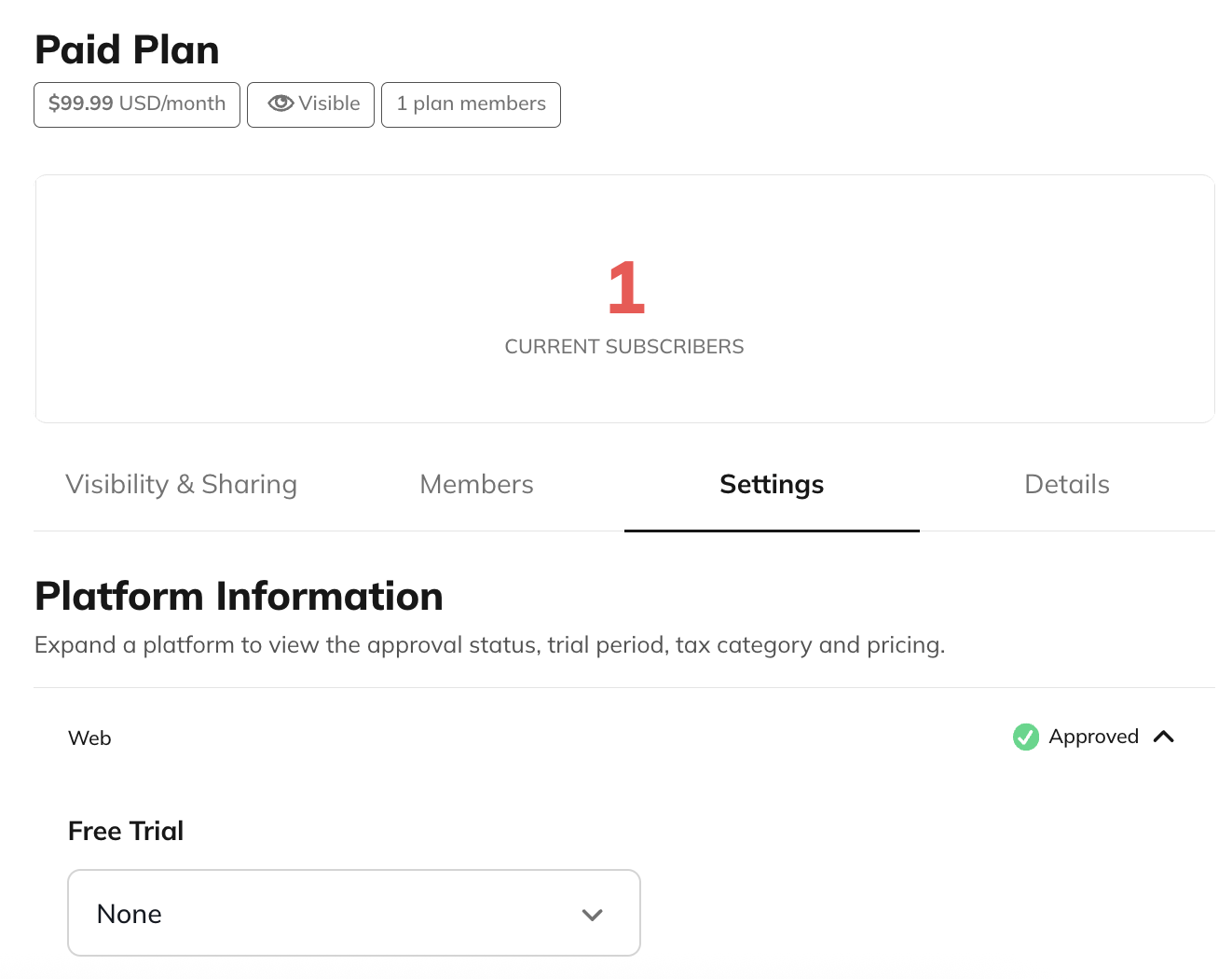
To update the Free Trial on an existing subscription plan:- Go to Admin > Plans > Plan List > Select the Plan > Settings > Platform Information.
- Open each platform (Web, iOS, Android) to update its Free Trial duration.
- To remove a Free Trial entirely, select None.
Managing Failed Payment Methods After a Free Trial
If a member’s payment method fails at the end of their Free Trial:-
On web purchases, they receive a 14-day grace period.
- Stripe automatically retries the payment according to the retry settings configured in your connected Stripe account.
- If payment still fails once the grace period ends, the member loses access.
-
On iOS purchases, the grace period is 16 days.
- Apple handles all retries and notifications through the App Store.