

Understanding Your Chat Messages
In your chat conversation list, you may see:- Private and group chats (direct messages with one or more members)
- Space chats (conversations happening inside a Space)
- Chat replies (responses to messages in any chat type)
Three-Dot Menu Options
From Your Conversation List
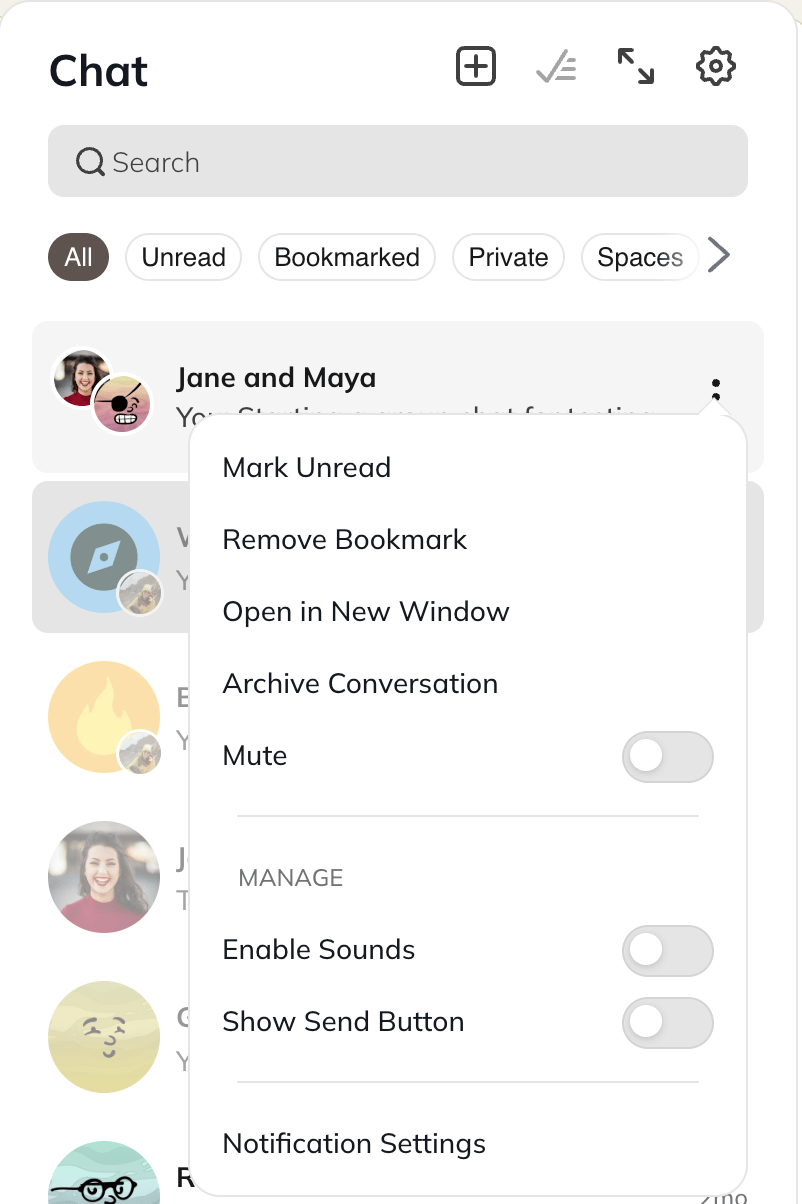
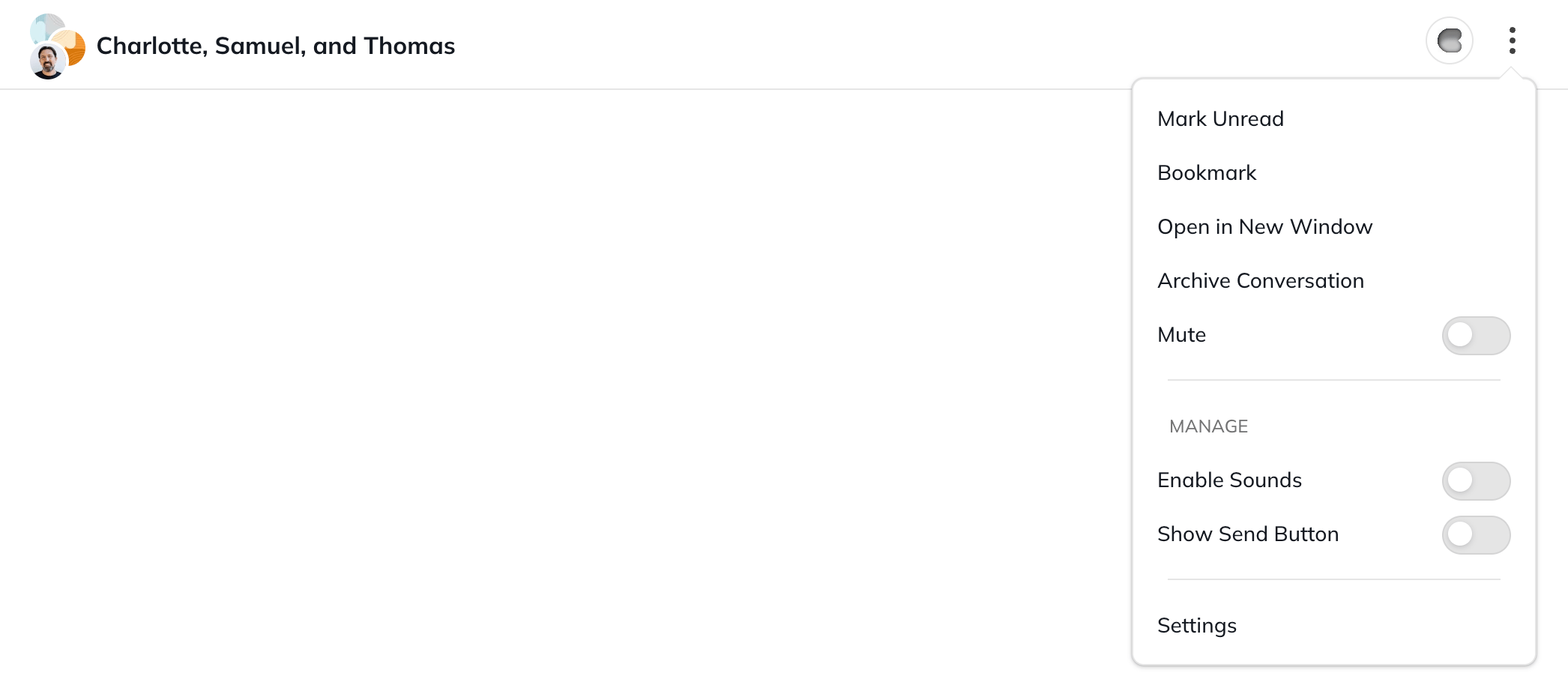
In the three-dot menu next to any conversation, you can choose to:- Mark it read or unread
- Bookmark it
- Open it in a new window
- Mute it
- Enable sounds
- Show the send button
- Access your notification settings for your account
- When you mute a conversation:
- You won’t receive unread indicators on the chat icon or in your left navigation.
- The conversation will stay muted until you choose to unmute it.
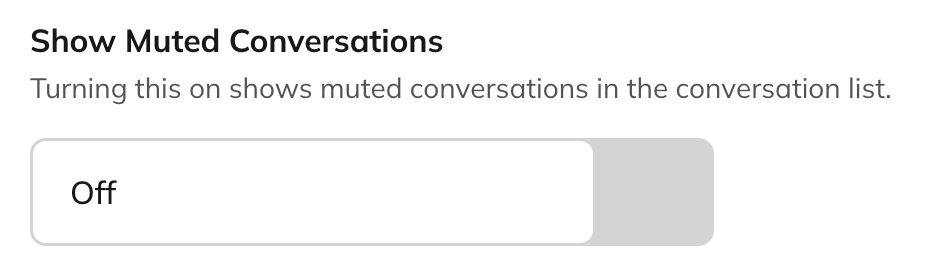
- If you would like to remove seeing muted conversations in your chat list, head to Personal Settings > Chat and toggle off the option there
- When you bookmark a conversation:
- You will be able to find it in your “Bookmarked” filter
Chat Management Options
Filters
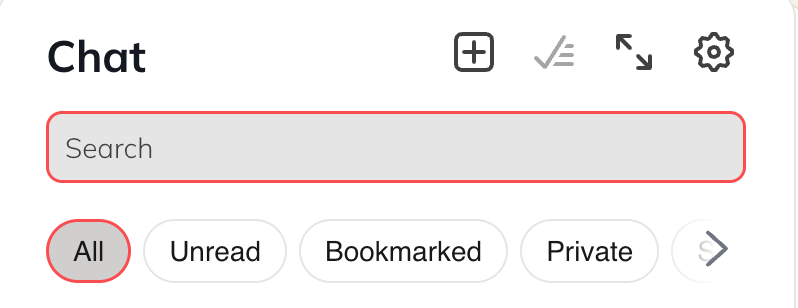
Select a filter to view only the messages that match that category.- All
- Unread
- Bookmarked
- Private
- Spaces
- Muted
Mark All as Read
This will clear all new notifications in your chat list.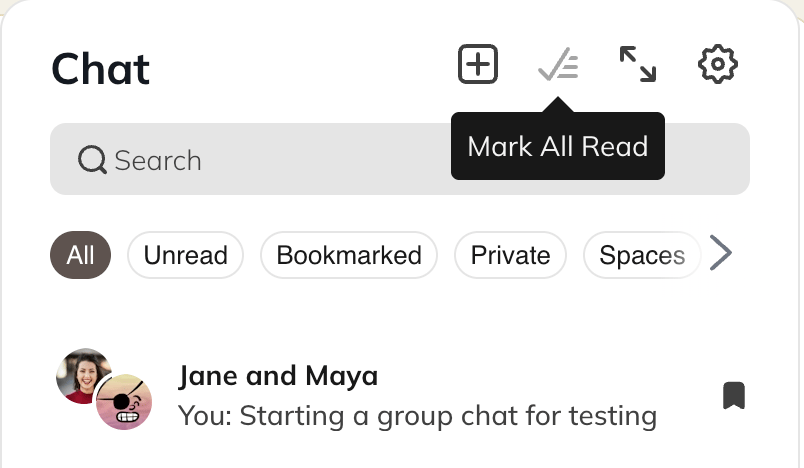
Mark Individual Threads as Unread
This will mark individual chat messages as unread.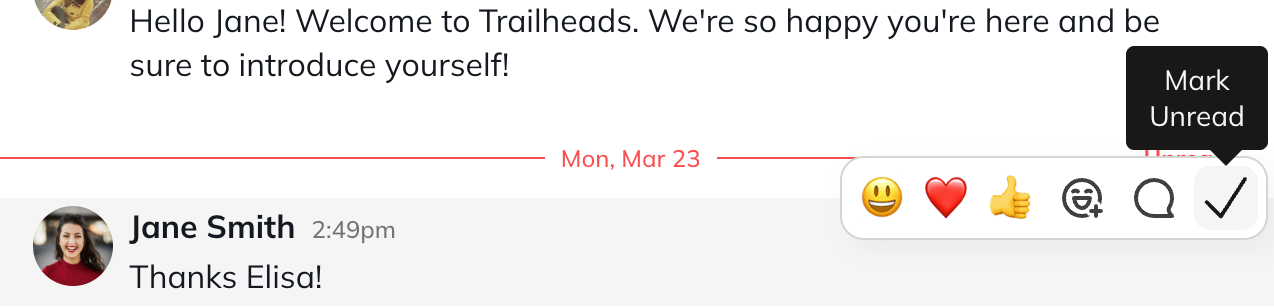
Manage Chat Settings
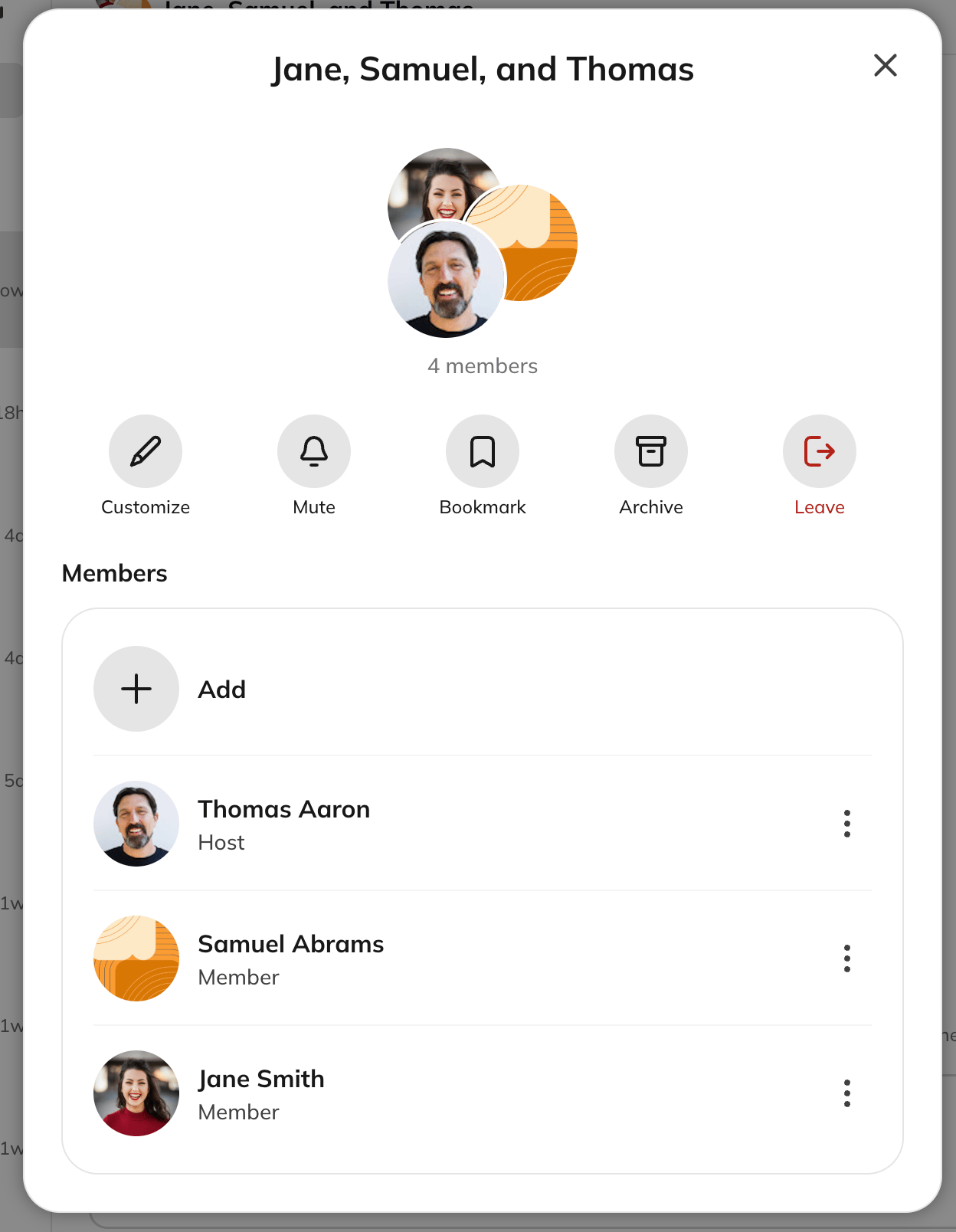
- Click on the three dot menu > Settings to see options to:
- Customize the name of the chat
- Add/remove people
- Mute the conversation
- Bookmark the conversation
- Archive the conversation
- Leave the conversation
- Any participant can do this, including in a 1:1 chat.
Chat Notifications
Muting a conversation stops all notifications for that chat. To change how you receive notifications, go to: Personal Settings > Notifications For more details, see our notifications article.Modifying How Messages Are Sent
You can choose whether your private chat messages send when you press Enter or when you click a Send button.- Click the chat icon in the upper-right corner.
- Click the gear icon.
- Toggling the Show Send Button on means you have to select “Send”
Archiving Chat Conversations
Archiving hides a conversation from your list. It reappears on its own if someone sends a new message. There’s no separate unarchive button—you bring an archived conversation back by starting it again:- Group or multi-member chats: Start a new chat with the same members. Selecting Start Chat picks up your existing conversation and its full history rather than starting fresh.
- 1:1 chats: Go to the member’s profile and select Chat.