

Chat with Cohost
In the upper right corner of your Mighty Network on web, you’ll find the Cohost icon next to your personal settings.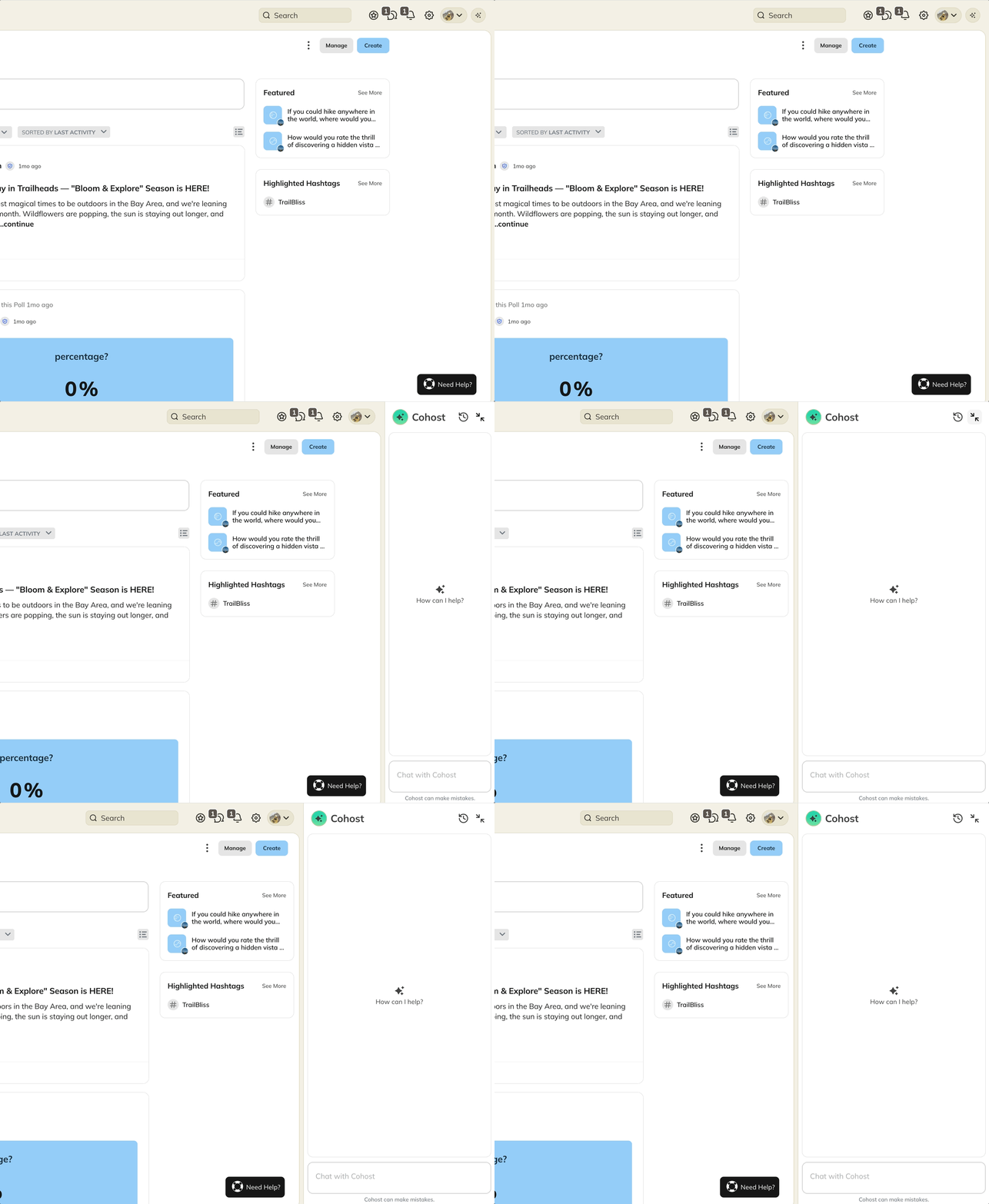

- Clock icon — Your conversation history and updates from the Mighty team
- Close icon — Closes the Cohost panel

What you can do with Cohost
Cohost helps you take action and move faster. Here’s what it can do today. For actions that need confirmation, you’ll see an approval card first — more on that below.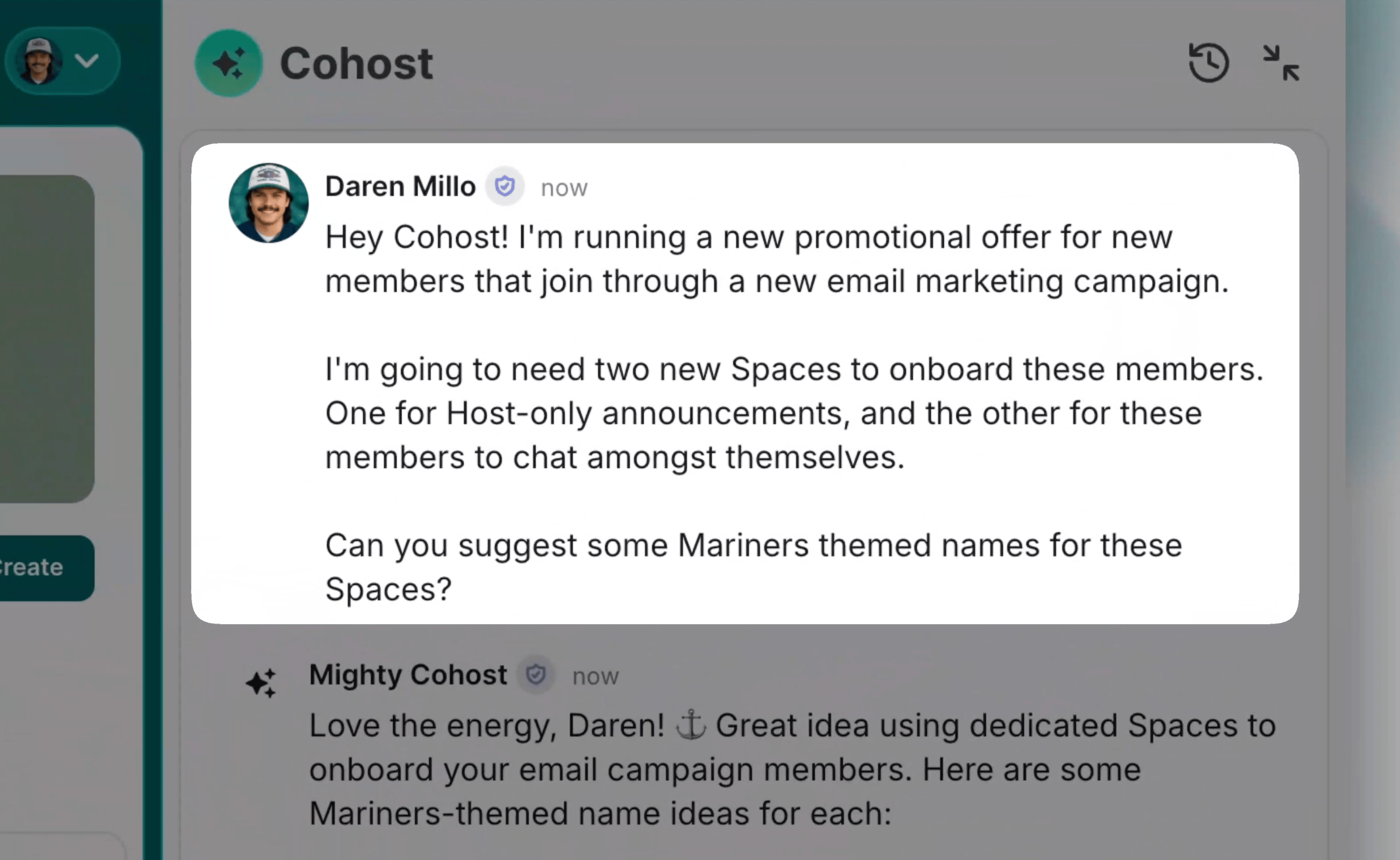
Create and set up
- Spaces — Create new Spaces using available templates
- Collections — Create Collections and add new Spaces to them
- Rename — rename existing Spaces and Collections, your Network name
- Reorder — Spaces in existing Collections
- Web address — change your Network’s
mn.cosubdomain after confirming the exact new address - Plans — Set up pricing and monetization for your Network, including:
- Naming
- Pricing
- Gates
- Sales pitch
- Benefits list
- Descriptions
Create and Manage Content
- Events — Create new Events in a Space, and update existing ones (date, time, recurrence, and more)
- Posts — Create a post in a Space, and edit a post after it’s published
- Comments — Comment on a post, and edit a comment
- Reactions — React to a post, and remove a reaction
- Courses — Hide a Lesson, Section, or Quiz so members can no longer see it (ask Cohost to publish it again when you’re ready — that one needs your approval)
- Polls — create a poll, add or edit choices, vote, and read back the tallies
- Events — RSVP for yourself, reschedule or cancel a single occurrence of a recurring series, and undo it
- Members — look up a member, add profile fields, and manage invites (send, list, resend, revoke)
- Scheduling — Schedule posts and polls to publish at a specific date and time.
Recognize and support members
- Direct messages — Send a one-to-one message to a member
- Points — Grant recognition points to a member
- Welcomes — Post a welcome cheer for a new member
- Badges — Assign an existing Badge to a member, or rename a Badge
- Tags — Create a new Tag, assign a Tag to a member, or rename a Tag
- Look things up — List your Network’s members, Badges, Tags, or the Lessons, Sections, and Quizzes in a Course
Grow your Network
- Leads — Invite a lead to join your Network
Customize your Network
- Update your Big Purpose
- Store and refine your community design (Ideal Member, goals, themes, and more) to personalize guidance
Brand your Network
Share an image in chat and tell Cohost where it goes. Cohost can set: Network branding- Logo, in light mode and dark mode
- Primary Image
- Global Header Brand, in light mode and dark mode
- Colors
- Landing Page images and sections
- Space logo
- Space branding image or banner
- Colors
- Event header images and thumbnails
- Article headers
- Video thumbnails
- Course and Lesson images
- Badge graphics
- Value graphics
Get guidance and support
- Search the Help Center for step-by-step articles
- Get direct links to the right settings pages
- Help with strategies for community building, growth, and engagement
Manage Marketing Banners
- Create — Set up a new Marketing Banner for your Network
- Update — Change the copy, link, or audience on an existing banner
- View — Pull up a single banner’s details, or list every banner in your Network
- Audiences — View the audiences you can target with a banner
Deleting a Marketing Banner needs your approval first.
Actions Cohost can take with your approval
Ask Cohost to handle any of the following, and it’ll show you an approval card first: Announcements and invites- Send an announcement to members
- Approve or reject a join request, individually or in bulk
- Remove a member from your Network (they can rejoin later)
- Revoke a Badge from a member
- Delete a Badge
- Revoke a Tag from a member
- Delete a Tag
- Delete a Profile Field
- Delete an option from a Profile Field
- Delete a Course Space and its contents
- Publish a Lesson, Section, or Quiz so members can see it
- Cancel a single occurrence of a recurring Event
- Unpublish a Landing Page
- Cancel a member’s subscription (takes effect at the end of their current billing period)
- Remove a member’s access to a plan
- Delete a plan group (the plans inside it stay intact)
- Archive a plan (archived plans can’t be reactivated)
- Delete a Marketing Banner
Cohost conversations work independently of your Network’s private chat settings. Even if private chat is turned off for members, you can still chat with Cohost.
How to Share Images with Cohost
Cohost reads the most recently shared image in your chat. Send one image per message so each one lands where you want it.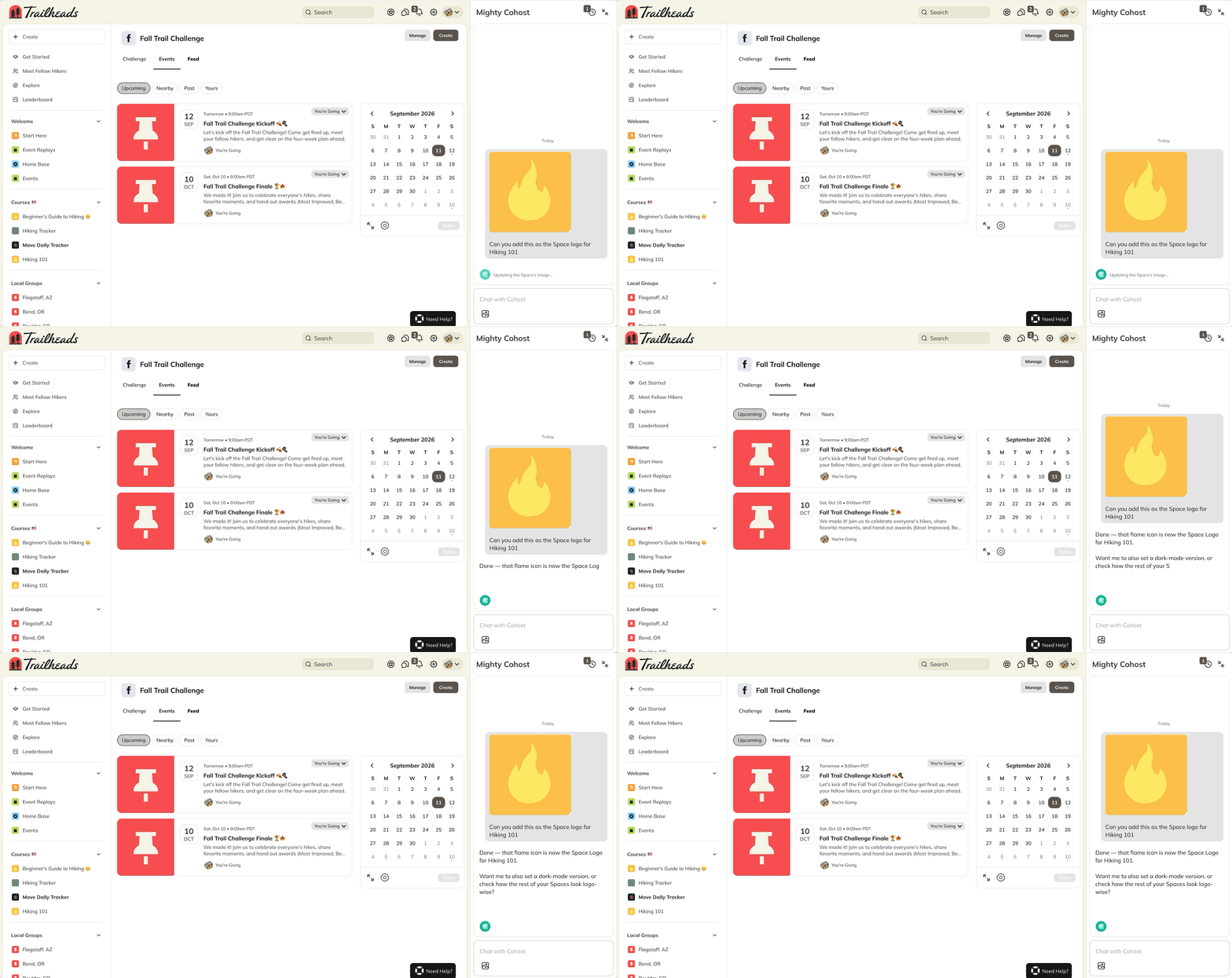
- Upload a single image in your chat with Cohost.
- Tell Cohost where it goes. For example: “This is the dark mode logo for my Network.”
- Confirm the placement looks right.
- Repeat with your next image.
- Explore Plan: 25 messages/day
- Launch Plan: 100 messages/day
- Scale Plan and above: Unlimited messages