You can create a Space that is a course, group, resource library, just a chat Space, an event, or customize your own! We provide you with Templates to get started, and from there, you can edit the features inside of each Space. To access the Templates, first create a new Space. Creating a new Space will take you to a page where you can Choose a Space Template A Chat Template will include the following features:
  • Chat
  • Members
A Feed Template will include the following features:
  • Feed
  • Members
A Cohort Course Template will include the following features:
  • Course Community (Feed)
  • Course Materials (Course)
  • Members
A Content-Only Course Template will include the following features:
  • Course Materials (Course)
  • Members
The Content-Only Course starts in Grid View. An Audio Playlist Template is built for podcasts and audio series. Its Course: A Video Playlist Template is built for video series. Its Course:
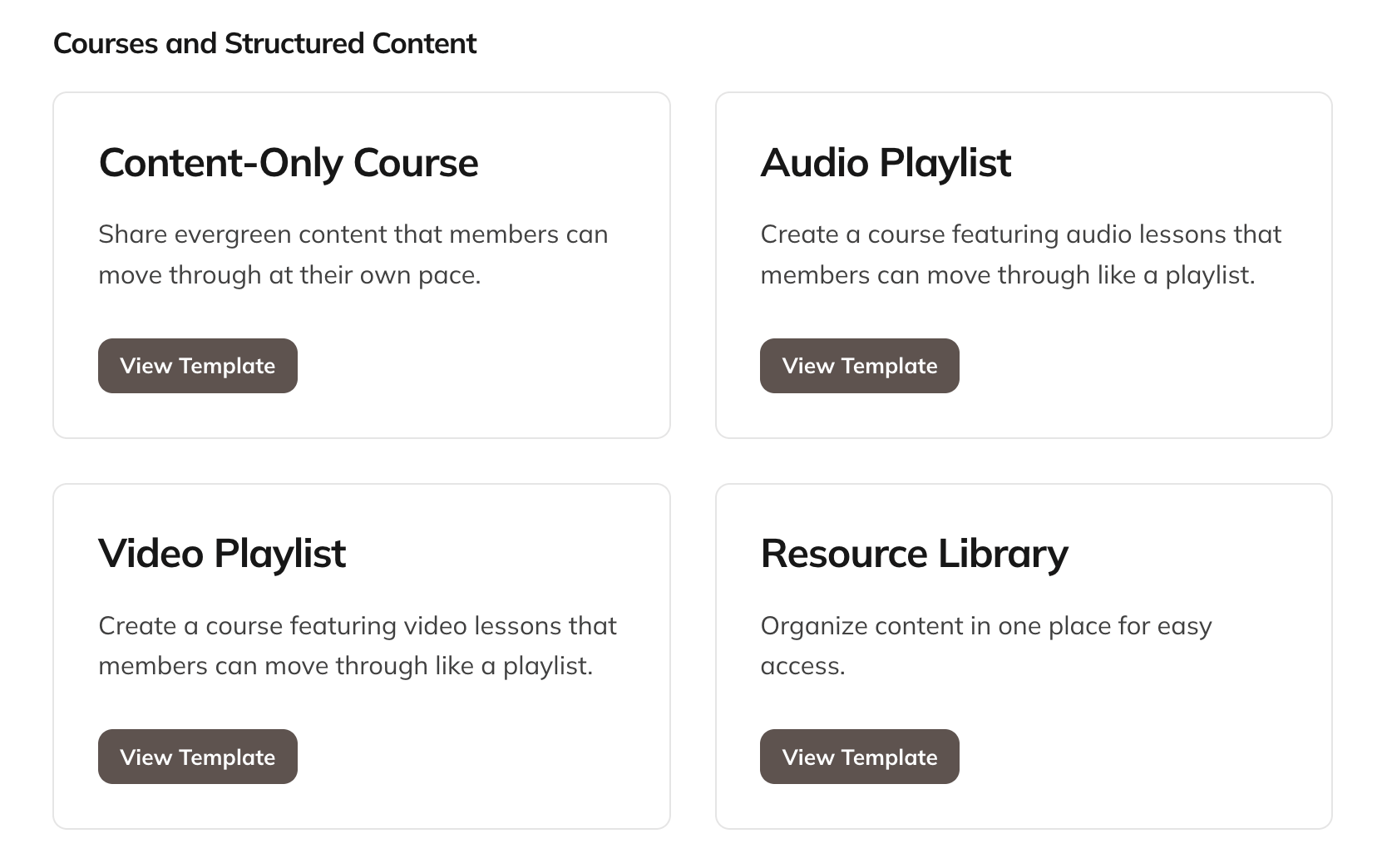
The template picker showing the Course templates, including Audio Playlist and Video Playlist
A Live Challenge Template will include the following features:
  • Challenge (Course)
  • Events
  • Feed
An On-Demand Challenge Template will include the following features:
  • Challenge (Course)
The On-Demand Challenge starts in Grid View. An Event Template will include the following features:
  • Calendar of Events (Events)
  • Attendees (Member Feature)
A Page Template will include the feature:
  • Page Feature
A Resource Library will include the feature:
  • Course
The Resource Library starts in Simple View. From there, you can enable or disable Space Features by going to Manage > Space Features in the Space. To learn more about how these features work, check out “How Do I Manage the Features in a Space?”