Streaks and Streak Milestones
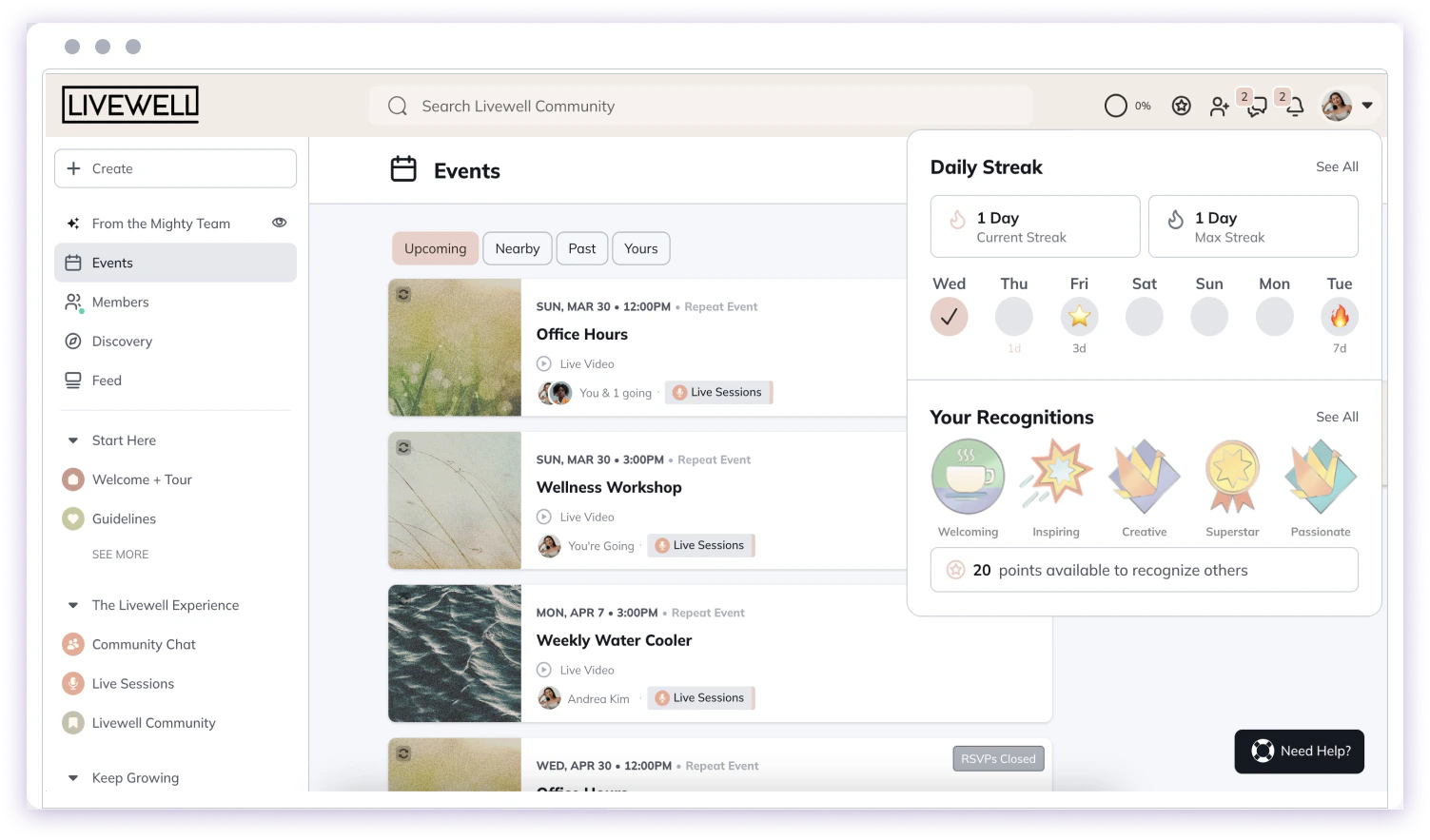
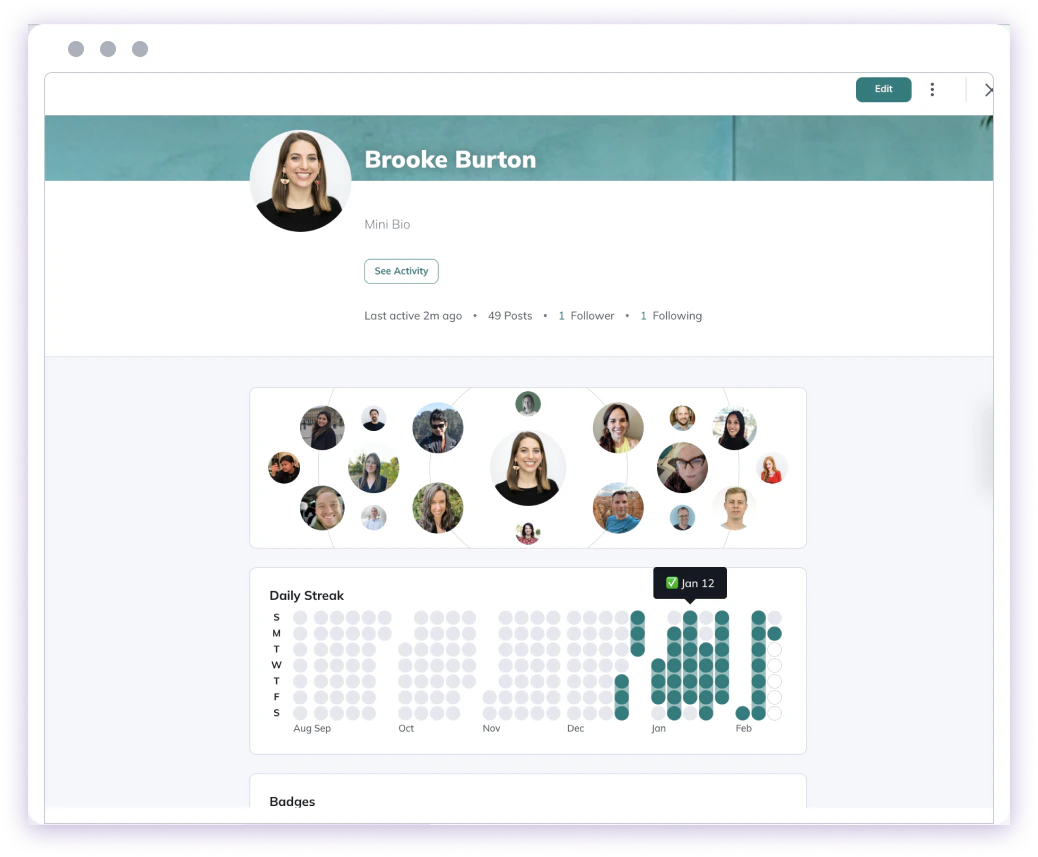
Streaks allow you to track your daily visits to your Mighty Network! On the web, streaks appear within the Gamification icon (next to the upper-right invite icon). On mobile, streaks appear within the profile area in the bottom tab. The two types of streak data shown are:- Current Streak: the current number of days in a row you’ve signed in at least once
- Max Streak: your longest streak to date
- 3 day ⭐
- 7 day 🔥
- 14 day 🚀
- 30 day ⚡
- 45 day 🎉
- 60 day 💎
- 90 day 🏅
- 180 day 🏆
- 365 day 👑
Points, Recognitions and Community Values
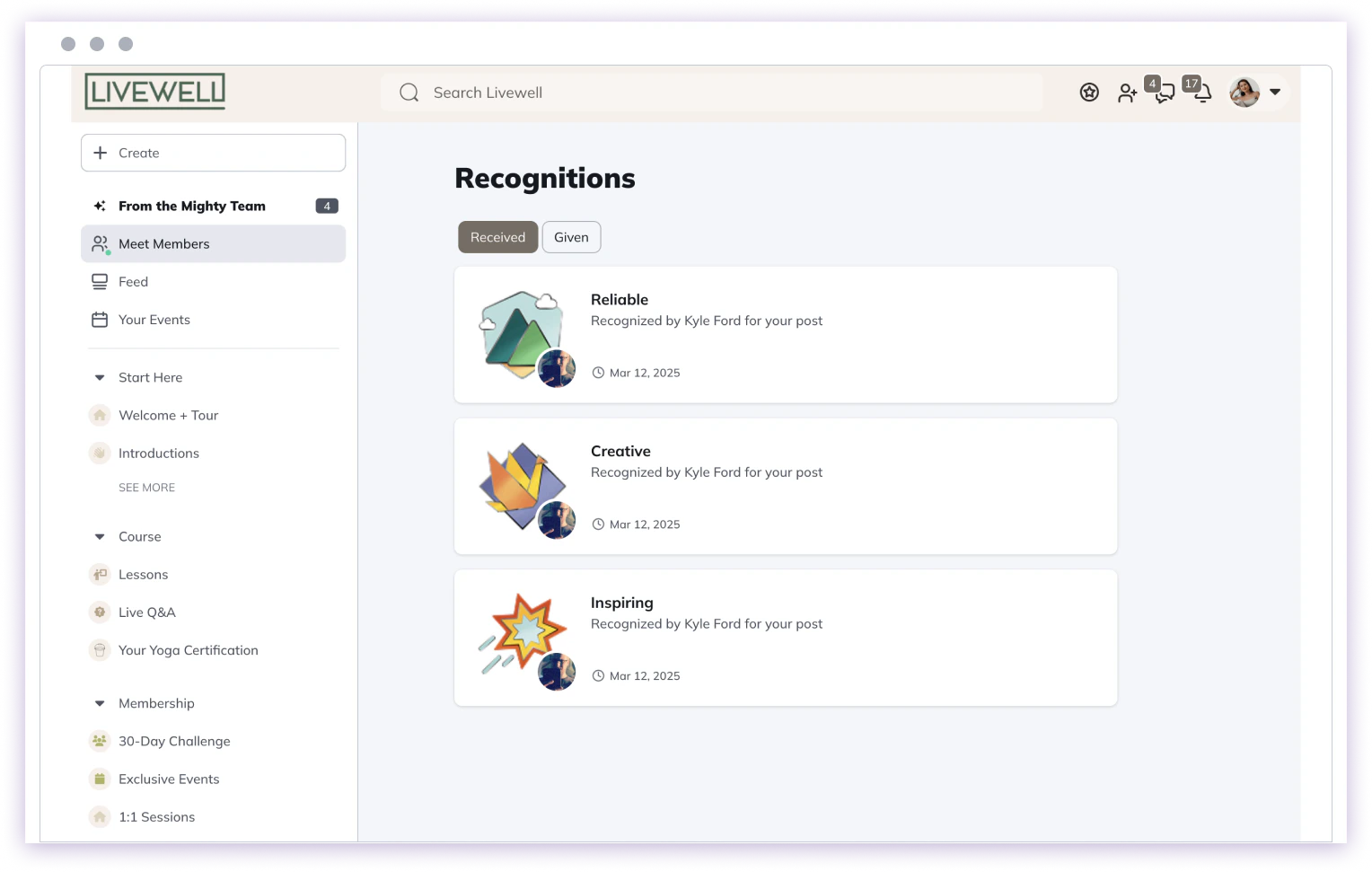
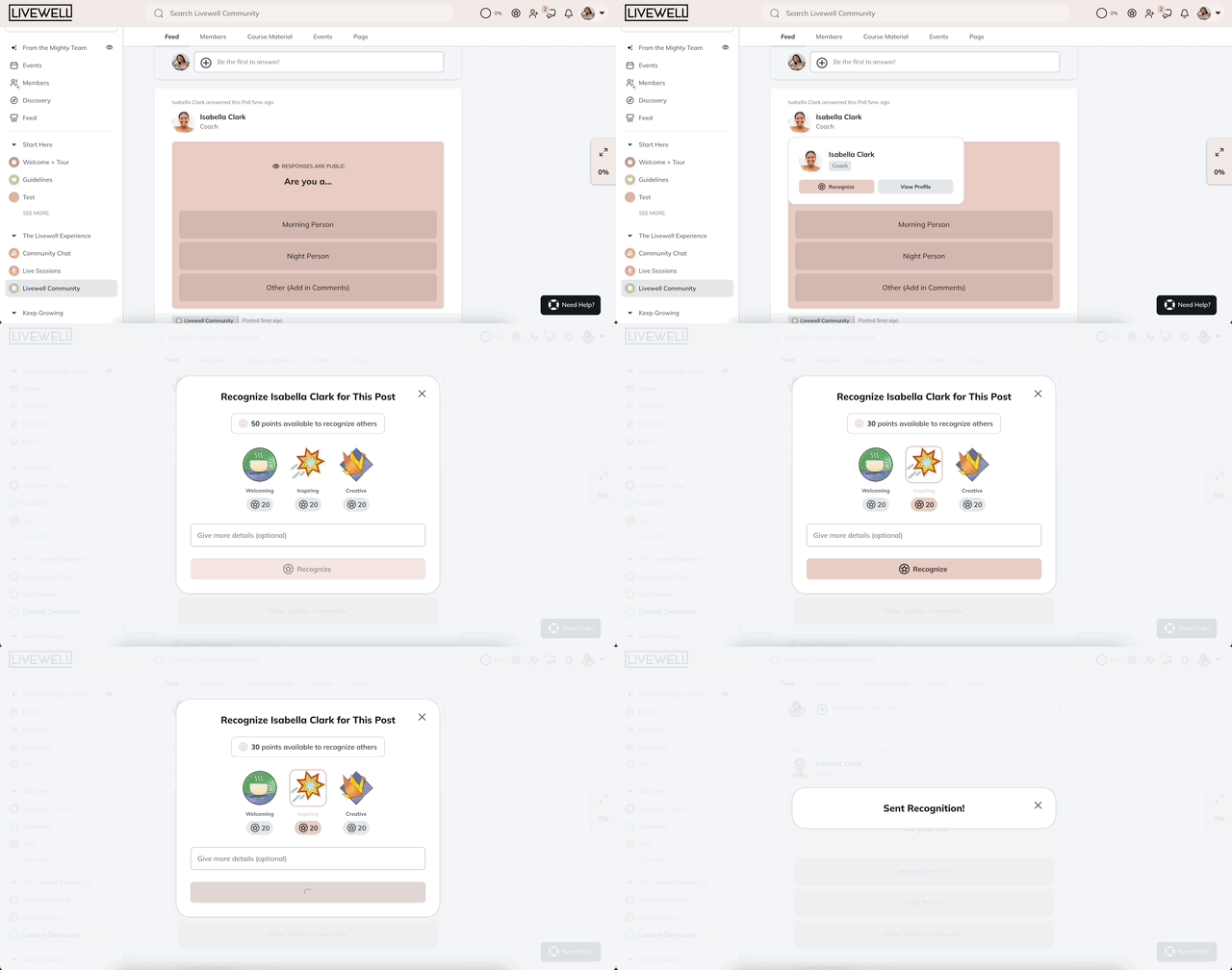
In addition to streaks you can earn 10 points every day you visit your Mighty Network. You can use points to recognize other people for embodying the 5 Community values that your Host has set up. You will see points available to you in the game icon in the upper right corner as well as any recognitions you have received. You can click “See All” to view all the Recognitions you have received and given.
Leaderboard
The Leaderboard highlights members who receive the most recognition for each Community Value in your Mighty Network. It’s a simple way to see who’s showing up, contributing, and shaping the culture of the community. There’s also a Top Recognizers leaderboard, which highlights members who give the most recognition to others.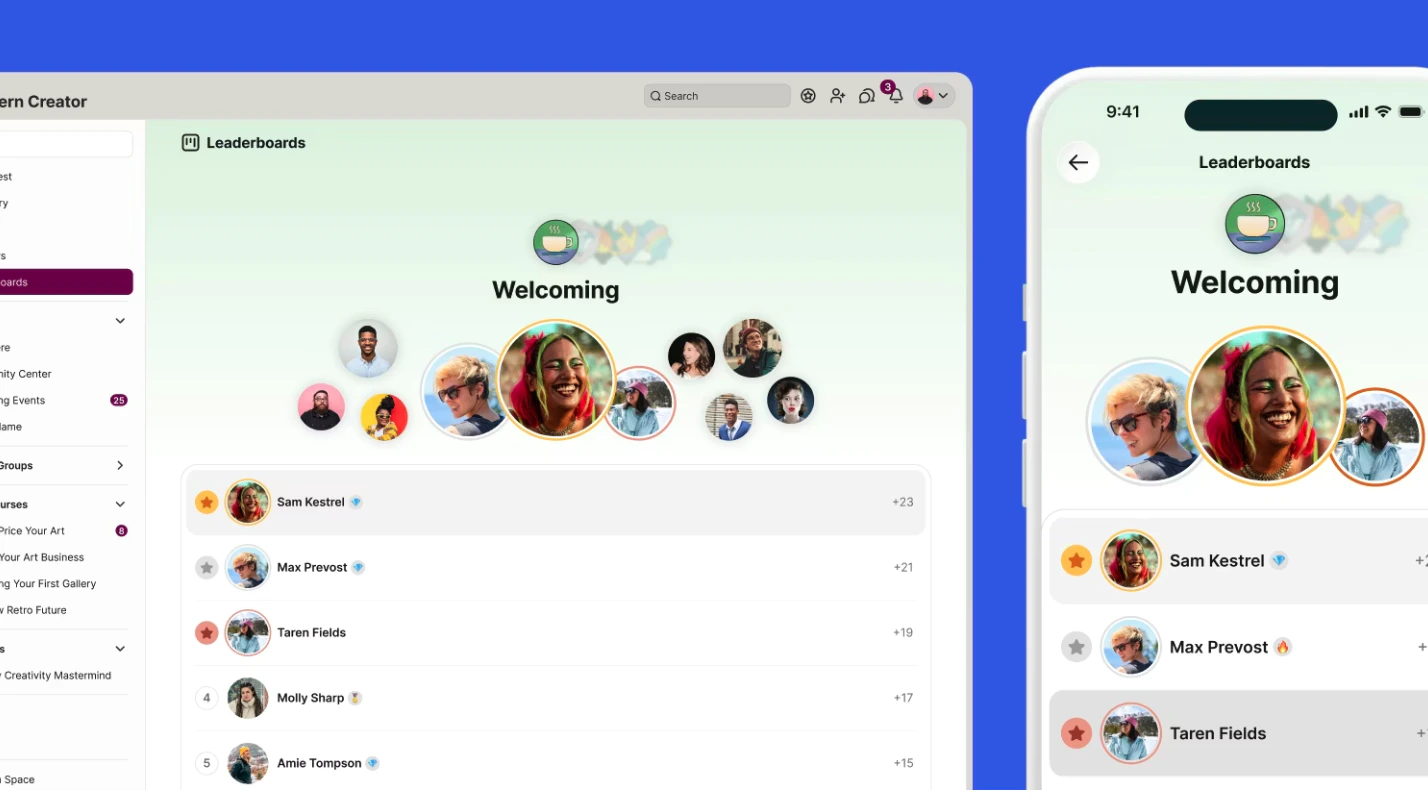
How the Leaderboard works
The Leaderboard ranks members based on the recognitions they receive from others in the Network. Here’s what to expect:- You’ll see the top 10 members for each Community Value
- Rankings are cumulative, based on total recognitions received
- In the case of a tie, the member who reached that total first ranks higher
- Rankings include members, moderators, and Hosts
- The leaderboard is activated once at least 3 people have received a recognition for that community value
When the Leaderboard updates
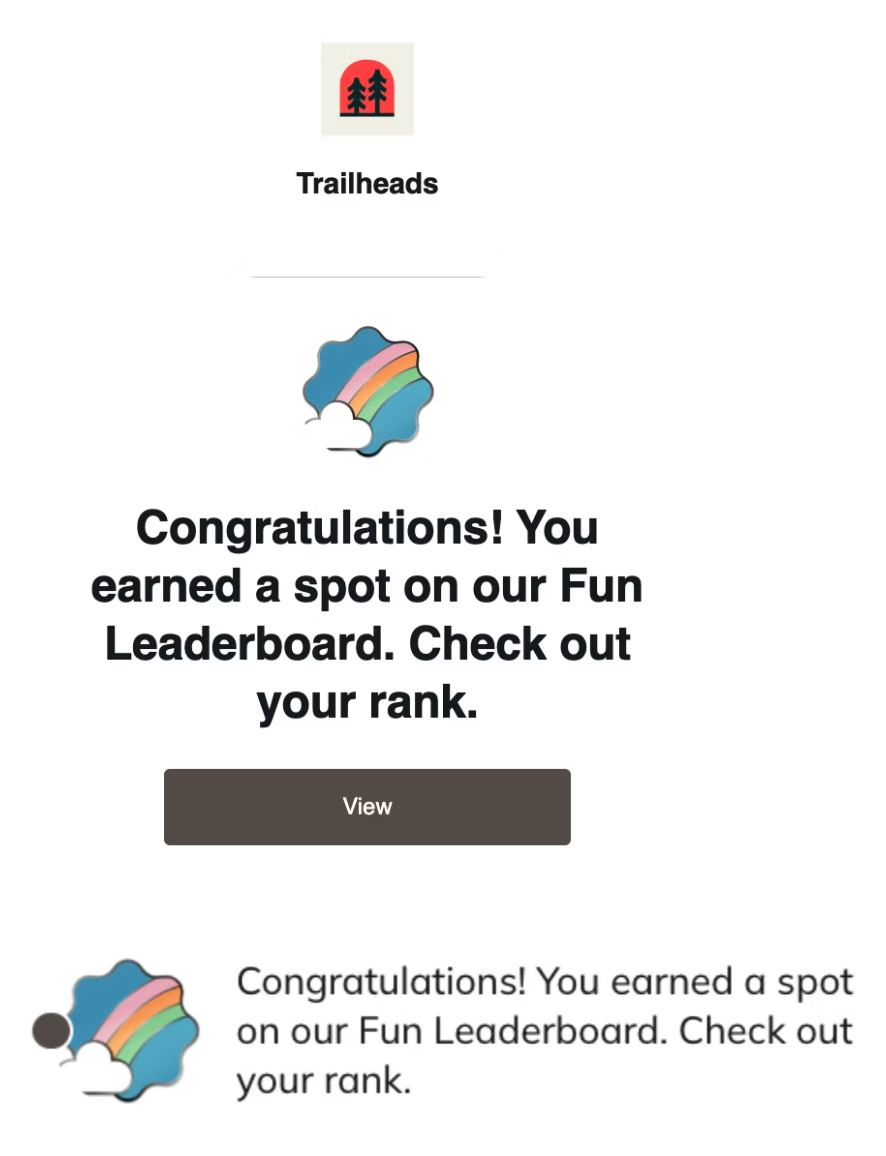
The Leaderboard refreshes every Monday at 7am PT. At that time:- Members on the Leaderboard receive a notification (based on their notification settings)
- Other members may receive a notification to check out the latest rankings