

Download the Mighty Networks App
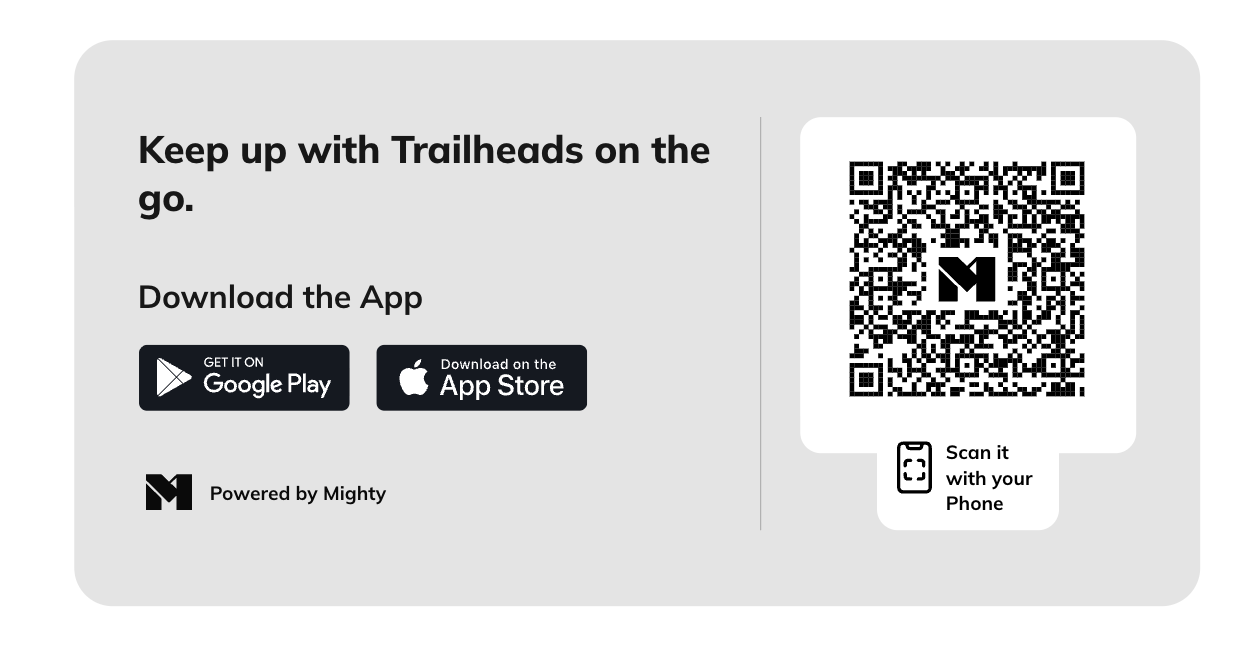
You can download the free Mighty Networks app from the App Store or Google Play Store by searching for “Mighty Networks.”- iOS: Compatible with iPhone and iPad. Requires iOS version 15 or higher.
- Android: Works on all current Android devices.
- On the web, go to Personal Settings > Download the App.
- Open your phone’s camera and scan the QR code that appears.
- Follow the link to download the app for your Mighty Network.
 To see which devices support our app, check out this guide here.
Finding Your Mighty Network on the Mobile Apps
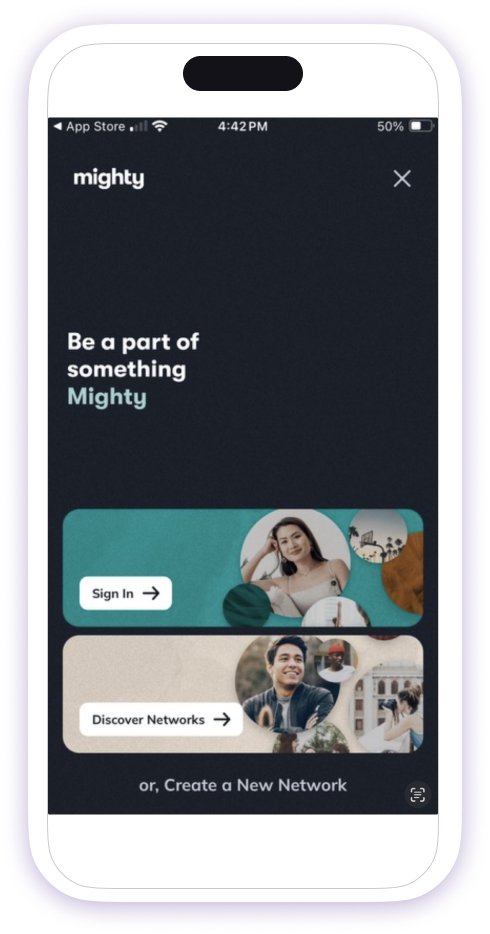
After you’ve installed the app, you’ll see two options when you open it: Sign In or Discover Networks.- Sign In: Enter your email to receive a link to all Mighty Networks you’re part of.
- Discover Networks: Search for your Mighty Network by name and sign in when prompted.
 To join another Mighty Network:
- Open the left navigation panel.
- Tap Switch Networks.
- Select the + button to search for and add another Mighty Network.
Accessing Hidden Mighty Networks
If your Mighty Network’s privacy setting is Only invited members can see and find it, it won’t appear in the app’s search results. To access your hidden Network:- Log in to your Mighty Network using your mobile web browser.
- Tap the prompt at the bottom that says View in App.
- Follow the link to open your Mighty Network in the app.
Enabling Mobile Push Notifications
Mobile Push notifications are off by default. To turn them on:- Download the Mighty Networks App.
- On the web, click Download App to generate a QR code, then scan it with your phone.
- After downloading, you’ll be prompted to enable notifications.