

- Log in to your Mighty Networks account.
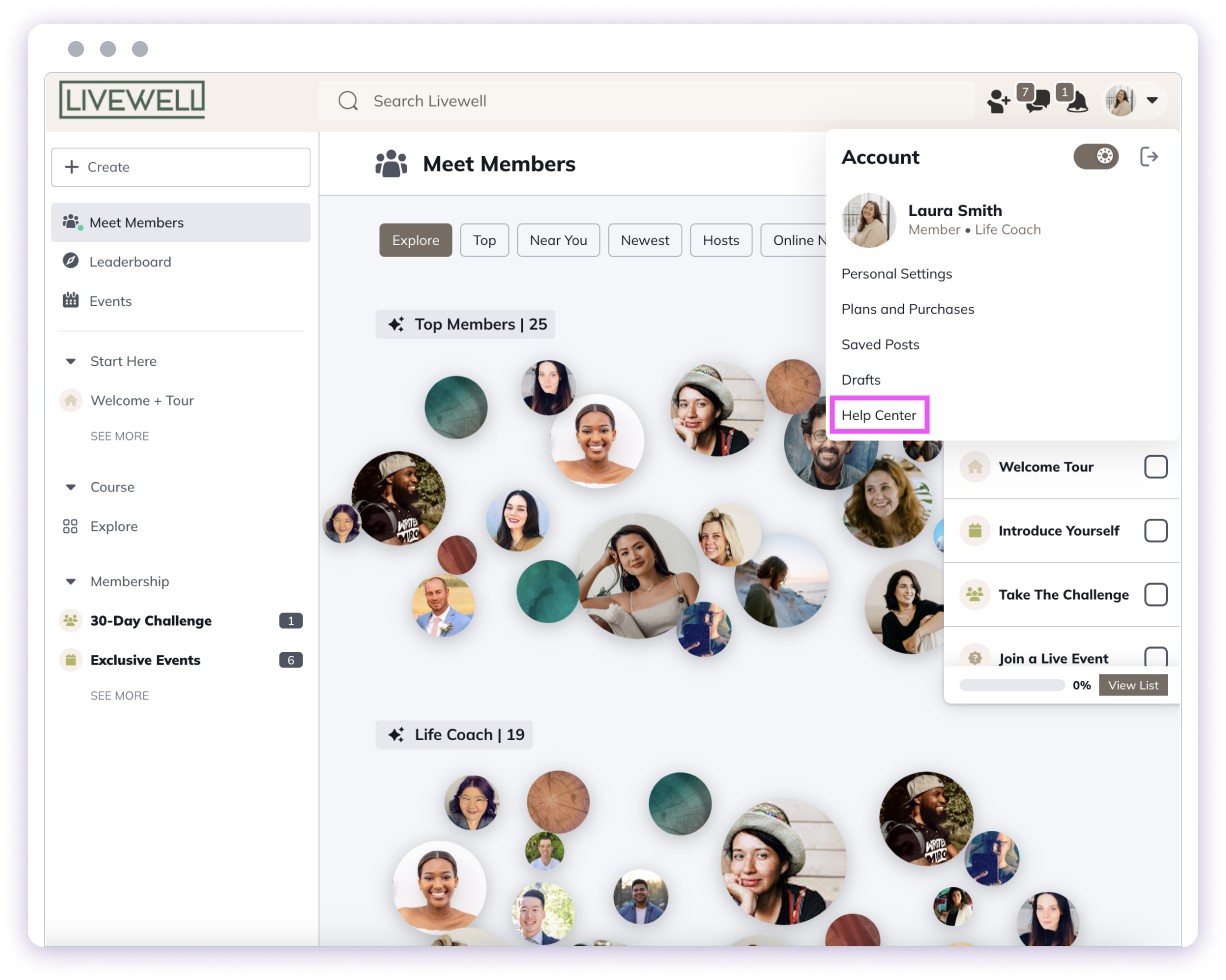
- Click your profile picture in the top right corner.
- Select “Help Center”. If your Network has customized the name, look for the last option on the menu.
 Mobile App:
- Log in to your Mighty Networks account.
- Tap your profile picture in the bottom right corner.
- Select “Help Center”. If your Network has customized the name, look for the last option on the menu.