

What is MCP?
MCP (Model Context Protocol) is a standard that allows AI assistants to securely connect to external platforms. In Mighty Networks, MCP lets your AI assistant access content and perform actions based on your account permissions. For example, you might ask:- “Summarize the activity in the community over the past week.”
- “Summarize my unread notifications.”
- “Make a new draft multiple choice poll for me to approve.”
Before You Start
To use MCP:- Your Host must enable MCP access for members.
- You must have a supported AI assistant that supports MCP connections.
- You must authenticate using your Mighty Networks account.
Find Your MCP Connection Details
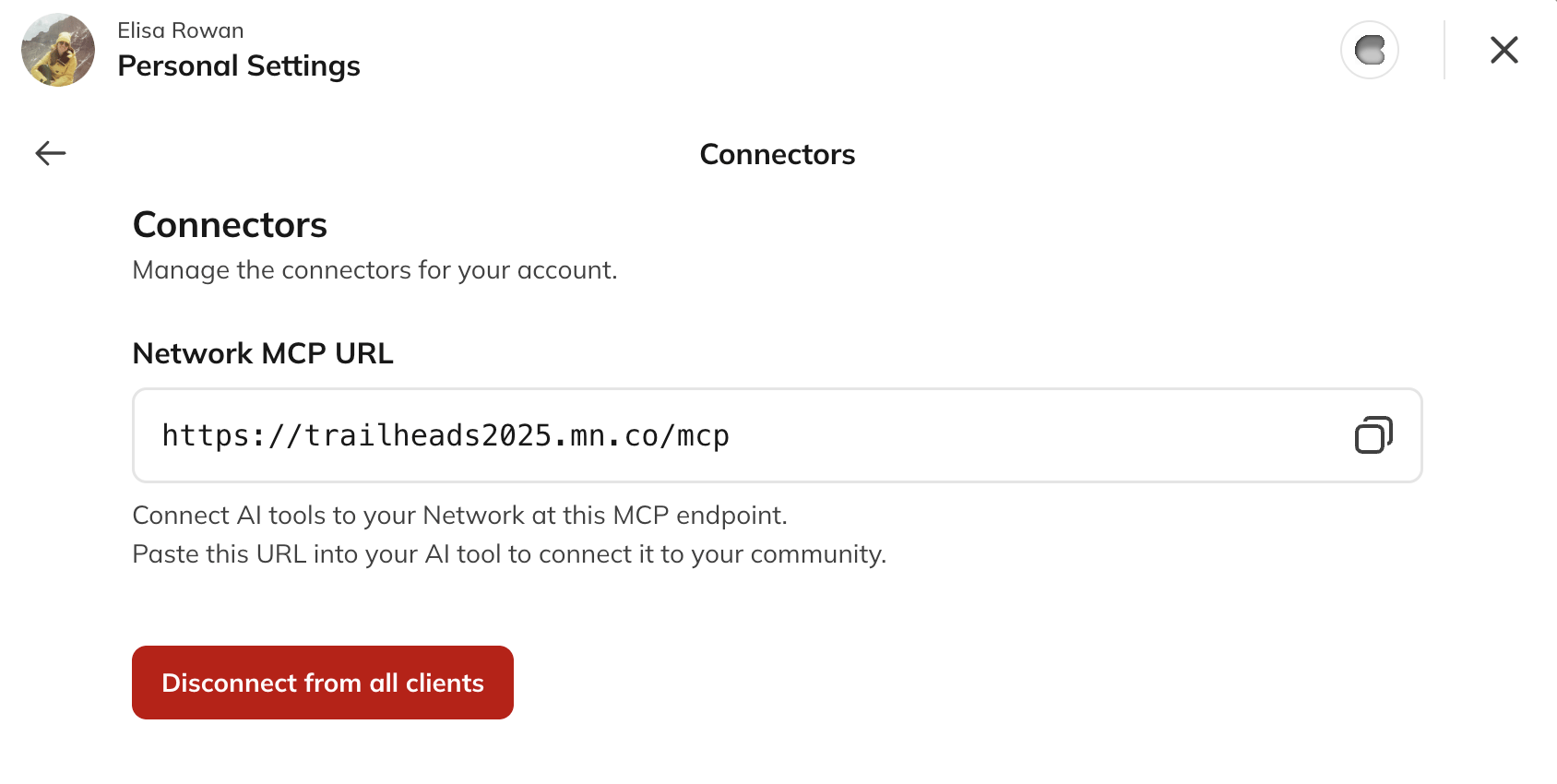
- Open Connectors in your Mighty Network.
- Copy your personal MCP connection url.
- Follow the setup instructions provided by your AI assistant.
What Can I Do with MCP?
Available capabilities depend on:- Your role in the Network
- The permissions granted by your Host
- The MCP capabilities currently supported by Mighty Networks
- Search Network content
- Review discussions and comments
- Summarize posts and activity
- Review notifications
- Access content from Spaces you can view
How Permissions Work
MCP follows the same permissions used throughout Mighty Networks. This means:- You can only access content you can already view.
- You cannot access Spaces you don’t belong to.
- You cannot perform Host-only actions unless you are a Host.
- The MCP does not provide elevated access.
Frequently Asked Questions
Can MCP see content that I can’t access in Mighty Networks?
No. MCP follows your existing permissions and only provides access to content and actions available to your account.Can I use ChatGPT or Claude?
Yes, if:- Your Host has enabled MCP access.
- The AI assistant supports MCP connections.
- You successfully authenticate using your Mighty Networks account.