Joining From a Landing Page
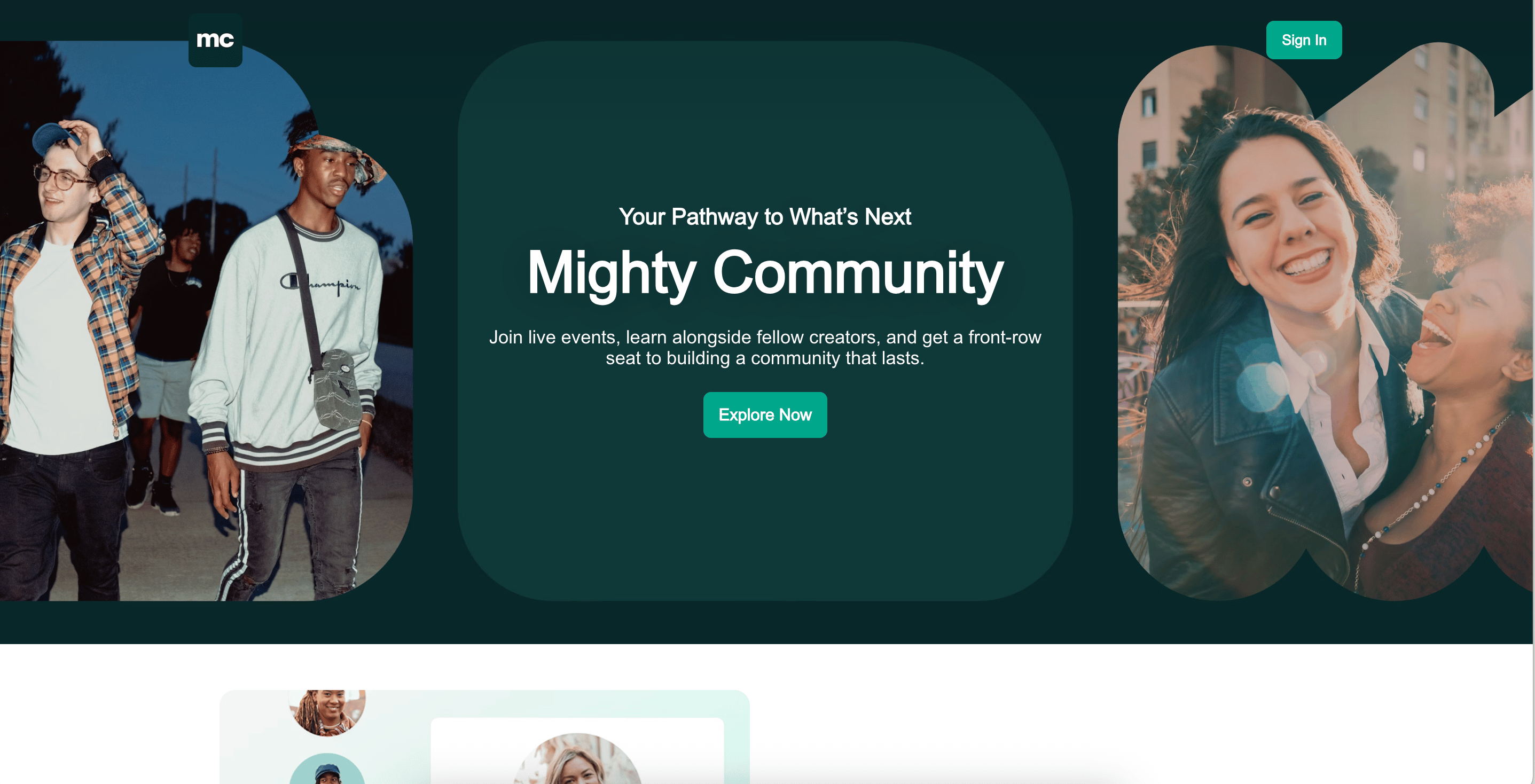
The Landing Page header always includes a Sign In button. Depending on what the Host has published, you may also see an extra button next to it:- Join Now, if the page features plans (or the plan’s own button label, on single-plan pages)
- Join the Waitlist, if there’s an open waitlist and no plans
Joining a Waitlist
If a Mighty Network has an open waitlist, you’ll see a Join the Waitlist button. Selecting it scrolls you to the waitlist form and highlights the email field, so you can add your name right away. If there’s more than 1 waitlist on the page, this button takes you to the first open one. Learn more in How Do I Join a Waitlist?Answering Questions or Requesting Approval
Your Host may require you to answer questions before joining and may choose to review requests for approval. If approval is required, you’ll receive an email once your request has been approved.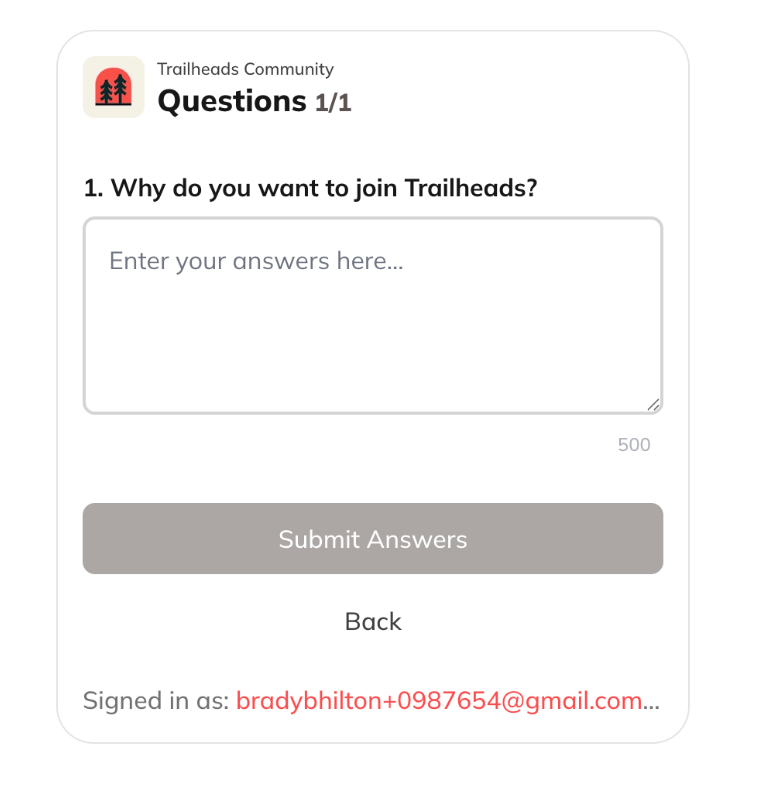
Joining an Invite-Only Mighty Network
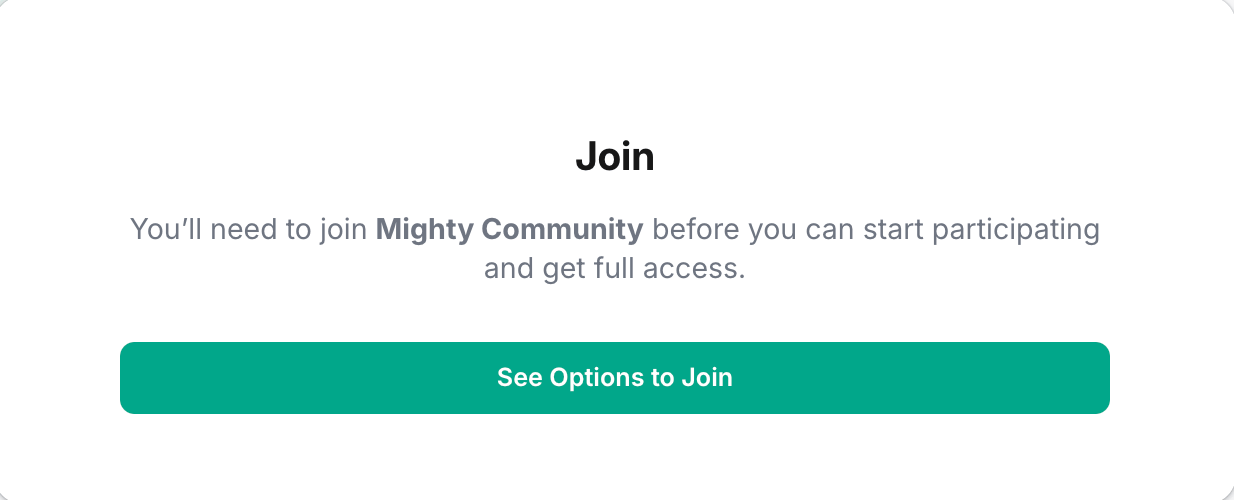
Some Mighty Networks are more exclusive and may not appear in search results. In these cases, you’ll need a direct invitation. If you receive an invite, you’ll see an option to Join. If you were not invited, you’ll see a Sign In screen instead.Joining When a Plan Is Required
Your Host may charge for access. If so, you’ll see an option to purchase a plan on the landing page. Depending on the Host’s settings, you may also be asked to answer questions and/or wait for approval after purchasing.Creating Your Account
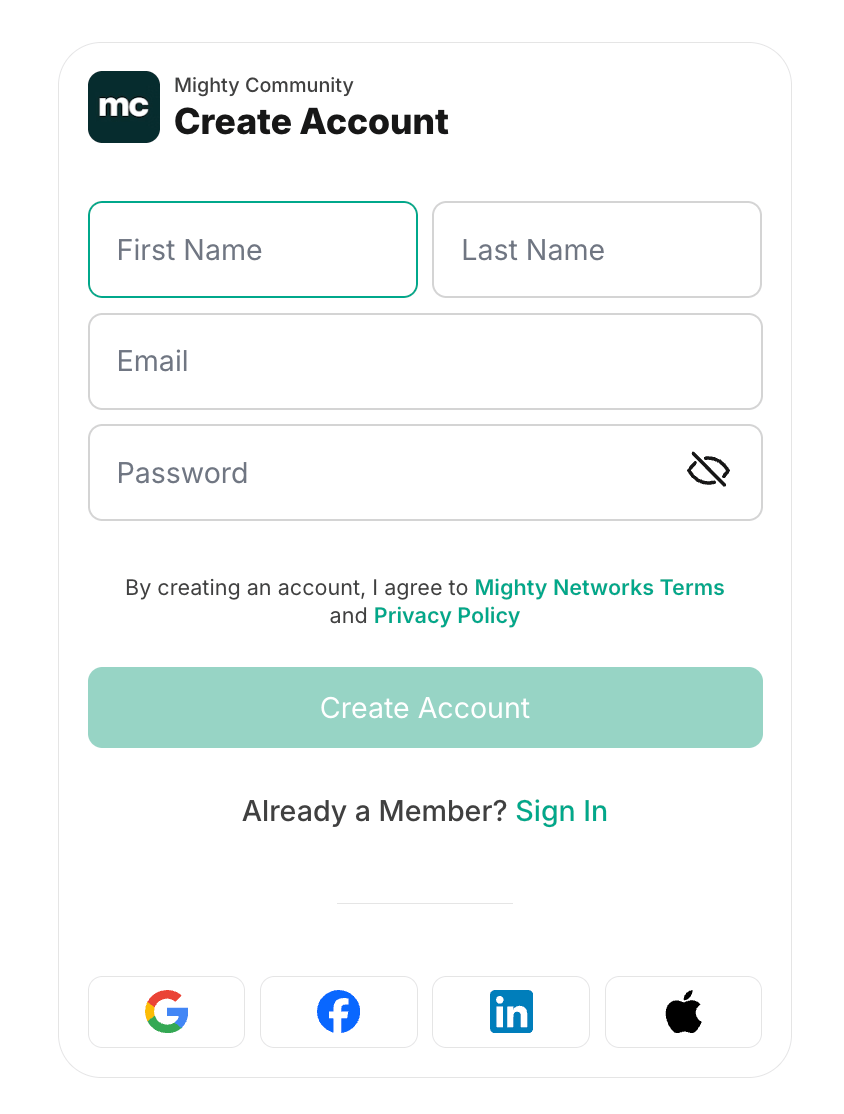
No matter the privacy setting, you’ll need to sign up to join a Mighty Network. You can log in with Google, Facebook, LinkedIn, or Apple. Or you can enter your first name, last name, and email address, then set a password. After signing up, you’ll be prompted to upload a profile photo.