Give a Plan as a Gift
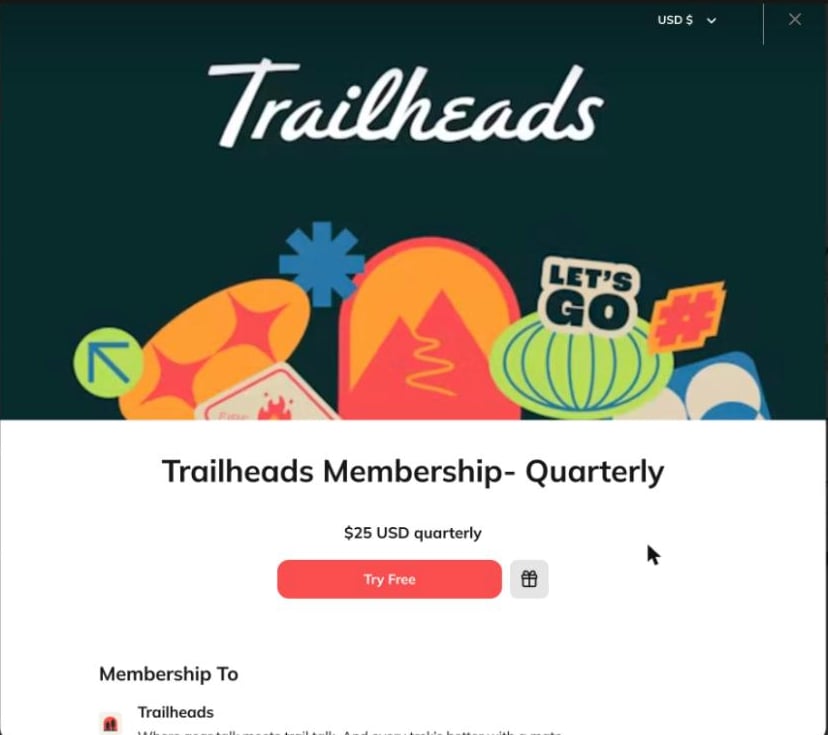
You can give a plan as a gift on web, whether or not you’re a member of the community. If you’re not a member, you create an account during checkout, but you don’t join the community.- Open the plan you want to give.
- Select the gift icon next to the join button.
- If the plan has more than one price you can give, choose the period under What to Give.
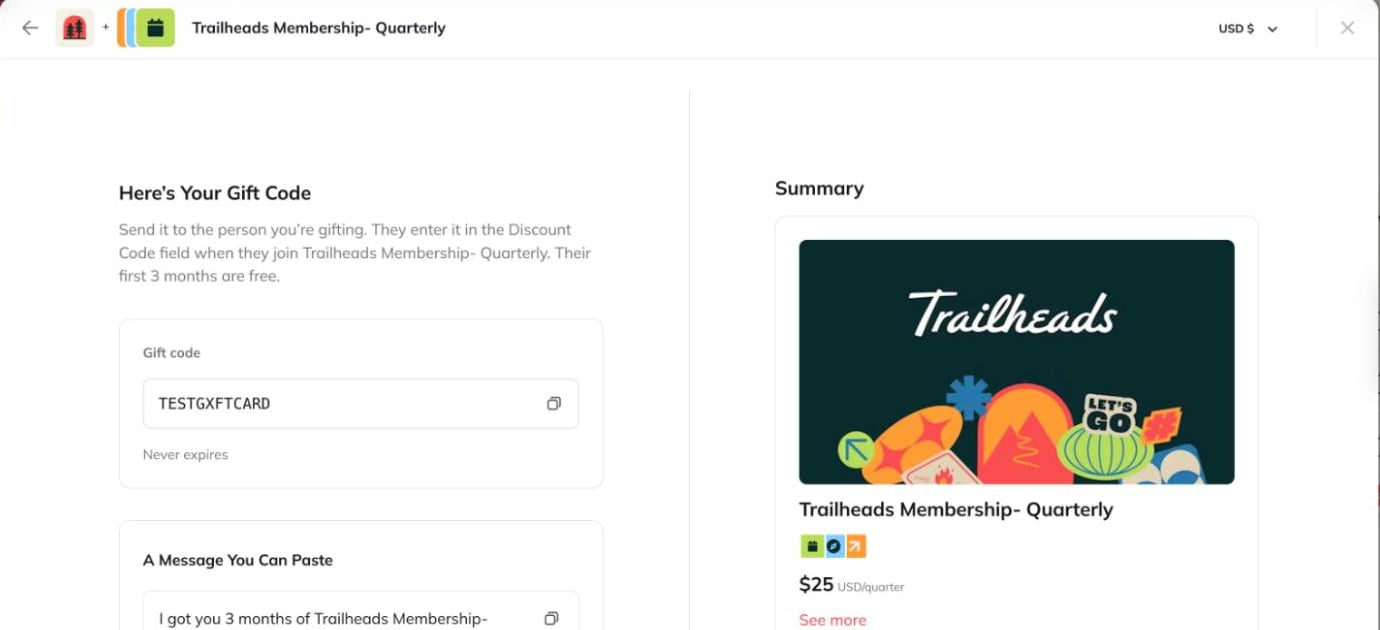
- Enter your card details and select Pay [price] and Get Gift Code.
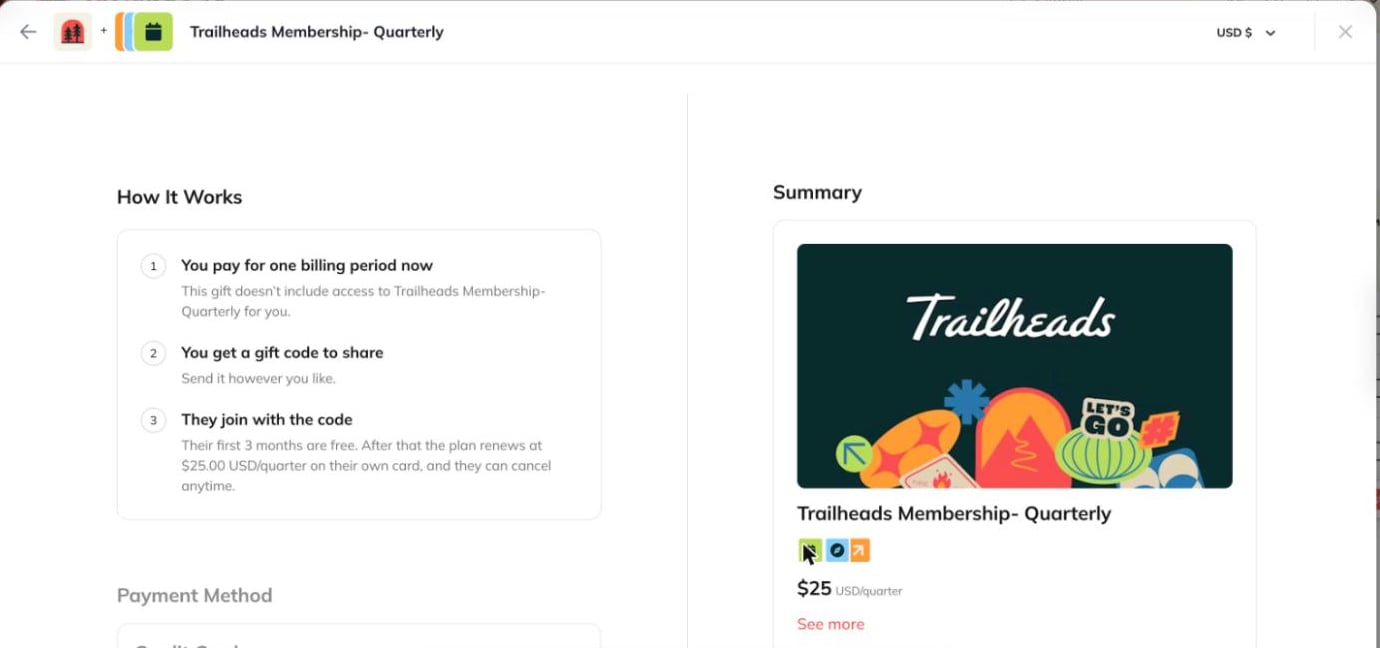
- It’s a one-time payment. Nothing renews for you.
- You don’t get access to the plan yourself.
- The code never expires.
- Promo codes can’t be used on a gift.
- You’re refunded only if the Host declines the person who uses the code. When that happens, you get an email, and the refund can take 5-10 days to show up.
Redeem a Gift Code When You Join
- Open the link or plan page the gift giver shared with you.
- At checkout, enter the gift code in the Discount Code field if you’re asked for one. If you opened the gift giver’s link, the code and the gift’s price are usually already filled in, so you don’t need to enter it.
- Finish joining. You don’t need to enter a card.
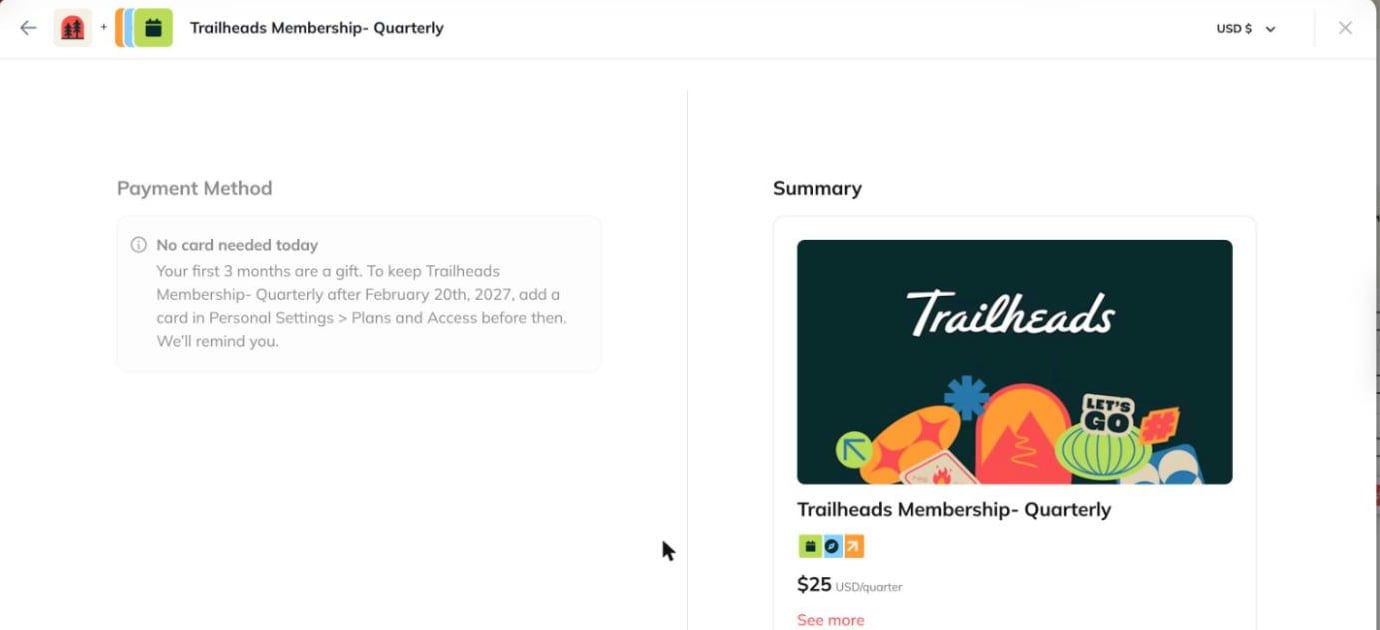
- Free trials: If the plan has a free trial, the gift pays for the first billing period after the trial.
- Plans that need approval: If the Host approves new members or asks questions first, your gift is held until your membership is approved. Nothing is charged.
- When the gift starts on plans that need approval: If the Host approves new members, your gift starts when the Host approves your request. If the plan has a free trial, the trial starts on approval and your gift starts when the trial ends. Checkout shows Total Due Upon Approval and counts your first payment from approval, for example Due Later (1 month after approval, once you add a card).
- Canceled requests: If you cancel your join request, the code can be used again.
- Hidden plans: The gift giver’s link opens the plan even if the Host has hidden it. If you come back to the plan later, open the link again. If the link no longer opens the plan, the gift may already have been used.
Redeem a Gift Code on Your Current Plan
If you’re already on the plan and price the gift was bought for, you can use the code to pay for your next billing period:- Open the plan’s page.
- Under Access, select I have a gift code.
- Enter the code in the Gift code field and select Apply.
If a Gift Code Doesn’t Work
A gift code works only for the plan, price, and currency it was bought for. You see a message that explains why a code can’t be used, for example:- “This gift code has already been used.”
- “This gift code is for another plan.”
- “This gift code is for the yearly price. Select Yearly to use it.” Select the matching price and try again.
- “Gift codes work only on recurring plans.”
- “You already have this plan. Use the gift code from the plan page instead.” Follow the steps in Redeem a Gift Code on Your Current Plan.
- “This gift is no longer valid. Contact the person who gave it to you.” The Host has deactivated the plan.
Keep Your Membership After the Gift Ends
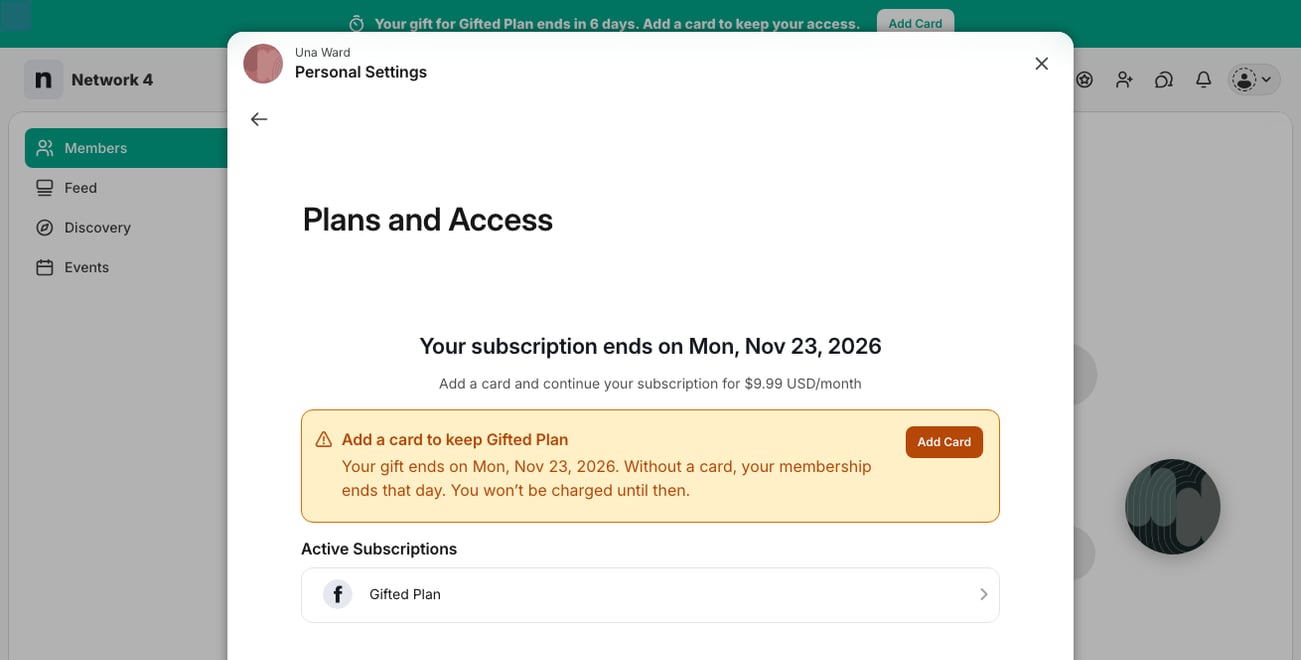
If you joined with a gift and didn’t add a card, add one before the gift ends to keep your membership. You won’t be charged until the gift ends. To add a card, go to Personal Settings > Plans and Access. Learn more in How Do I Update My Billing Information? Mighty reminds you to add a card:- By email and notification when you redeem the gift
- By email and notification before the gift ends: 30 days before for three-month and yearly gifts, then three days and one day before for every gift
- With an Add a card to keep [Plan Name] alert in Plans and Access on web
- With a bar at the top of the community near the end of the gift: in the last seven days of a monthly gift, or the last 30 days of a three-month or yearly gift