> ## Documentation Index
> Fetch the complete documentation index at: https://docs.mightynetworks.com/llms.txt
> Use this file to discover all available pages before exploring further.
# How Do I Use Hashtags in My Mighty Network?
You can add hashtags to **Posts, Chat messages, Articles, comments, Lessons and Sections, Events, and Questions & Polls** on web or mobile.
To add one, type a **#** followed by text—just like on other platforms. You can include multiple hashtags in the same piece of content.
## Hashtag Basics
Hashtags can include letters, numbers, or underscores. They can’t include other special characters (like **&** or **\$**) or extra spaces.
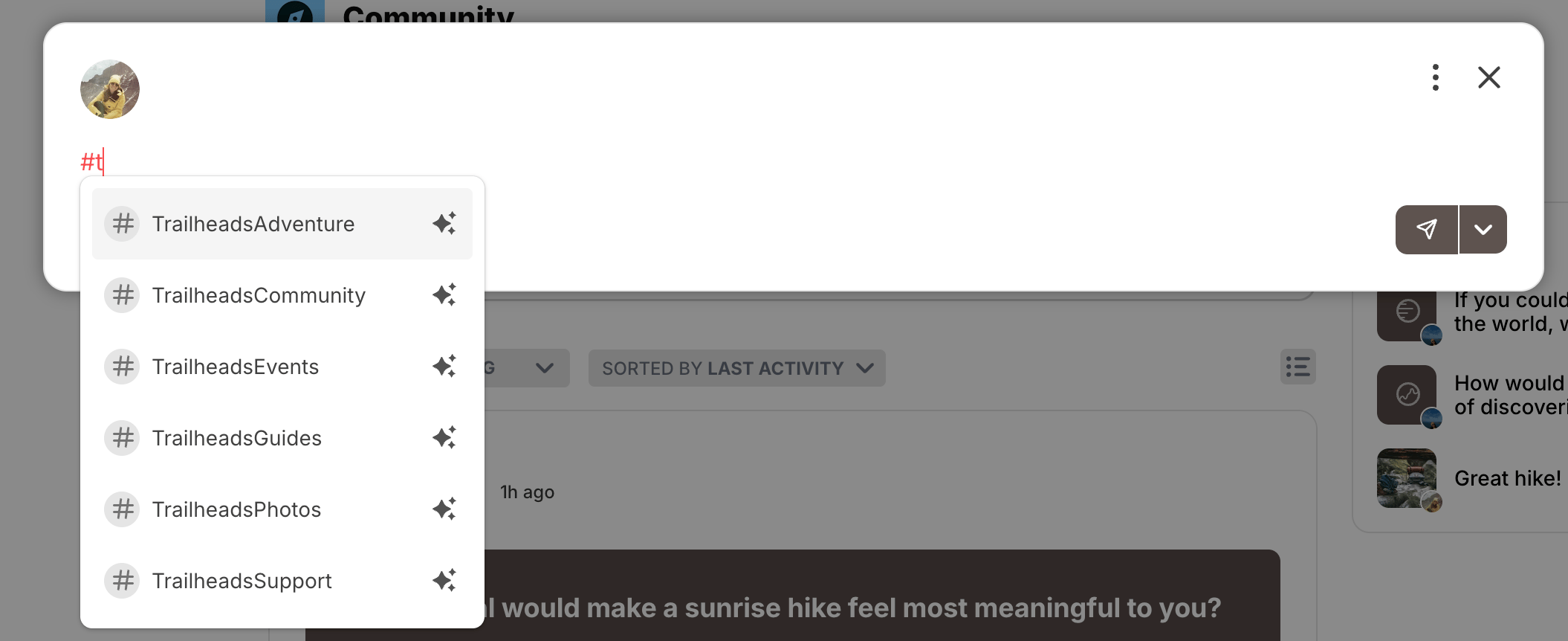
As you type, you’ll see a dropdown showing existing hashtags. Continue typing to create a new one.
[ ](/images/for-members/engage-and-interact/how-do-i-use-hashtags-in-my-mighty-network/Screenshot-2025-11-12-at-9_04_08-AM.png)
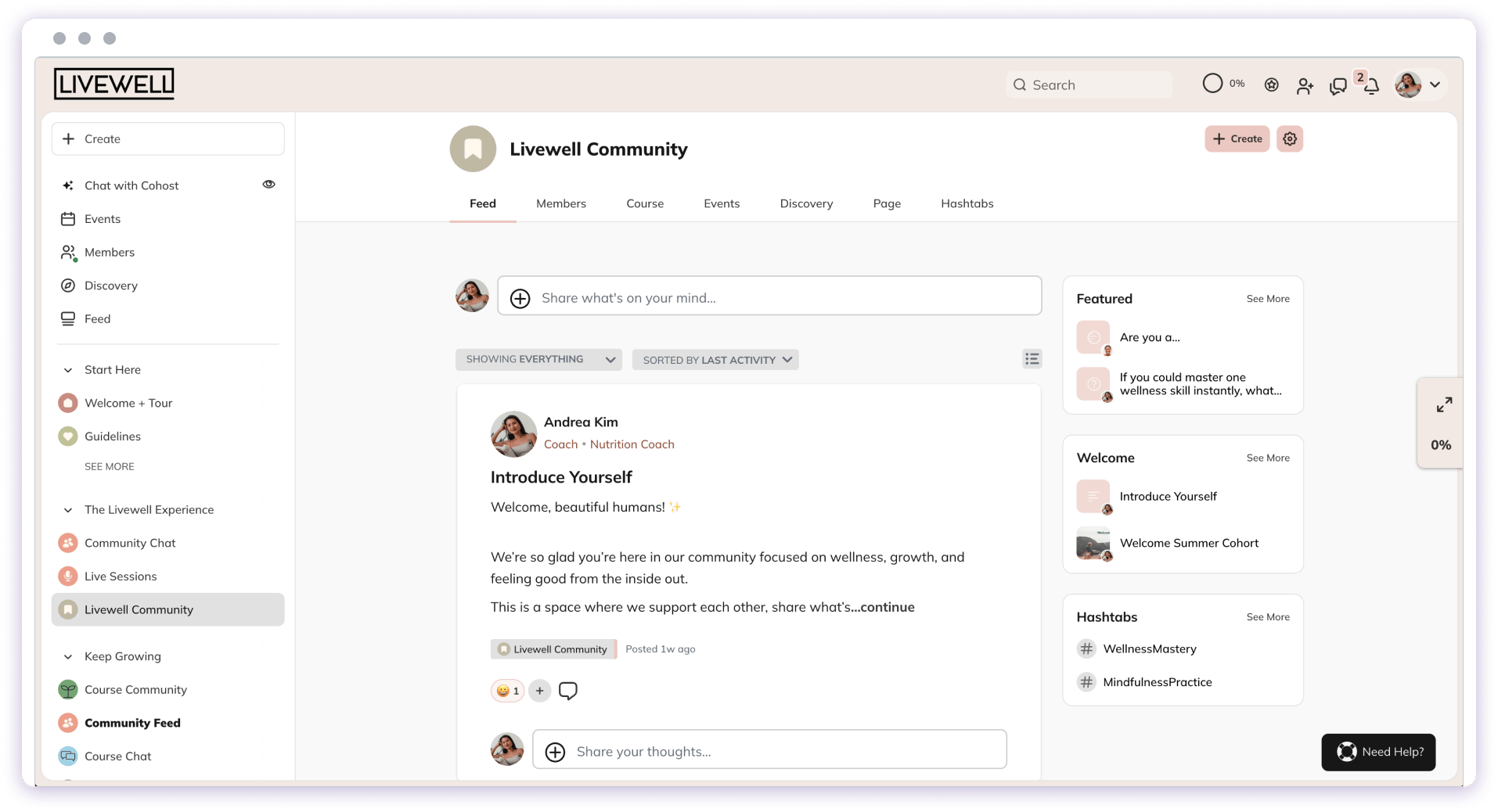
You may also see a list of Highlighted Hashtags featured in a Space:
[
](/images/for-members/engage-and-interact/how-do-i-use-hashtags-in-my-mighty-network/Screenshot-2025-11-12-at-9_04_08-AM.png)
You may also see a list of Highlighted Hashtags featured in a Space:
[ ](/images/for-members/engage-and-interact/how-do-i-use-hashtags-in-my-mighty-network/featured-sections-space.png)
## Searching for Hashtags
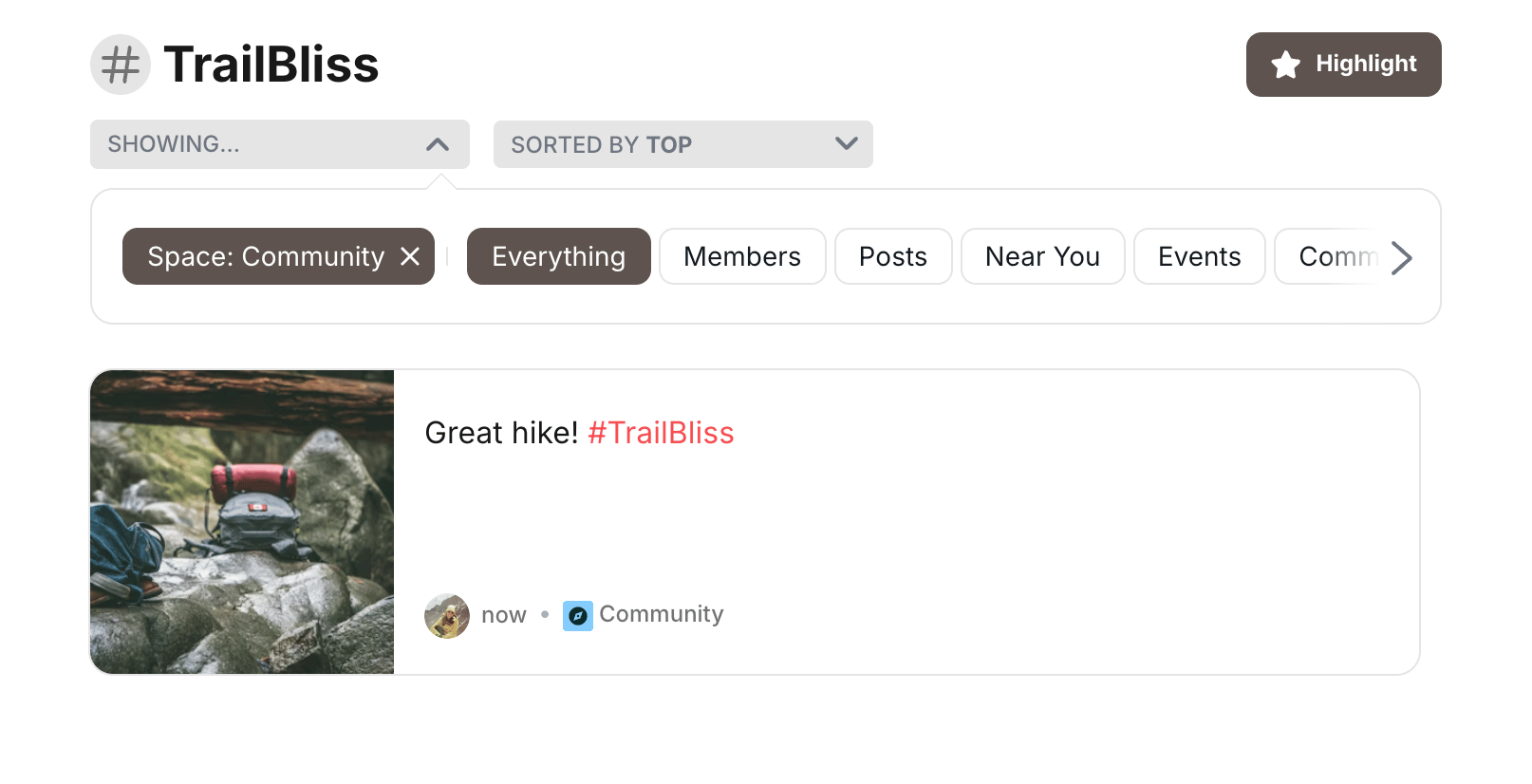
When you click a hashtag, you'll see search results for all content across the **Mighty Network** that includes it, sorted by relevance.
To view all results for a hashtag across every Space you have access to:
1. Click **Search** in a Space.
2. Click the highlighted hashtag.
3. At the top of the results, de-select the Space filter to **Search All Spaces**.
**Note:** Search results include **Posts** and **Articles** with hashtags. They don’t include messages in **Chat Spaces** or **Private Chats**.
You can also sort hashtag results by **Top**, **Newest**, or **Oldest**.
[
](/images/for-members/engage-and-interact/how-do-i-use-hashtags-in-my-mighty-network/featured-sections-space.png)
## Searching for Hashtags
When you click a hashtag, you'll see search results for all content across the **Mighty Network** that includes it, sorted by relevance.
To view all results for a hashtag across every Space you have access to:
1. Click **Search** in a Space.
2. Click the highlighted hashtag.
3. At the top of the results, de-select the Space filter to **Search All Spaces**.
**Note:** Search results include **Posts** and **Articles** with hashtags. They don’t include messages in **Chat Spaces** or **Private Chats**.
You can also sort hashtag results by **Top**, **Newest**, or **Oldest**.
[ ](/images/for-members/engage-and-interact/how-do-i-use-hashtags-in-my-mighty-network/Screenshot-2025-11-12-at-9_31_46-E2-80-AFAM.png)
## Hashtag Prompt
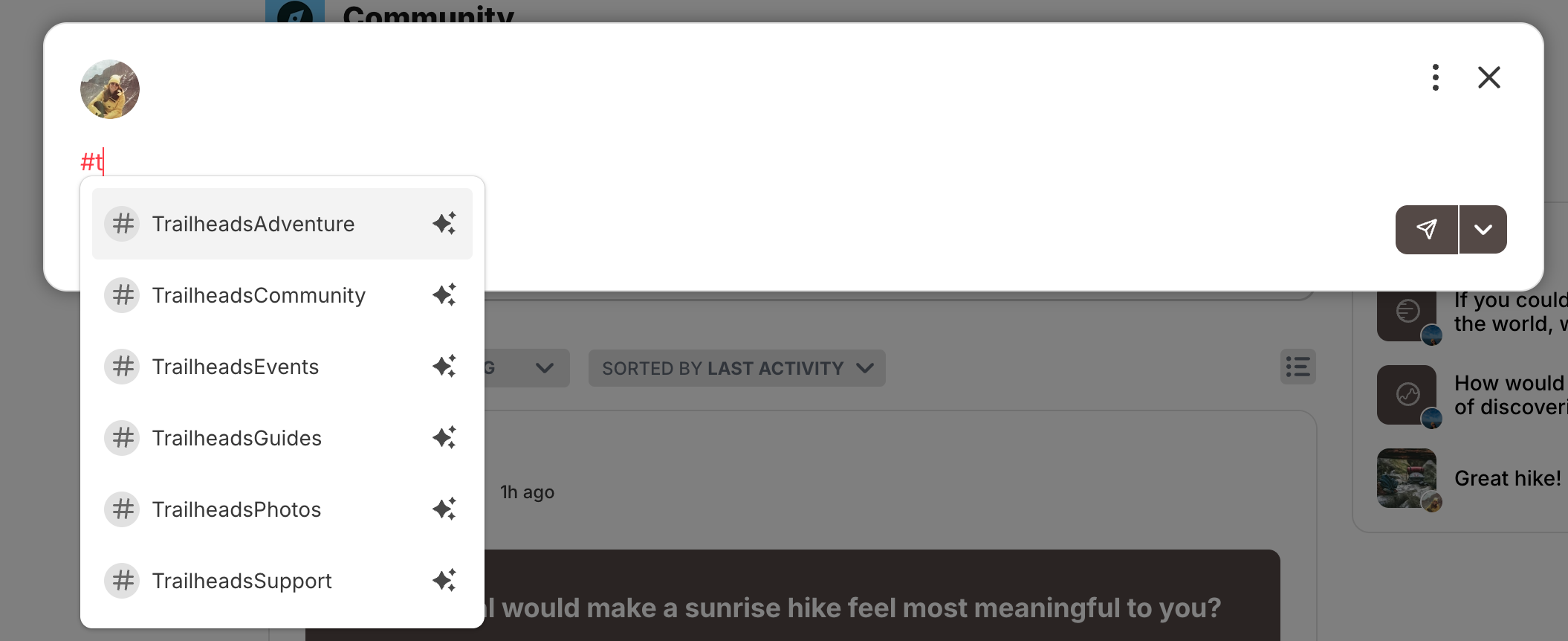
When creating **Posts**, **Articles**, or comments on web (and on iOS or Android for Posts), you’ll see a prompt to add a hashtag.
Click the prompt to insert a **#** where your cursor is. As you type, a dropdown will appear showing hashtags— including any **highlighted hashtags** in that Space.
[
](/images/for-members/engage-and-interact/how-do-i-use-hashtags-in-my-mighty-network/Screenshot-2025-11-12-at-9_31_46-E2-80-AFAM.png)
## Hashtag Prompt
When creating **Posts**, **Articles**, or comments on web (and on iOS or Android for Posts), you’ll see a prompt to add a hashtag.
Click the prompt to insert a **#** where your cursor is. As you type, a dropdown will appear showing hashtags— including any **highlighted hashtags** in that Space.
[ ](/images/for-members/engage-and-interact/how-do-i-use-hashtags-in-my-mighty-network/Screenshot-2025-11-12-at-9_04_08-E2-80-AFAM.png)