> ## Documentation Index
> Fetch the complete documentation index at: https://docs.mightynetworks.com/llms.txt
> Use this file to discover all available pages before exploring further.
# Can I Customize the Names of Hosts, Moderators and Members?
If you’re on the [**Launch Plan**](https://docs.mightynetworks.com/for-hosts/meet-mighty/whats-included-in-the-mighty-networks-courses-plan) or higher, you can customize the names of **Hosts**, **Moderators**, and **members** in your Mighty Network.
### Customize Role Names at the Network Level
To change role names across your entire Mighty Network:
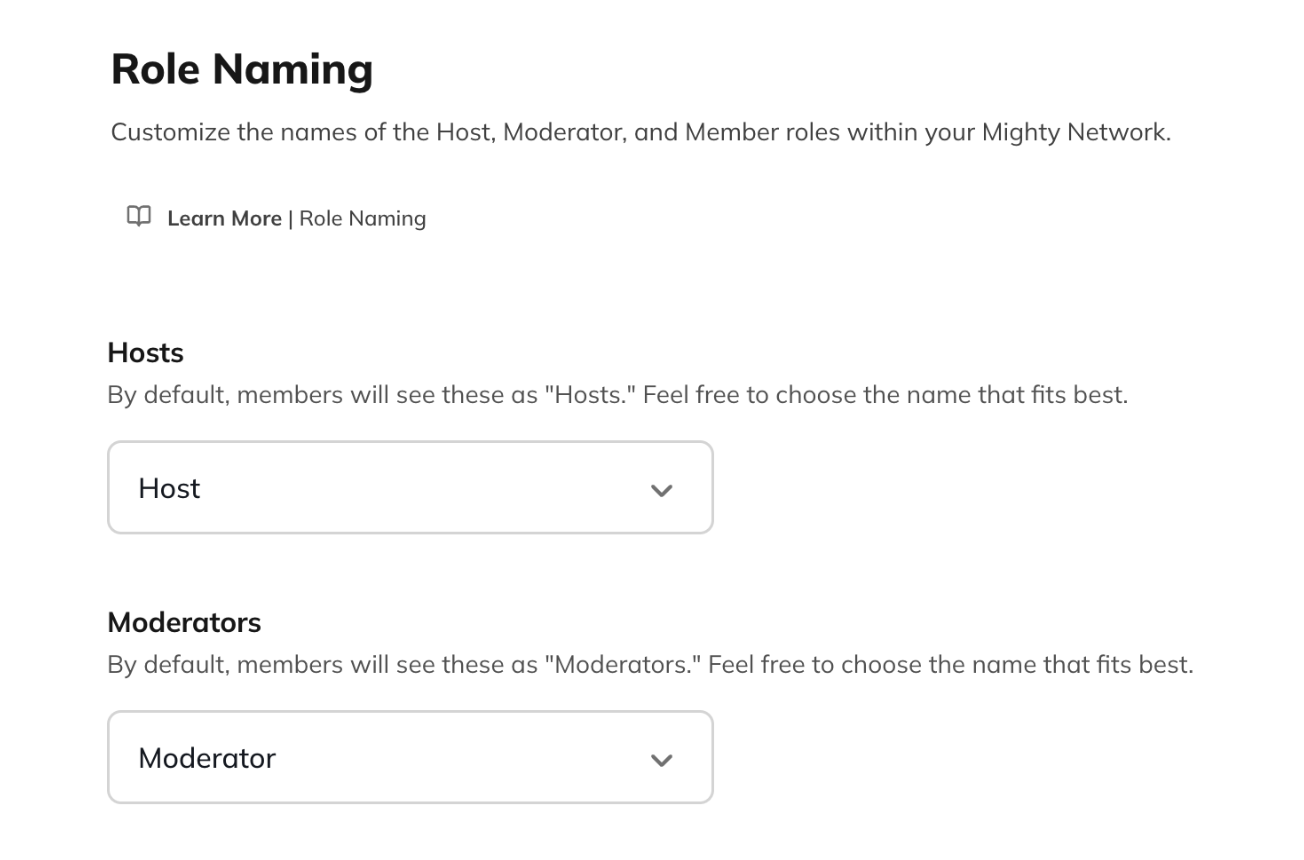
1. Go to **Admin > Branding > Role Naming** (on web).
2. Choose a name from the dropdown menu or select **Add a Custom Name...**
3. Click **Save** in the top right corner.
If you choose the **custom name** option, you can define how each role name should appear in different forms:
* **Singular name** (e.g., “Coach”)
* **Article name** (e.g., “a Coach”)
* **Plural name** (e.g., “Coaches”)
* **Possessive plural name** (e.g., “Coaches’”)
These names will display anywhere role labels appear—such as on member profiles and in community interactions.
 ## Customize Role Names at the Space Level
You can also set different role names for individual Spaces within your Mighty Network.
To do this:
1. Go to the **Space** where you want to update roles.
2. Click the **gear icon** to the right of the Space’s title.
3. Scroll down to the **Space Branding** section.
4. Select **Role Naming**.
5. For each role, choose one of the following:
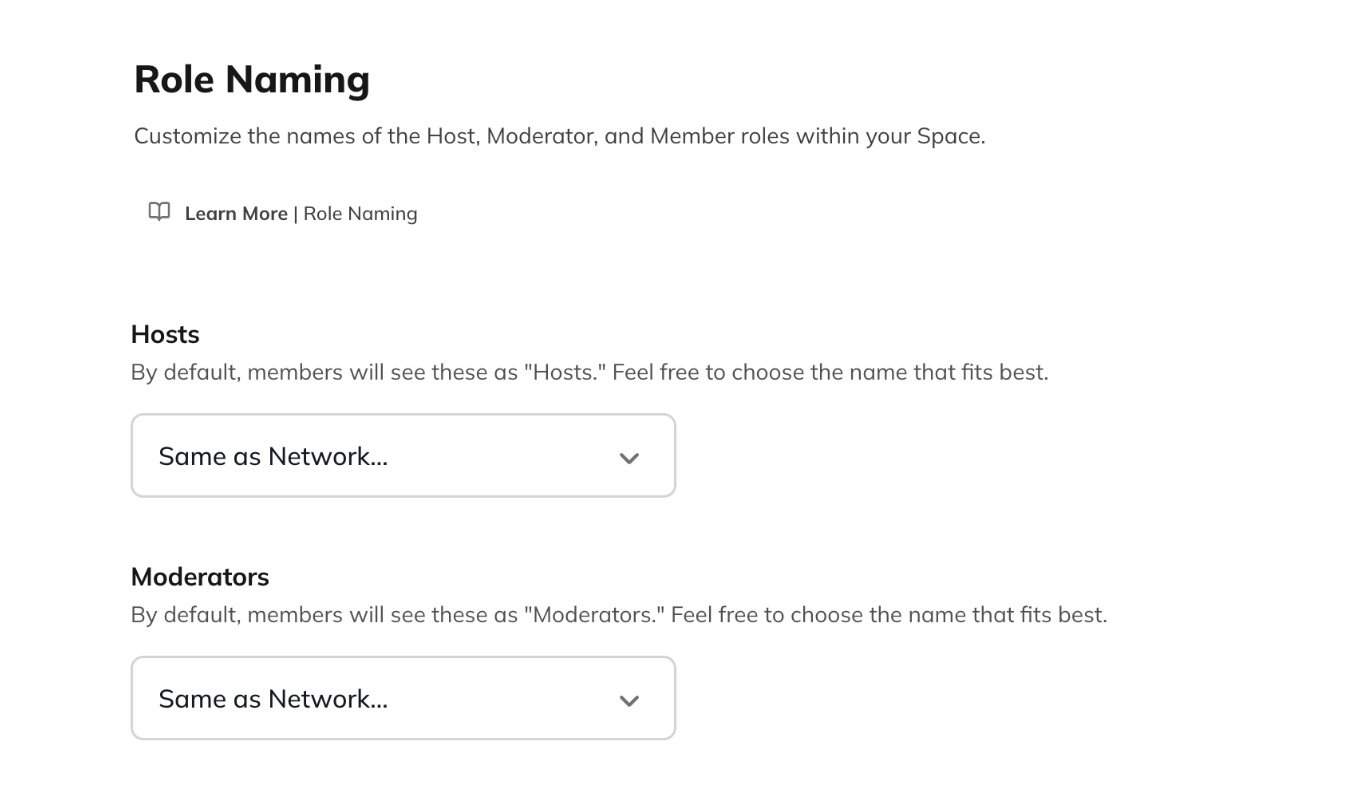
* **Same as Network** (inherits the Network’s naming)
* A name from the dropdown menu
* **Add a Custom Name...**
When you customize role names at the Space level, those names will appear on the **About page** and throughout that specific Space.
**Example:** In one Space, you might rename Hosts as **“Coaches”** and Moderators as **“Admins.”** Members in that Space will see those titles reflected throughout the experience.
## Customize Role Names at the Space Level
You can also set different role names for individual Spaces within your Mighty Network.
To do this:
1. Go to the **Space** where you want to update roles.
2. Click the **gear icon** to the right of the Space’s title.
3. Scroll down to the **Space Branding** section.
4. Select **Role Naming**.
5. For each role, choose one of the following:
* **Same as Network** (inherits the Network’s naming)
* A name from the dropdown menu
* **Add a Custom Name...**
When you customize role names at the Space level, those names will appear on the **About page** and throughout that specific Space.
**Example:** In one Space, you might rename Hosts as **“Coaches”** and Moderators as **“Admins.”** Members in that Space will see those titles reflected throughout the experience.